Choose provider-delivered access when you need internet at one property; choose a private bridge when you need to connect two buildings and already have internet at one of them. A 4g internet service uses a cellular network, while fixed wireless internet usually uses a dedicated radio link from a provider’s tower to an antenna or terminal at your premises.
A wireless internet bridge is different: it carries traffic between two locations under your control. It does not create internet access by itself. The decision depends mainly on coverage, line of sight, capacity, latency, installation responsibility, and whether an upstream internet connection already exists.
How does 4G internet service reach your property?
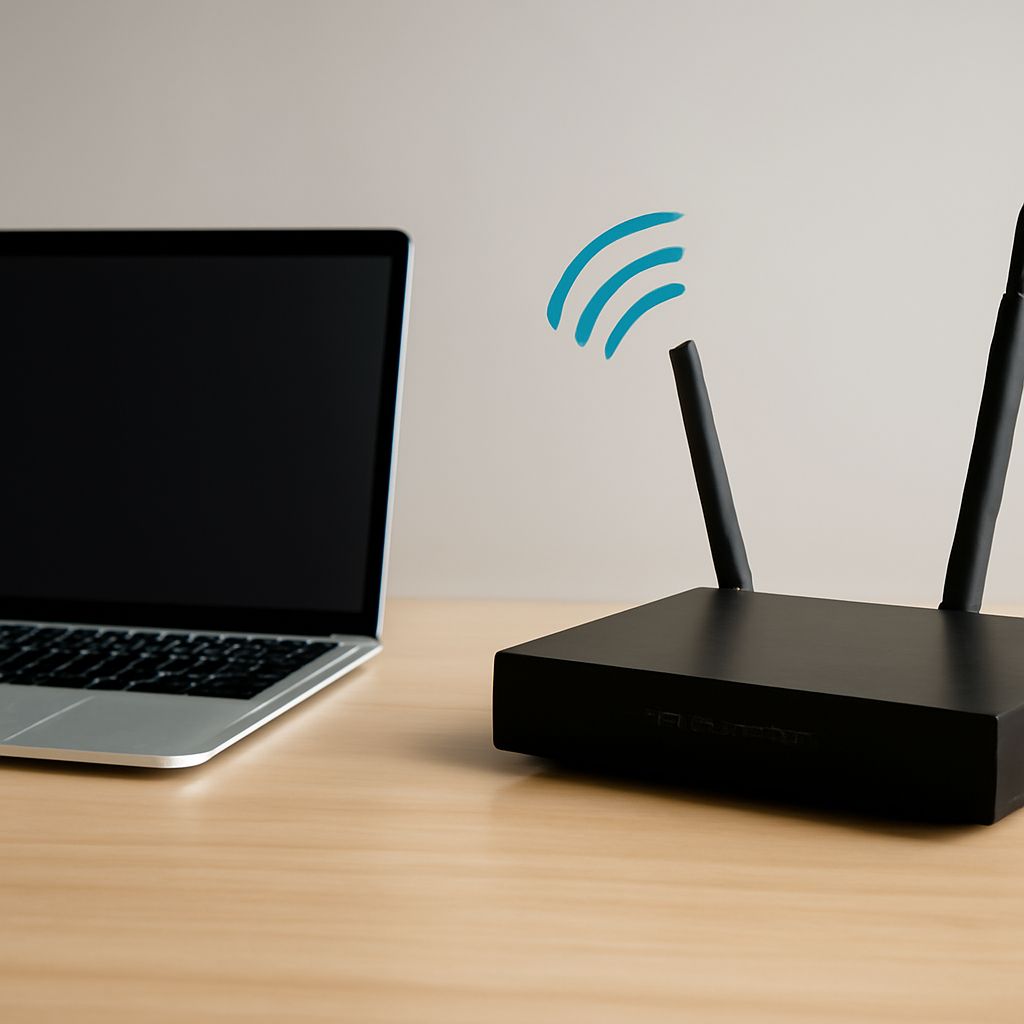
With 4G access, a modem connects over licensed cellular spectrum to a nearby mobile network site. The modem may be inside a router, mounted in an external enclosure, or paired with an outdoor antenna. It then shares the connection with local devices through Wi-Fi or Ethernet.
Placement matters. An indoor modem may work near a window, but an outdoor terminal or directional antenna can improve signal quality when walls, metal roofing, terrain, or vegetation weaken the radio path. Ask the provider whether the proposed equipment supports an external antenna, where it should be mounted, and how cable length affects installation.
Coverage maps are only a starting point. Actual performance depends on distance from the tower, terrain, building materials, antenna height, and the number of subscribers using the same cell sector. A strong signal does not guarantee high speeds if the tower’s backhaul or radio capacity is constrained.
Expect performance to vary by time and location. Download speed may fall during busy hours, and latency can be higher than a wired connection. Confirm the provider’s data allowance, traffic policy, expected speeds, upload performance, public or shared addressing, and support process before treating 4G as a primary business connection.
When is fixed wireless internet the right fit?
Fixed wireless internet is provider access delivered to a stationary property rather than to a phone or traveling hotspot. The provider typically installs a customer-premises radio, dish, or antenna aimed at a serving tower. An indoor power supply and router then distribute the connection inside the building.
This arrangement suits homes, farms, offices, and remote sites that lack fiber or cable but can reach a provider’s network. Unlike mobile 4G, fixed wireless may use dedicated or carefully engineered spectrum and a directional antenna. That can provide more predictable performance, especially when the provider has adequate tower capacity and backhaul.
Ask for a site survey rather than relying only on an online availability checker. The survey should verify the mounting point, cable route, power requirements, roof or mast access, and a clear radio path to the provider’s location. Trees that are short today can obstruct the path later, and wet foliage can worsen an already marginal link.
The provider normally owns or manages the tower connection and customer terminal, although the property owner may be responsible for suitable mounting surfaces, permission, electrical work, or repairs caused by site conditions. Confirm installation fees, equipment ownership, replacement terms, service-level commitments, and what happens if the antenna must be realigned.
Clear Wireless internet is useful as a historical service example, not as the definition of fixed wireless. The category is defined by how a provider reaches a fixed premises, not by one company, brand, or network generation.
What does a wireless internet bridge connect?
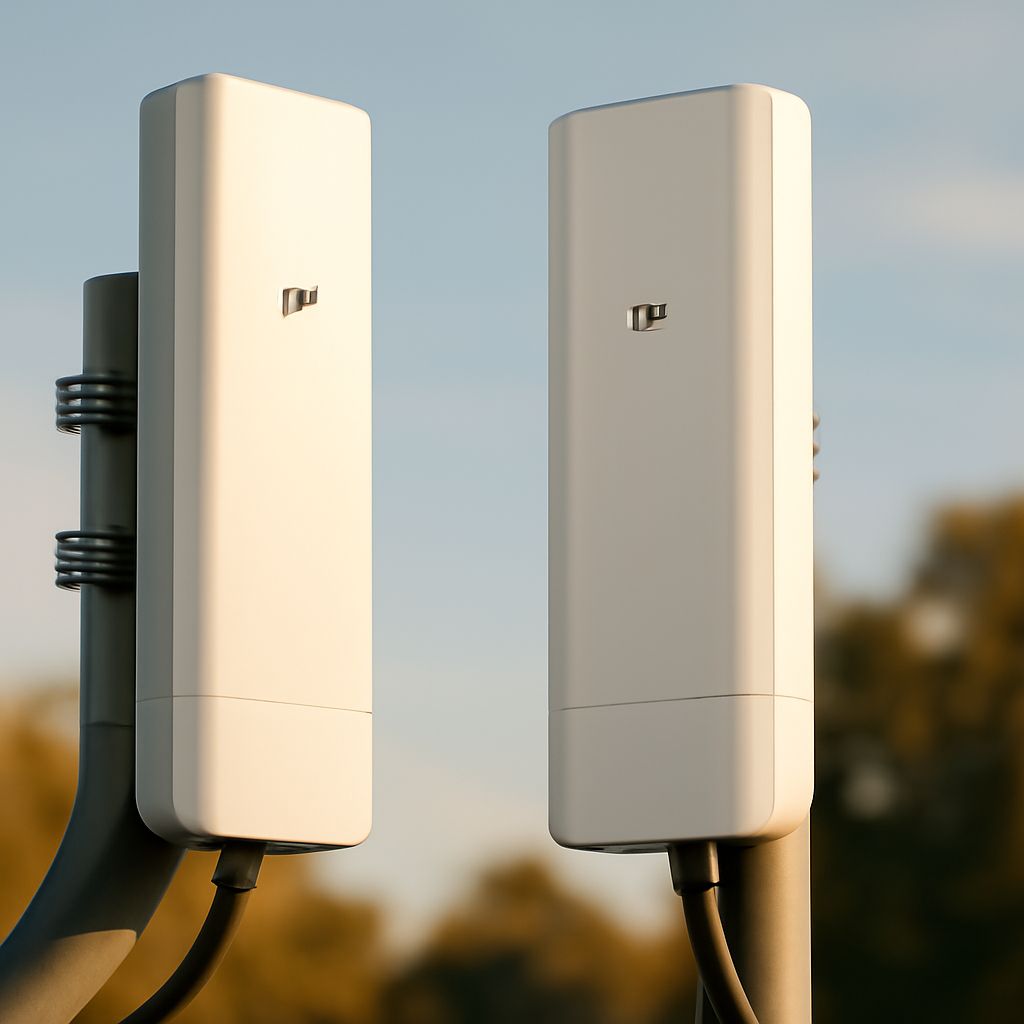
A wireless internet bridge connects two buildings, yards, towers, or other fixed endpoints over a private radio link. Each endpoint normally has a directional outdoor unit, aligned antennas, Ethernet cabling, and local network equipment. The bridge makes the remote site behave as though it were connected to the main site by cable.
For example, an office may share its network with a warehouse 500 feet away, or a camera system may send video to a main building. If the office has an upstream fiber connection, the bridge can carry that internet connection to the warehouse. If neither endpoint has an upstream connection, the bridge is only a building-to-building data path, not an internet service.
Clear line of sight is usually essential. The antennas need more than a visible horizon: the radio path should have adequate clearance around the Fresnel zone, an area where obstructions can reduce signal quality. Roofs, walls, trees, cranes, hills, and future construction can introduce reflections or block the path. A site survey should measure endpoint heights, distance, obstruction risk, and mounting stability.
Bridge equipment may use licensed spectrum, lightly licensed bands, or unlicensed bands such as 5 GHz or 60 GHz. The choice affects interference, distance, weather tolerance, channel availability, and regulatory requirements. Higher-frequency systems can deliver substantial capacity over short, unobstructed paths but may be more sensitive to rain or alignment.
The building owner or network operator usually selects, installs, configures, secures, and maintains the bridge. That includes grounding, surge protection, firmware updates, alignment checks, and replacement planning. A provider may install a managed link instead, but then the contract should state who owns the radios and supports the path.
When does point to point wireless internet make sense?
Point to point wireless internet makes sense when two fixed sites have a reliable line of sight and one site already has suitable upstream access. It is often a practical alternative to trenching fiber across private land, crossing a road, or leasing a costly circuit between nearby buildings.
Compare the options using the same criteria:
- Access and responsibility: A 4G or fixed wireless provider supplies the network and generally manages the access equipment. A private bridge requires you to provide the upstream service, endpoint hardware, mounting, configuration, and ongoing maintenance unless a contractor manages it.
- Capacity: Provider service is limited by tower, cell, sector, and backhaul capacity. A bridge is limited by radio design, channel width, distance, interference, antenna alignment, and the upstream connection. Select capacity for peak traffic, not just average browsing.
- Latency: A short, clean bridge can add little delay between buildings. Cellular and fixed wireless latency depends on the radio network, scheduling, routing, and congestion. Test at busy times if voice, video meetings, remote desktops, or industrial controls matter.
- Line of sight: Provider access requires a path from your terminal to the provider’s site. A private bridge requires a path between your two endpoints. In either case, check trees, terrain, roof height, Fresnel clearance, and planned construction.
- Ongoing service: Provider access requires a monthly subscription and depends on the provider’s coverage and backhaul. A bridge requires an upstream subscription at one endpoint plus monitoring, weatherproofing, firmware updates, and repairs. A managed bridge can shift those tasks to a network operator.
Choose 4G when mobility, rapid deployment, or broad cellular coverage is more important than fixed performance. Choose fixed wireless when a provider can survey the property and offer a stable tower path. Choose a private bridge when the buildings are close enough for a clear, maintainable path and extending an existing connection is the real requirement.