The difference between 2.4 GHz and 5 GHz Wi-Fi is mainly a trade-off between coverage and performance. Use 2.4 GHz for greater range and better wall penetration; use 5 GHz for higher speeds, more capacity, and usually less interference. For the best result, choose a 5 GHz channel after scanning your location and testing the devices that matter most.
There is no universally best 5 GHz channel. The right choice depends on nearby networks, permitted channels, channel width, DFS behavior, and whether your clients support the selected channel.
What Is the Difference Between 2.4 GHz and 5 GHz Wi-Fi, and Is 2G Cellular or a Router Label?
Cellular 2G is an older mobile-network technology, such as GSM or CDMA. It is unrelated to the 2.4 GHz and 5 GHz bands used by a Wi-Fi router.
When a router app labels one network “2G,” it usually uses informal shorthand for the 2.4 GHz Wi-Fi band. Some interfaces show separate names such as “Home” and “Home-5G,” while others use “2G” and “5G.” In that context, “5G” normally means 5 GHz Wi-Fi, not 5G cellular service. Check the router’s band details if the label is unclear.
Both bands can carry the same Wi-Fi standards and internet connection. The band name does not determine your internet plan’s speed; it affects how the wireless connection reaches the router and shares radio space with other networks.
How Do 2.4 GHz and 5 GHz Compare for Range, Interference, and Capacity?
- Range: 2.4 GHz travels farther and generally passes through walls more effectively. It is often the better choice for a distant room, outdoor camera, or smart-home device. 5 GHz loses strength more quickly through walls and floors.
- Interference: 2.4 GHz is commonly crowded because Bluetooth devices, cordless equipment, microwaves, and many neighboring routers use it. 5 GHz usually has more available spectrum and less congestion, although apartments and offices can still saturate it.
- Capacity and speed: 5 GHz supports wider channels and often delivers higher real-world throughput with lower contention. 2.4 GHz has fewer practical non-overlapping options, so overlapping networks can reduce performance.
- Compatibility: Almost every Wi-Fi client supports 2.4 GHz, including older and inexpensive IoT hardware. Some older adapters and selected smart-home devices do not support 5 GHz.
Use 5 GHz when the device is reasonably close to the access point and needs speed, such as a laptop, phone, streaming box, or game console. Use 2.4 GHz when stable coverage matters more than throughput. A dual-band router can provide both, allowing each client to use the suitable band.
Which Are the Best 5 GHz Channels, and How Do Channel Groups, DFS, Width, and Client Support Matter?
The best 5 GHz channels are the least congested channels that your router and clients can use reliably. Common channel groups include 36–48, 52–64, 100–144, and 149–165, but the available range depends on your country and router settings.
Channels 52–64 and 100–144 commonly require DFS—Dynamic Frequency Selection. A DFS access point must listen for radar and move away if it detects a protected signal. That can make DFS channels attractive in a quiet area, but the router may pause, change channel, or temporarily prevent a client from connecting. Some clients do not support DFS at all.
For a reliability-first setup, begin with an available non-DFS group, often 36–48 or 149–161 where permitted. Do not assume that group is best: a busy non-DFS channel can perform worse than a lightly used DFS channel.
Channel width also changes the decision:
- 20 MHz: Most resistant to congestion and useful for dense networks or demanding reliability.
- 40 MHz: A practical middle ground when 80 MHz is unstable or heavily occupied.
- 80 MHz: Usually the best starting point for high throughput, provided the entire block is reasonably clear.
- 160 MHz: Can be very fast but needs a large clean block and broad client support, so it is often less reliable.
A client may support 5 GHz but not every channel, DFS operation, or channel width. The best wireless channel for 5 GHz is therefore the one that provides a clean enough block while remaining visible and stable to your actual devices.
How Do You Choose the Best 5 GHz Channel Using a Local Scan and Client Tests?
- Confirm the region and band. Set the router’s correct regulatory region, verify that you are editing the 5 GHz radio, and update the router and client drivers before testing.
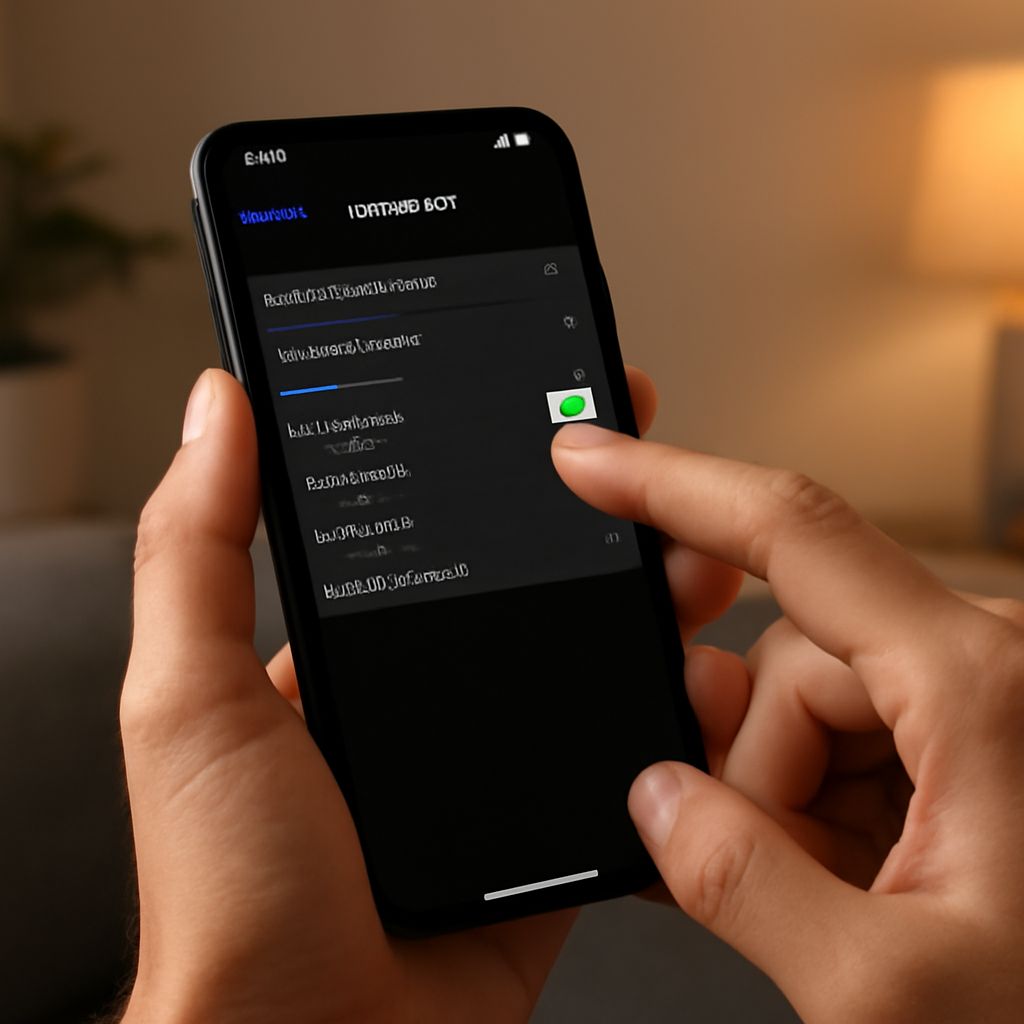
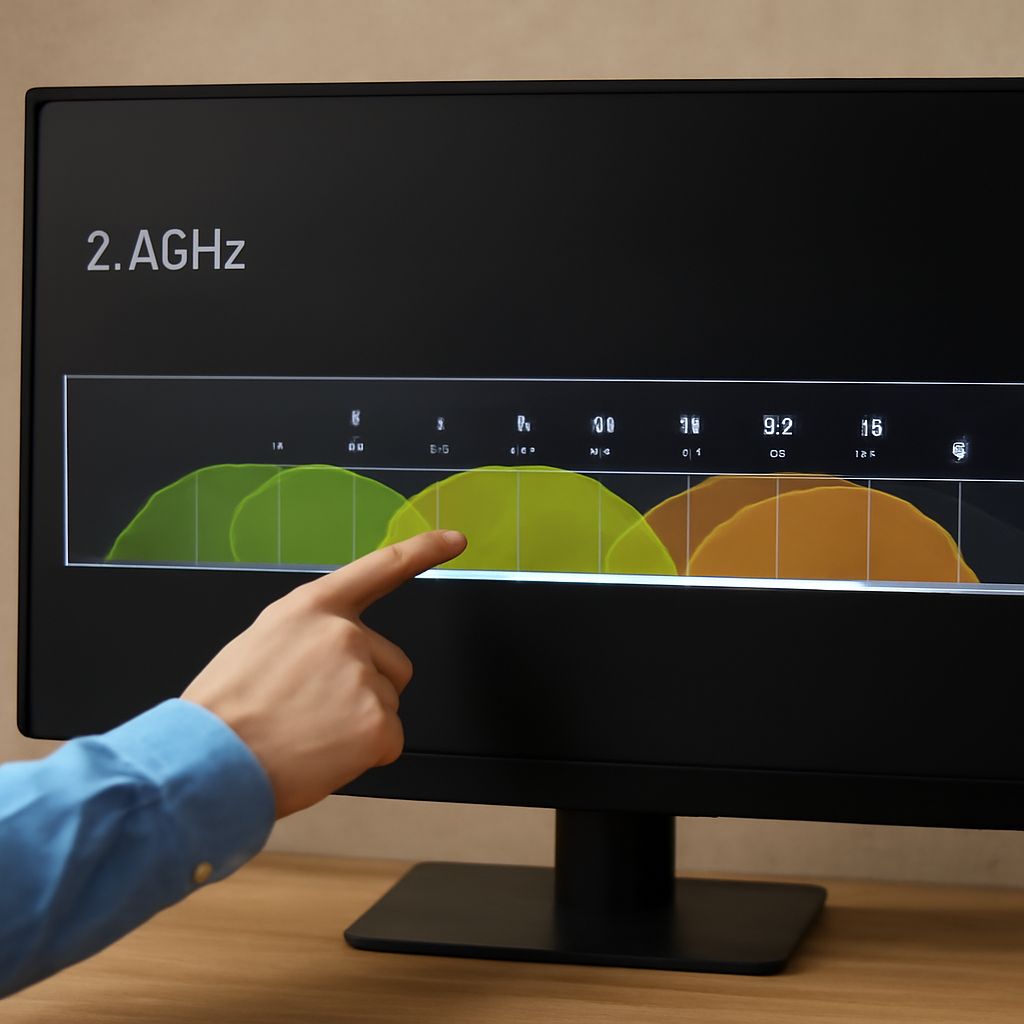
- Scan from the access point’s location. Use the router’s analyzer or a Wi-Fi scanning app. Check nearby network names, signal levels, channel groups, and channel width. A distant network with a weak signal matters less than a strong neighboring network in the same block.
- Choose a compatible block. Start with the least occupied 80 MHz block if speed is the priority. If it contains several strong networks, reduce the width to 40 or 20 MHz. Prefer a non-DFS option when older or unmanaged clients must connect consistently.
- Set the channel manually for testing. Disable automatic channel selection temporarily so the result is repeatable. Record the channel and width, then allow clients to reconnect.
- Test real locations and workloads. From the room where performance matters, check signal strength, download and upload speed, latency, packet loss, video playback, and file transfers. Test both near the access point and at the edge of coverage.
- Retest at busy times. A channel that looks clear in the afternoon may be crowded in the evening. If DFS is enabled, watch for radar-triggered channel changes or clients that fail to reconnect.
Keep the setting that gives the target devices consistent latency and connectivity, not merely the highest short speed-test result. If performance is unstable, reduce channel width, move to another channel group, or use 2.4 GHz for devices outside reliable 5 GHz coverage.