Encountering a situation where your TV has sound but no picture can be frustrating. This issue, often characterized by the TV turning on without displaying visuals, can occur for several reasons. Understanding these causes and their solutions can help you restore your TV to its full functionality.
What are the common reasons for no picture on a TV?
There are several potential causes for a TV displaying sound but no picture:
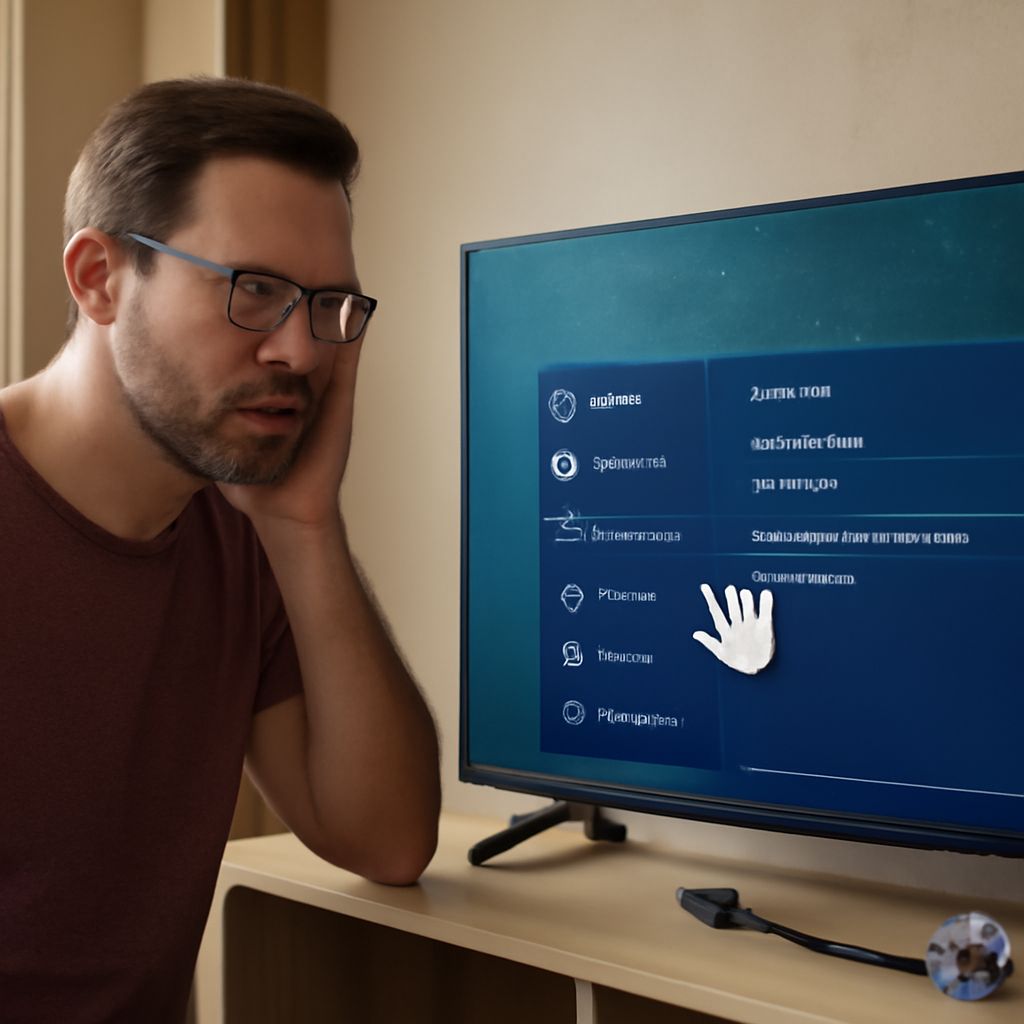
- Input Source Issues: Sometimes, the wrong input source can be selected, leading to a blank screen. Ensure that the TV is set to the correct input channel.
- Loose Cable Connections: A loose or faulty HDMI, coaxial, or component cable connection may cause no picture on the TV. Double-check all connections between the TV and external devices.
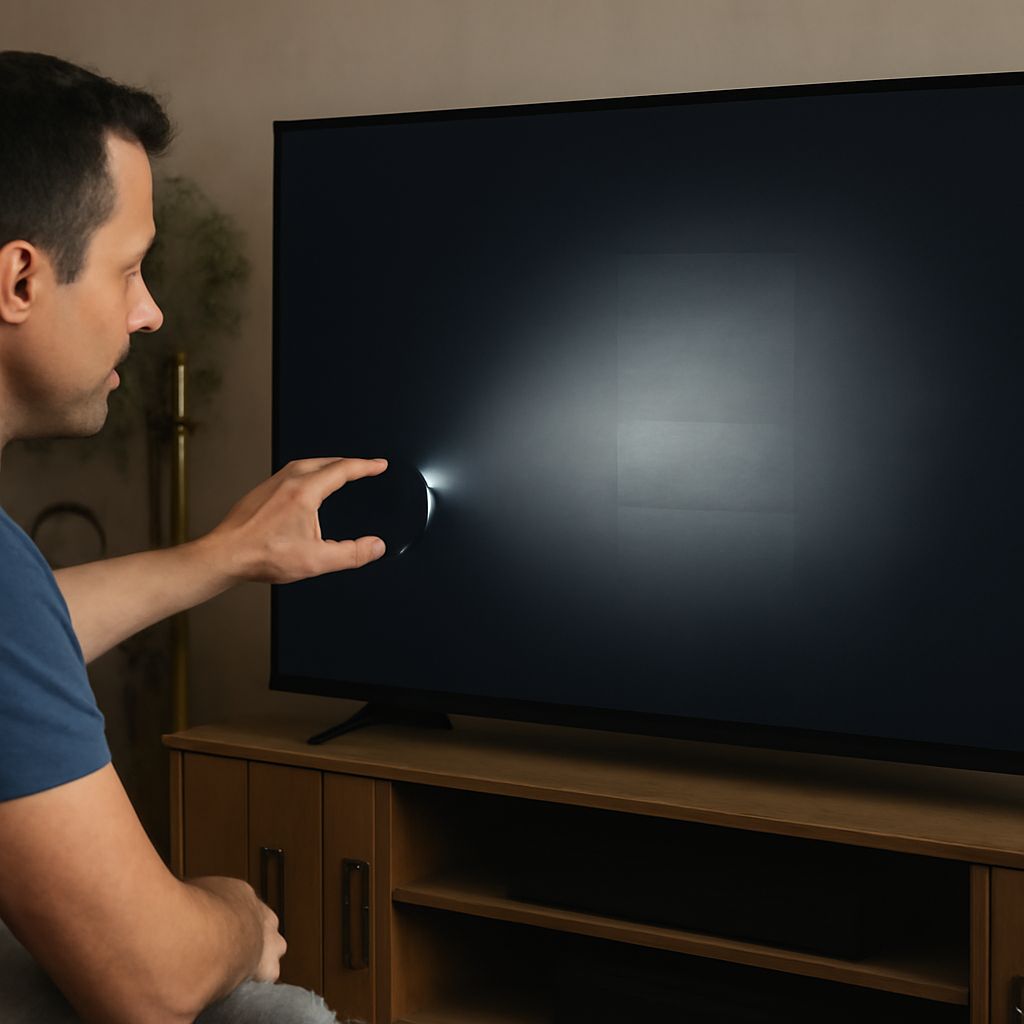
- Backlight Problems: In LCD TVs, the backlight might be malfunctioning, causing the screen to stay dark even if the TV is on.
- Faulty TV Settings: Incorrect settings or a mode that turns off the display, such as a power-saving mode, could be responsible.
- Hardware Malfunctions: Internal components like the power supply board or T-Con board might have failed, resulting in a lack of picture.
How can I fix my TV when it turns on but has no picture?
To address the issue of a TV that turns on but has no picture, follow these troubleshooting steps:
- Check the Input Source: Use the TV remote to cycle through input options and ensure the correct source is selected. This can often resolve a blank screen issue.
- Inspect Cable Connections: Firmly reconnect all cables connecting your TV to external devices. Replace any damaged cables to rule out connectivity issues.
- Adjust TV Settings: Access the TV menu to ensure brightness, contrast, and picture settings are correctly configured. Reset to default settings if necessary.
- Test with Different Devices: Connect a different device, such as a DVD player or gaming console, to see if the TV displays a picture. This can help determine if the issue lies with the TV or the original source.
- Perform a Power Cycle: Turn off the TV, unplug it from the power source, wait a few minutes, then plug it back in and turn it on. This can reset the system and resolve minor glitches.
What should I do if my TV has sound but no picture?
If your TV has sound but no picture, here are some specific steps you can take:
- Check for Backlight Issues: Use a flashlight to shine light on the TV screen while it’s on. If you see dim images, the backlight may be the issue and might need replacement.
- Update Firmware: Ensure your TV’s firmware is up-to-date, as updates can fix software-related issues that affect picture display.
- Inspect Power Supply Board: If comfortable with electronics, check the power supply board for signs of damage or burnt components. This might require professional assessment.
When should I consider professional repair services?
If the above steps do not resolve the issue, or if you suspect a hardware malfunction like a faulty T-Con board or power supply, it may be time to seek professional repair services. Consider professional help when:
- Internal Damage is Suspected: There are visible signs of damage, such as a cracked screen or burnt components.
- Complex Repairs are Needed: Issues like backlight replacement or board-level repairs often require expertise and tools that professionals possess.
- Warranty Coverage: If your TV is still under warranty, professional repairs might be covered, making it a cost-effective option.
Troubleshooting a TV with sound but no picture involves a combination of technical checks and adjustments. By understanding the common causes and addressing them systematically, you can often resolve the issue without the need for professional intervention. However, knowing when to seek expert help can save time and prevent further damage.