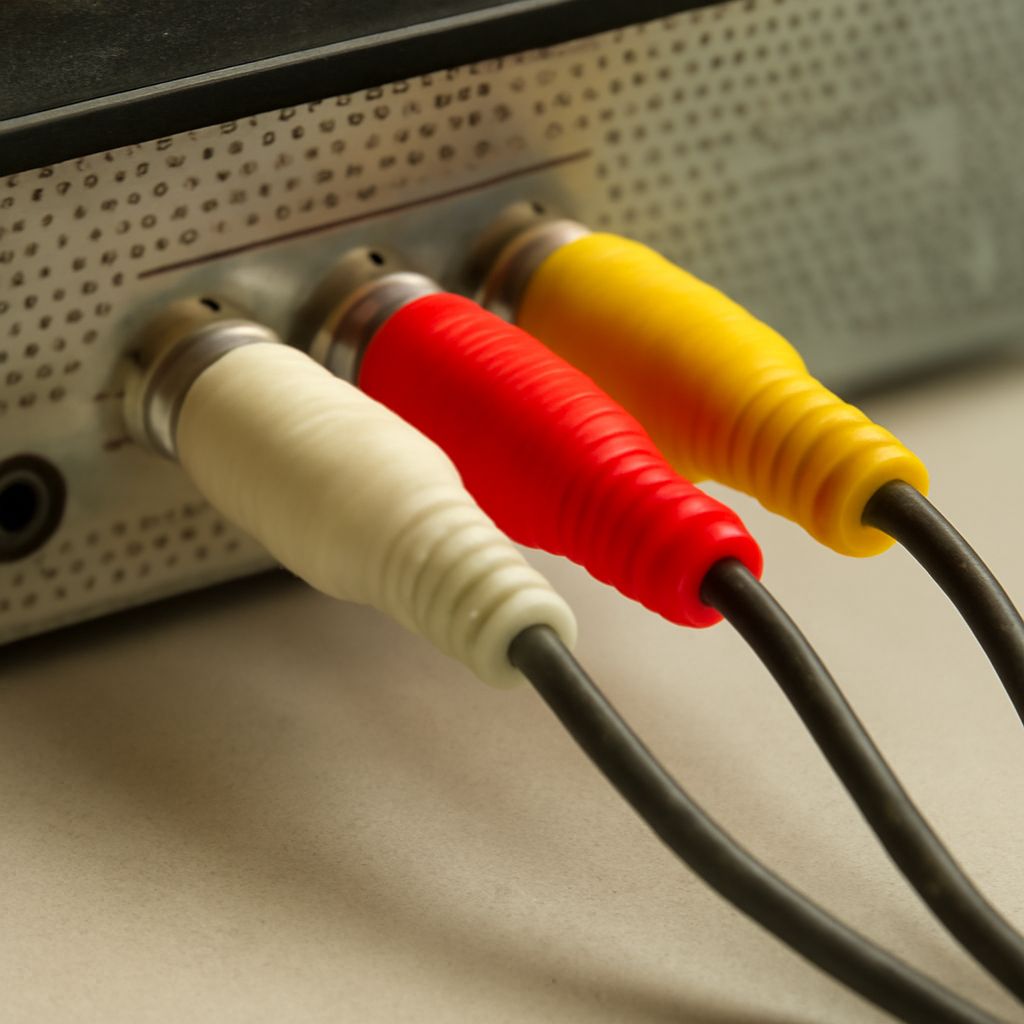
An AV port is a crucial component in electronic devices, primarily used for connecting audio and video equipment to televisions and other displays. Short for Audio-Video port, it facilitates the transmission of audio and visual signals, enabling a seamless entertainment experience across various devices. AV input is the counterpart that receives these signals, allowing the content to be displayed on the screen. Understanding how these components work together can greatly enhance your media setup.
What is an AV Port?
An AV port, or Audio-Video port, is a type of interface found on many electronic devices, including TVs, DVD players, and gaming consoles. It allows for the transmission of both audio and video signals. Typically, these ports are color-coded (yellow for video, red and white for audio) for easy identification and connection. AV ports serve as a bridge between your media device and your display, ensuring that both sound and image are transmitted effectively.
How Does AV Input Work?
AV input functions by receiving audio and video signals from an external device such as a camera, DVD player, or game console. Once connected through the AV port, these signals are processed and displayed on the television or monitor. The AV input is essential for displaying content from devices that do not have built-in output capabilities, effectively expanding the functionality of your TV or monitor to accommodate various media sources.
Common Devices That Use AV Ports
Several devices commonly utilize AV ports due to their widespread compatibility and ease of use:
- DVD Players: Older DVD players often rely on AV ports to connect to televisions, providing both sound and image.
- Gaming Consoles: Consoles like the PlayStation 2 and original Xbox use AV connections to transmit games’ audio and video to the TV.
- Camcorders: Many camcorders have AV outputs for playing back recorded videos directly on a larger screen through AV input.
- VCRs: While largely obsolete, VCRs use AV ports to connect to televisions for video playback.
Troubleshooting AV Port Issues
If you encounter issues with your AV port, there are several steps you can take to resolve them:
- Check Connections: Ensure that all cables are securely connected to the correct color-coded ports. Loose connections can cause audio or video loss.
- Inspect Cables: Faulty or damaged cables can lead to signal issues. Try using different cables to see if the problem persists.
- Test with Another Device: Connect a different device to the AV port to determine if the issue lies with the port or the original device.
- Adjust TV Settings: Verify that your television is set to the correct input channel that corresponds to the AV port in use.
By understanding and troubleshooting AV port issues, you can ensure that your media devices function correctly and provide the best possible audio-visual experience.