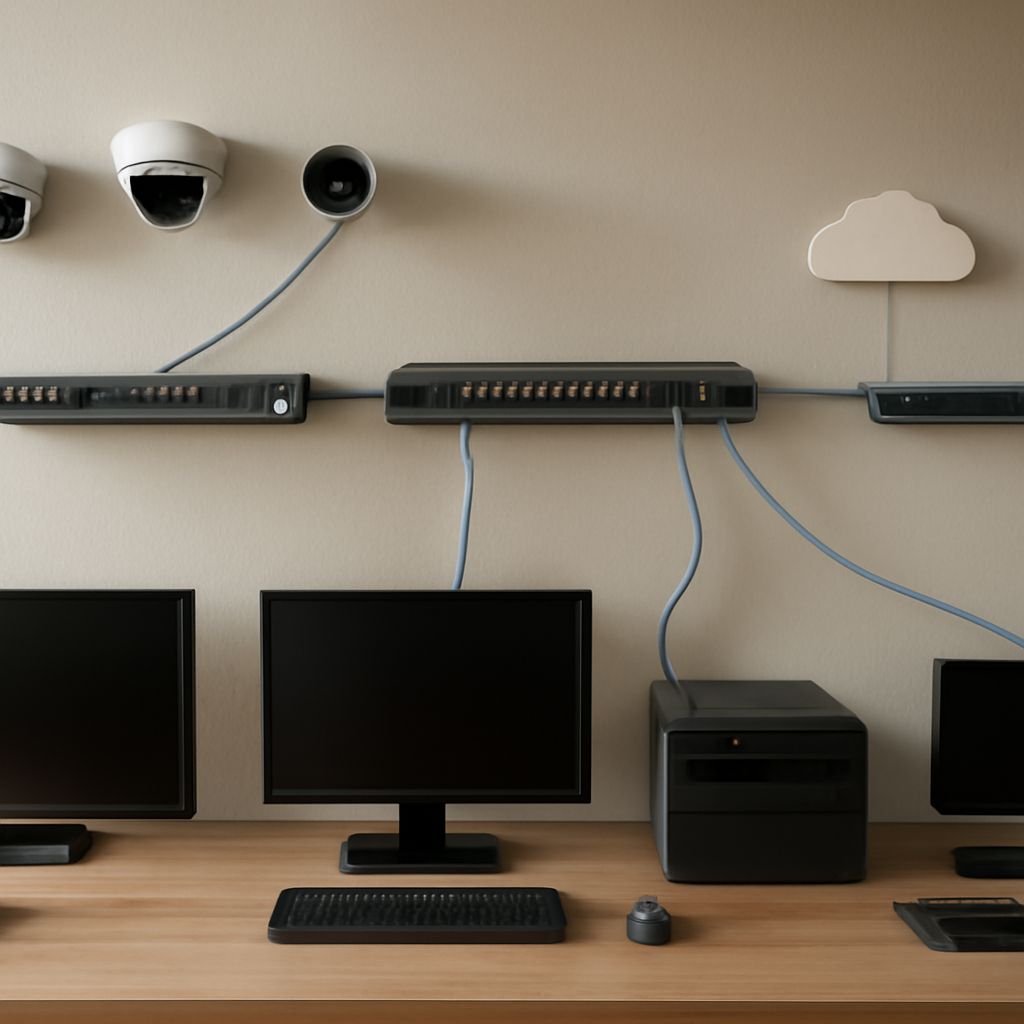
In the digital age, a reliable and fast internet connection is crucial. A fiber network offers superior speed and reliability compared to traditional connections. As more people demand seamless connectivity, understanding how optical internet works and the process to bring fiber to your home is essential. Let’s explore the benefits, functionality, and installation steps of fiber networks.
What Are the Benefits of a Fiber Network?
Fiber networks provide several key advantages:
- Speed and Bandwidth: Fiber offers incredibly high speeds, often reaching up to 1 Gbps, allowing for fast downloads and smooth streaming. It also supports higher bandwidth, accommodating multiple devices without lag.
- Reliability: Unlike copper cables, fiber is less susceptible to weather-related disruptions and electromagnetic interference, ensuring a stable connection.
- Future-Proofing: As technology evolves, fiber’s vast capacity can handle increasing data demands, making it a long-term investment for connectivity.
- Improved Signal Strength: Fiber maintains signal integrity over long distances, providing consistent performance across various environments.
How Does Optical Internet Work?
Optical internet utilizes light to transmit data through fiber-optic cables. Here’s how it functions:
- Transmission: Data is converted into light signals and sent through the glass or plastic fibers.
- Speed of Light: These light signals travel at high speeds, allowing data to be transmitted quickly and efficiently.
- Minimal Signal Loss: Fiber-optic cables have a low attenuation rate, meaning less signal loss over long distances compared to traditional copper cables.
- Multiplexing: Optical internet can use wavelength division multiplexing (WDM) to send multiple data streams simultaneously, increasing its efficiency and capacity.
Steps to Bring Fiber to Your Home
Bringing fiber to your home involves several steps:
- Check Availability: Contact local internet service providers (ISPs) to determine if fiber is available in your area. Many ISPs have online tools to check serviceability based on your address.
- Choose a Plan: Once availability is confirmed, review the plans offered by different providers. Consider speed, data limits, and cost to find the best option for your needs.
- Schedule Installation: After selecting a plan, schedule an installation appointment with your ISP. A technician will visit your home to install the necessary equipment.
- Installation Process: The technician will run fiber-optic cables from the nearest junction box to your home. This may involve some digging or adjustments to your property.
- Set Up Equipment: Once the cables are installed, the technician will set up a fiber-optic modem or router to connect your devices to the internet.
- Test Your Connection: Ensure everything is functioning correctly by testing your internet speed and connectivity. Most ISPs offer support if any issues arise after installation.
With the installation complete, you can enjoy the robust benefits of having fiber to your home, providing you with fast, reliable, and future-proof internet connectivity.