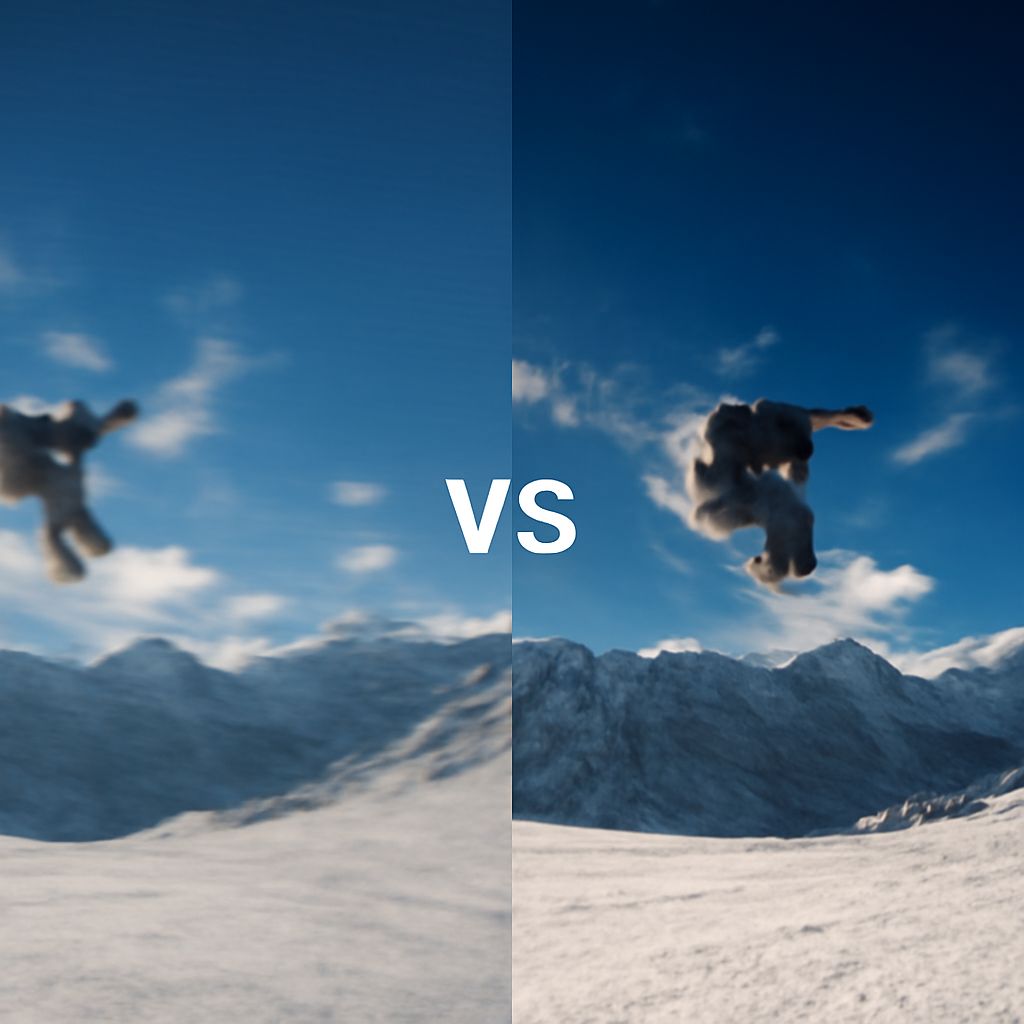
The difference between 1080i and 1080p is one of the most common questions among people shopping for a new TV or troubleshooting TV reception issues. Both formats are widely used in HDTV broadcasting and video playback, but they process images differently and result in distinct viewing experiences. Understanding which is better depends on your specific needs, whether you’re streaming, gaming, or watching live TV. Below, we break down exactly how these formats work, how they impact what you see on screen, and which you should choose for your own setup.
What is the difference between 1080i and 1080p?
The key difference between 1080i and 1080p is in how each format displays image frames. Both offer a resolution of 1920 x 1080 pixels, but they handle the way those pixels are drawn on your screen differently.
In 1080i, the “i” stands for “interlaced.” An interlaced signal displays each frame in two passes: first, the odd-numbered lines are refreshed, and then in the next 1/60th of a second, the even-numbered lines are refreshed. This method effectively halves the bandwidth required for each frame, making it efficient for over-the-air and cable TV broadcasts but can introduce motion artifacts, especially on larger or newer screens.
In contrast, 1080p uses “progressive” scanning. Here, the “p” stands for “progressive,” meaning each frame is drawn in its entirety, line by line, from top to bottom, every 1/60th of a second (or 1/50th in PAL regions). This results in a smoother, clearer image, especially during fast movements or action scenes. Progressive scan is considered the gold standard for most modern video and gaming content.
To summarize, the difference between 1080i and 1080p is not in the number of pixels that make up the image, but in how those pixels are refreshed and displayed on your TV. 1080p delivers every line in every frame at once, while 1080i alternates between odd and even lines, effectively showing only half the picture detail at a time.
How does each format affect TV picture quality?
Picture quality is where the distinction between 1080i and 1080p becomes critical. On paper, both offer the same resolution, but the method of scanning directly impacts viewing experience, especially with movement and fast action.
With 1080p, each frame is fully rendered, resulting in sharp, stable images with minimal flicker or blurring. This is especially noticeable in scenes with fast motion—think sports, action movies, or video games. The progressive scan eliminates the “combing” artifacts often seen in interlaced formats, where moving objects can appear split or jagged.
1080i can look nearly as good as 1080p in static images or slower scenes. However, during rapid movement, the split frame approach can cause motion blur, flicker, or ghosting. This is why high-end TVs, gaming monitors, and Blu-ray players favor progressive scan. Many modern TVs have built-in deinterlacers that convert 1080i to a progressive image, but the process is not always perfect and can sometimes soften the image or introduce artifacts.
Another factor is display compatibility. Most flat panel TVs today are natively progressive displays, meaning they are designed to work with 1080p signals. When fed a 1080i signal, these TVs must deinterlace the signal first, which adds processing time and potential for quality loss, even if it is not immediately noticeable to every viewer.
Should I choose 1080i or 1080p for my TV?
For most people, choosing 1080i or 1080p comes down to the source of your content and the capabilities of your TV. If you primarily watch broadcast TV, you may not have a choice: many over-the-air and cable channels still transmit in 1080i due to bandwidth limitations. In these cases, your TV will automatically handle the signal and display it as best as possible, often converting it to progressive before it reaches your eyes.
If you stream content from providers like Netflix, Hulu, or YouTube, or if you use Blu-ray players, gaming consoles, or media boxes, these almost always output in 1080p or even higher. For these sources, setting your TV to accept 1080p will provide the smoothest, sharpest picture possible.
Gamers should nearly always use 1080p, as interlaced signals can cause noticeable input lag, flicker, or artifacts that make fast-paced gaming feel less responsive. Similarly, home theater enthusiasts benefit from 1080p’s improved clarity for movies and streaming content.
If your TV is an older model or a CRT HDTV, it may handle 1080i natively and could even look better with an interlaced signal. However, nearly all modern TVs are optimized for 1080p. Check your TV’s specifications to determine its native resolution and supported formats for the best results.
Is 1080i better than 1080p for digital TV reception?
When comparing 1080i and 1080p for digital TV reception, 1080p is generally better for delivering high picture quality, especially if your TV or receiver supports it. Progressive scan (1080p) provides clearer images with smoother motion, making it ideal for sports, fast-moving scenes, and gaming.
However, most digital TV broadcasts—such as those from major networks—still use 1080i due to lower bandwidth requirements. This means that for live TV, you are more likely to encounter 1080i. If your TV is modern, it will automatically convert the signal to progressive display, and most viewers notice little difference unless they are especially sensitive to motion artifacts.
In troubleshooting situations, if you are experiencing flicker, motion blur, or ghosting while watching digital broadcasts, check your TV’s input settings and see if you can force 1080p output from your streaming device, cable box, or antenna converter. Additionally, using a TV with a high-quality deinterlacer can mitigate many of the issues associated with interlaced signals.
While 1080i is still common for TV broadcasts, for the best digital TV reception and viewing experience, 1080p remains the preferred option wherever possible. It offers superior clarity, especially on modern flat panel screens, and is better suited to the way today’s TVs process and display video.