A no TV signal message does not automatically mean the incoming signal is too weak. Do not install a cable TV signal booster until you have checked the service source, selected input, channel scan, coaxial connections, and signal level. A wrong input or disconnected cable can produce the same blank screen as poor reception.
Use a source-to-screen sequence: verify what should be supplying the program, confirm the television is configured for that source, inspect the coax path, and measure the signal at more than one point. This separates tuning errors, cable loss, weak input, amplifier noise, and overload.
Why Is There No TV Signal? Check the Source, Input, Scan, and Coax Path
Start at the source and move toward the television. Complete these checks in order:
- Identify the service. An antenna receives over-the-air broadcasts. A cable box usually sends video to the television through HDMI, while direct cable service may connect to the TV’s RF input. Streaming uses an internet connection and an app, not the coaxial tuner. Test the intended source rather than scanning the wrong one.
- Check the source device. Confirm that the cable box is powered on, the antenna system is connected, and any required antenna or distribution amplifier has power. If every channel is missing on multiple televisions, the problem may be the provider, antenna, or incoming line rather than one TV.
- Select the correct input. Use the television remote to choose HDMI 1, HDMI 2, Antenna, or Cable as appropriate. Selecting HDMI while expecting an antenna broadcast, or selecting the tuner while using a cable box, can show “no signal” even when the equipment works.
- Run the correct channel scan. Choose Antenna or Air for over-the-air reception and Cable for direct cable service. A scan performed in the wrong mode can find nothing. Rescan after changing the antenna, cable connection, or service configuration.
- Inspect the coax path. Tighten connectors by hand, replace bent or damaged cables, and check wall plates, splitters, and barrel connectors. Temporarily bypass each splitter by connecting the source directly to the television. Every passive splitter reduces level, and a loose connector can interrupt the entire band.
- Compare equipment. Try a known-good coax cable, another television, or the same television at a working outlet. If the fault follows the cable, splitter, or outlet, you have located the likely section of the path.
Only after these checks should you treat the problem as a signal-level issue. A failed scan is a tuning problem, not proof that amplification is needed.
What Is a Digital TV, and What Does It Receive?
To answer what is digital TV, think of a television receiving encoded data rather than a continuously varying picture. An antenna or cable line carries a radio-frequency channel containing compressed video, audio, and error-correction information. The tuner selects that channel, and the demodulator converts it into a stream the television can decode and display.
What is a digital TV in practical terms? It is a television with a digital tuner and decoder, although some sets also accept video from an external cable box through HDMI. Over-the-air standards and cable modulation are different, so a TV may receive antenna broadcasts but require a cable box for subscribed cable channels. Check the tuner’s supported standard before assuming a coax connection is compatible.
Digital reception can fail abruptly because error correction works only within a usable range. As interference or loss increases, the decoder may first show blocks, brief freezes, or audio drops. Once the error rate crosses its limit, the picture can disappear completely. That sudden “cliff” effect is why a small change in cable loss, weather, or interference can turn a watchable channel into a no-signal screen.
How Can a TV Signal Meter Separate Weak Input, Loss, and Overload?
A TV signal meter tests the RF signal independently of the television’s tuner and screen message. Use a meter that supports the service being tested, such as the relevant over-the-air standard or cable modulation. Basic meters show level; better instruments also show signal quality, MER, or BER. Level tells you how much signal is present, while quality indicates whether the data can be decoded reliably.
Test the same channel or multiplex at several points:
- Measure at the incoming antenna lead or cable service entrance.
- Measure after the first splitter, wall plate, or amplifier.
- Measure at the coax cable that normally reaches the television.
- Measure again with the television connected, if the meter supports that setup.
Interpret the pattern rather than relying on one number. If the level is low at the first test point and remains similarly low at the TV, the incoming source may be weak or poorly aligned. If it is healthy at the source but drops after a splitter, long cable, corroded connector, or wall plate, the path is introducing excessive loss. Remove or replace that component before adding gain.
If level is reasonable but quality is poor, look for interference, a damaged cable, multipath on an antenna installation, or the wrong modulation setting. A meter can also reveal an overloaded input: the level may be unusually high while MER worsens, BER rises, or channels fail despite abundant signal. Compare readings with any amplifier powered on and off. A sudden quality improvement when the amplifier is bypassed points to overload or amplifier-generated noise.
When Does a Cable TV Signal Booster Help or Hurt?
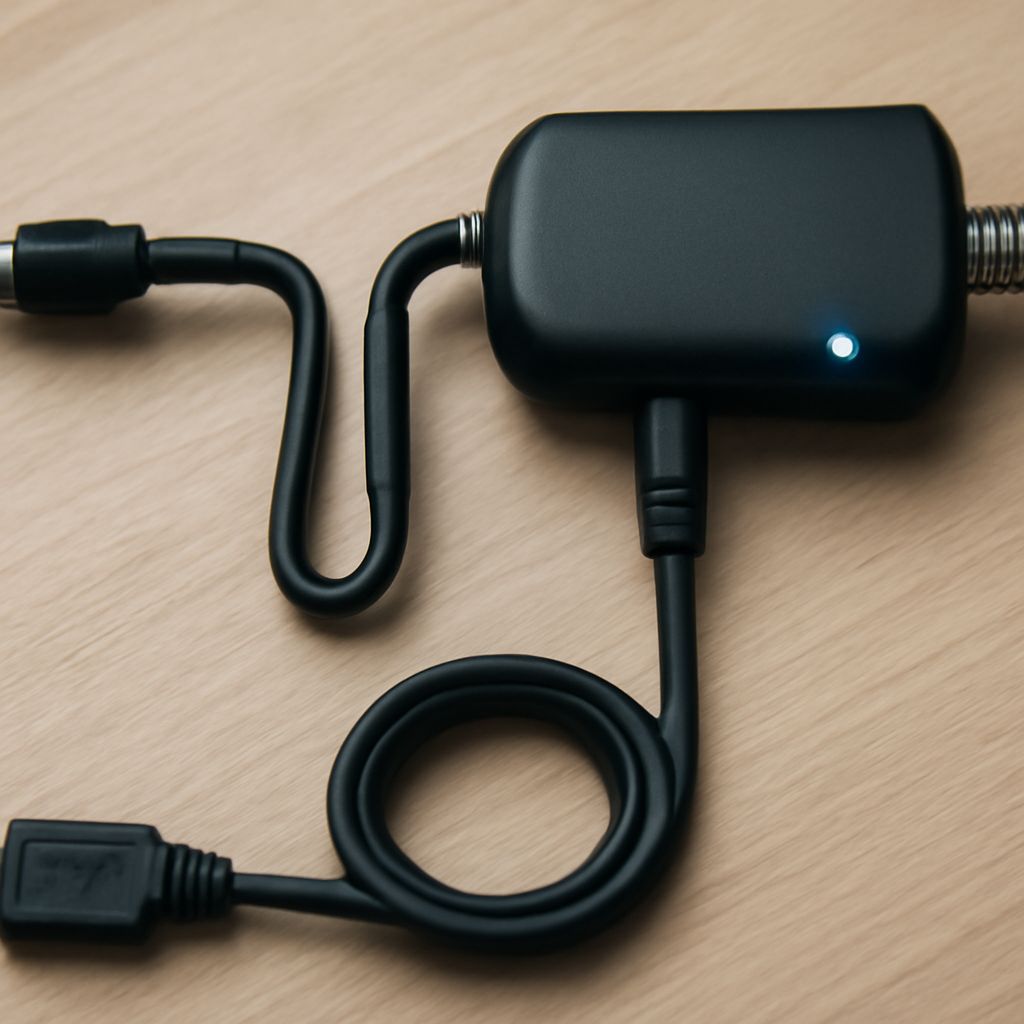
Use a booster only when the source signal is clean and adequate at the beginning of the run but becomes too weak by the time it reaches the television. Common causes include several passive splitters, a long coaxial run, or multiple outlets sharing one feed. In that situation, a properly rated distribution amplifier can restore level lost in the wiring. Install it near the source, where it receives the cleanest signal, rather than using gain to compensate for a damaged cable.
Amplification cannot repair a disconnected path, failed channel scan, wrong input, provider outage, or an antenna pointed poorly. It also cannot recreate information that is already missing. If the meter shows a weak signal at the source, correct the antenna, incoming cable, or service problem first.
Too much gain can make reception worse. An amplifier raises the desired signal but also raises noise, and its output can overload the TV tuner or downstream cable equipment. Symptoms include more channels failing after installation, distorted quality readings, intermittent decoding, or improvement when the booster is removed. Try a lower-gain model, an attenuator, or no amplifier if the unamplified level is already within the receiver’s usable range.
For cable service, choose equipment rated for the required frequency range and compatible with any return path used by cable internet or interactive services. For over-the-air reception, a low-noise preamplifier belongs close to the antenna, while a distribution amplifier is intended to serve multiple outlets. Let the meter’s level and quality readings decide whether gain solves measured loss or merely hides the real fault.