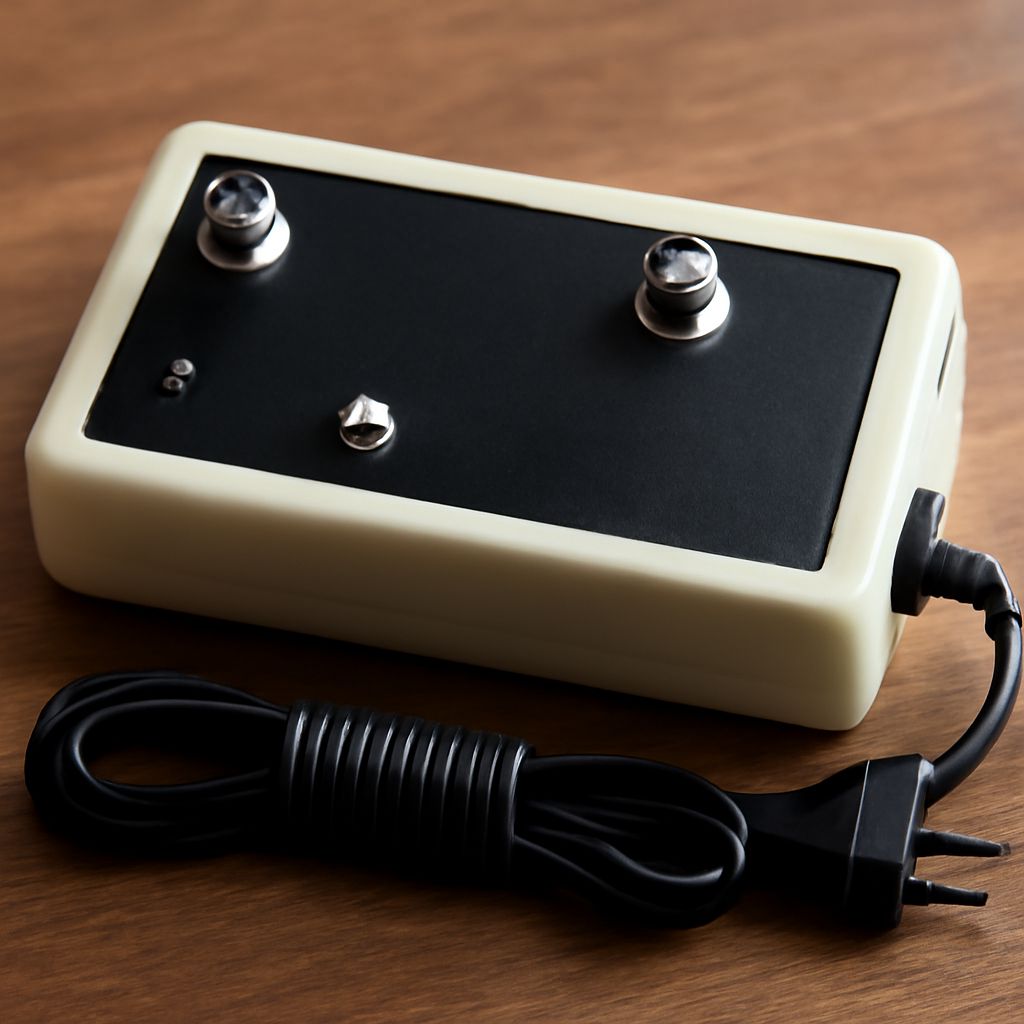
The best cable TV signal booster amplifier is the smallest-gain device that restores a measured loss between the source and a television. It will not fix the wrong input, an incorrect scan mode, a damaged coaxial cable, a weak antenna signal, or overload.
To identify the real problem, compare the weakest affected channel on a direct coax connection with that same channel through the normal splitter and cable runs. If the direct path works but the split path fails, amplification may help. If both paths fail, troubleshoot the source, tuning, interference, or cabling first.
Best Cable TV Signal Booster Amplifier: When Does It Help?
Use measured loss, not maximum gain, as the decision rule
Disconnect the splitter and connect the source directly to one television with a short, known-good coax cable. Record the signal strength and quality for the weakest channel that disappears. Reconnect the usual distribution path and check the same channel again. A clear drop only after adding the splitter, long cable, wall plate, or extra connectors indicates path loss.
A two-way splitter commonly loses about 3.5 to 4 dB on each output, while additional splitters and long coax runs add more loss. Choose an amplifier with enough gain to offset that loss, not the highest rating available. Excess gain can distort a strong signal and make reception worse.
Rule out a weak source and overload first
If the direct connection is already weak or unstable, improve the antenna position, replace damaged cable, tighten connectors, or check the provider feed before adding gain. If every channel becomes worse after an amplifier is installed, the input may already be too strong, or the amplifier may be overloaded. An attenuator or a lower-gain model can be more appropriate.
What Should You Check When a Digital TV Is Not Picking Up Any Channels?
Confirm the input, scan mode, and antenna power
- Select the television’s internal tuner or the correct cable-box input. An HDMI input will not find channels using the TV’s channel scan.
- Choose Antenna for an over-the-air antenna or Cable for a cable feed. A cable scan will not find broadcast antenna channels correctly, and vice versa.
- Set the source device to receive power if it uses an amplified antenna or an antenna preamplifier. Do not enable antenna power on a passive antenna or a cable feed.
- Check that the coax connector is fully threaded and that the cable is not crushed, sharply bent, or corroded.
Only rescan after these checks. Use the television’s automatic digital scan, then wait for it to finish. If it still finds nothing, bypass every splitter, wall plate, recorder, and amplifier. Connect the source directly to the TV with the short test cable. This separates a tuning or source problem from loss in the home distribution path.
Test the antenna and coax without splitters
For an antenna, test outdoors or at its normal location with a clear cable route, and check several known channels rather than relying on one station. For cable service, test the incoming line before the first splitter if access is provided. Replace the test cable if its result changes when moved. A direct connection that finds channels points toward the internal wiring; a direct connection that finds none points toward the source, scan settings, antenna placement, or service feed.
Why Does Digital TV Keep Losing Signal?
Compare the weakest affected channel on direct and split paths
Intermittent failure usually means the signal is close to the tuner’s usable threshold. Compare the weakest affected channel during the same period on both paths. If the direct path remains stable while the split path breaks up, splitter and coax loss is the bottleneck. If both paths fail together, look for antenna movement, weather-related reception changes, loose connections, electrical interference, or an unstable provider signal.
Check signal quality as well as strength. A high strength reading with poor quality can indicate interference, reflections, or amplifier overload. A low strength reading with good quality usually indicates insufficient level and may respond to carefully chosen gain.
Separate cable loss from interference and overload
Test one channel near the low end and one near the high end of the band. A damaged cable, poor connector, or frequency-sensitive splitter may affect them differently. If adding an amplifier reduces quality on all channels, remove it and test again; the source may be too strong or the amplifier may have a poor overload margin.
How Should You Place a Preamplifier or Distribution Amplifier?
Place a preamplifier at the antenna
Use a mast-mounted preamplifier when a weak antenna signal must travel through a long coax run before reaching the splitter. Place it close to the antenna so the weak signal is raised before cable loss. Its noise figure matters: a noisy preamplifier can reduce usable reception, while too much gain can overload from strong nearby stations.
Place a distribution amplifier after the splitter
Use a distribution amplifier when the source is adequate at the entry point but several televisions share the signal. Install it after the splitter, or use a model that combines the split and amplification, so its outputs feed the separate rooms. It is not a substitute for correcting a weak antenna or defective incoming cable.
Balance gain against noise and overload
Start with the lowest gain that restores the weakest channel on the split path. Recheck every television and channel after installation. Stable quality on the direct path and improved quality on the split path confirms that distribution loss—not tuning or the source—was the reason channels disappeared.