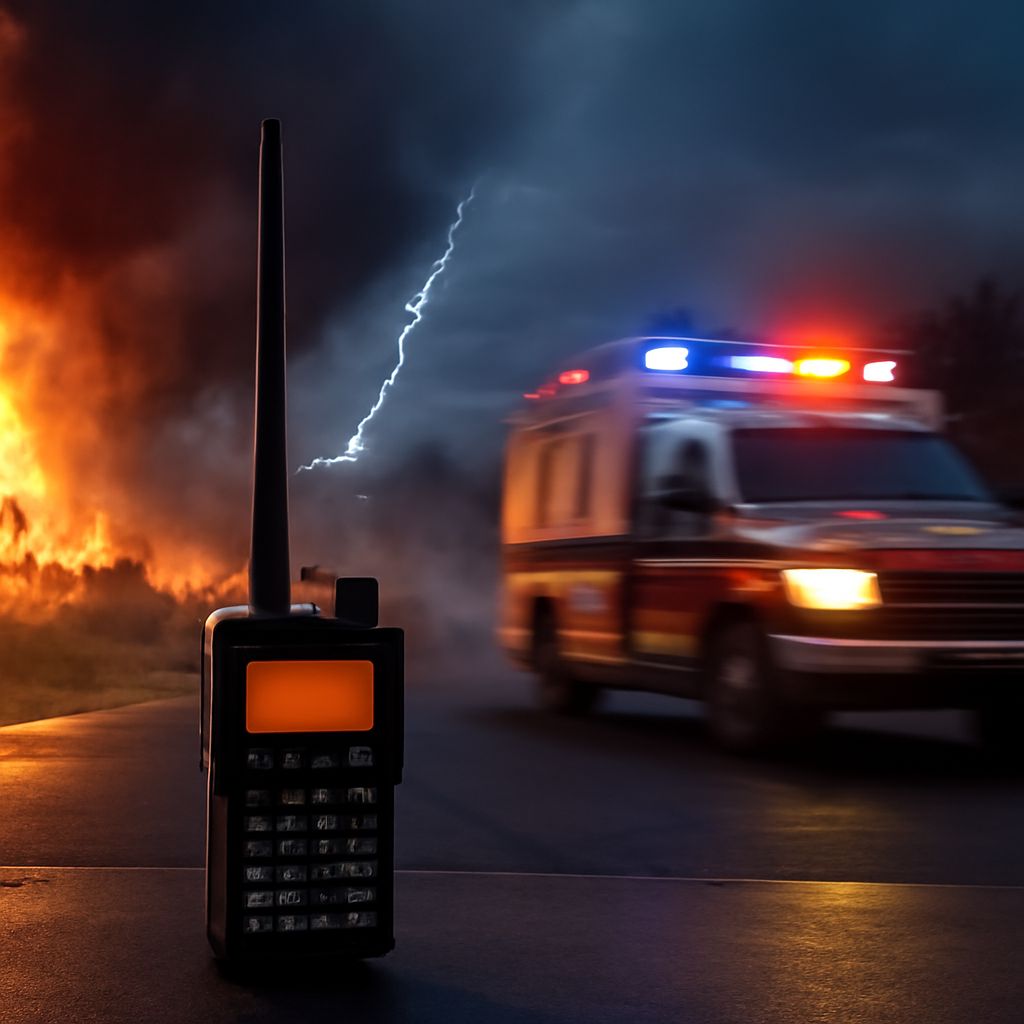
A CB radio scanner is generally a CB transceiver with an automatic scan function, not a wideband public-safety scanner. Choose one by separating three ideas: compact physical design, scanning across CB channels, and the meaning of “digital.” Models such as the Cobra 19 MINI and Midland 75-822 illustrate compact mobile designs, but their useful differences are in controls, audio, mounting, and connections rather than the word “scanner” alone.
How does a CB radio scanner scan channels?
A CB scan function checks the radio’s available CB channels, commonly all 40 channels or a selected group. When it detects a signal stronger than the squelch setting, it pauses so you can hear the conversation. After the signal disappears for a set period, scanning resumes. If the squelch is set too low, the radio may stop on static; if it is too high, it may miss weak transmissions.
Most CB scanners scan only while receiving. They do not automatically transmit a reply, identify callers, or decode speech. Look for controls such as scan, channel up/down, squelch, and a way to lock out channels that produce constant noise. Some radios also offer priority monitoring or dual-watch behavior, but these features still operate within the CB channel set.
That limitation distinguishes a CB radio from a broad scanner receiver. A broad scanner may cover several radio services, frequency ranges, and transmission modes, depending on the model. A CB radio is built to communicate on CB channels and may scan those channels only. If you need aviation, marine, emergency-services, or amateur-radio reception, a CB scan feature is not a substitute for a multiband scanner.
What makes a compact CB radio practical?
A compact CB radio saves dashboard or console space, but small dimensions can move controls onto the microphone or make the display harder to read. Measure the available space before buying, including room for the power lead, coaxial antenna cable, and microphone plug. A shallow chassis is often more useful than a merely narrow one when mounting under a dashboard.
- Control access: Front-panel volume, channel, squelch, and scan buttons are easier to use when the radio is mounted low or out of reach. Mic-mounted controls help when the main unit is hidden, but they can be less convenient with gloves.
- Mounting: Check for a supplied bracket, side clearance, and a stable surface. A detachable-control design can place the display within view while hiding the main chassis.
- Display: Large channel numbers and adjustable brightness matter more in a moving vehicle than a long list of icons.
Compactness should not mean weak usability. Compare the position of the microphone socket, fuse, power wiring, and antenna connector before assuming a small radio will fit cleanly.
What can a digital CB radio actually mean?
The label digital CB radio is ambiguous. It may describe a digital channel display, electronic tuning, push-button controls, memory presets, a signal meter, or digital signal processing used to reduce noise. None of those features necessarily changes the way your voice is transmitted.
A digital voice mode is different. It converts speech into coded data before transmission, so the receiving radio must support the same compatible digital system. A radio with an LCD screen or digitally controlled tuning may still use ordinary analog CB voice. Check the technical specifications for an explicit digital voice standard, not just “digital” in the product name or advertising headline. For ordinary CB communication, matching the voice mode with the other radios matters more than having a digital-looking interface.
How should you compare controls, display, mounting, microphone, audio, and connections for mobile or base use?
For mobile use, prioritize quick access and intelligible sound. A front-facing or microphone-mounted scan button is useful when you need to monitor channels without reaching toward the radio. The microphone should have a comfortable grip, a clear push-to-talk switch, and a cable long enough to reach the driver without crossing controls. A noise-canceling microphone can improve outgoing speech in a loud cabin, but it cannot fix poor antenna installation.
Speaker placement is equally important. A small internal speaker may be adequate in a quiet car but difficult to hear over road noise. Look for a front-firing speaker, a 3.5 mm external-speaker output, or a compatible amplified speaker connection. Test whether scan stops produce clear speech rather than harsh static.
For a base setup, chassis size matters less than accessible controls, a readable display, reliable power connections, and an antenna connector that leaves room for the coax plug. The common SO-239 connection accepts a PL-259 coax plug, but confirm the radio’s actual socket before buying cables. An external speaker is often worthwhile when the radio sits on a shelf or desk.
- Choose compact dimensions and mic controls for a crowded vehicle.
- Choose a larger display and front-panel controls when the radio will be mounted within arm’s reach.
- Choose scan lockouts and adjustable squelch for monitoring busy channels.
- Choose an accessible antenna connection and external-speaker output for a base installation.
- Choose a stated digital voice mode only when every radio in the conversation supports that same mode.