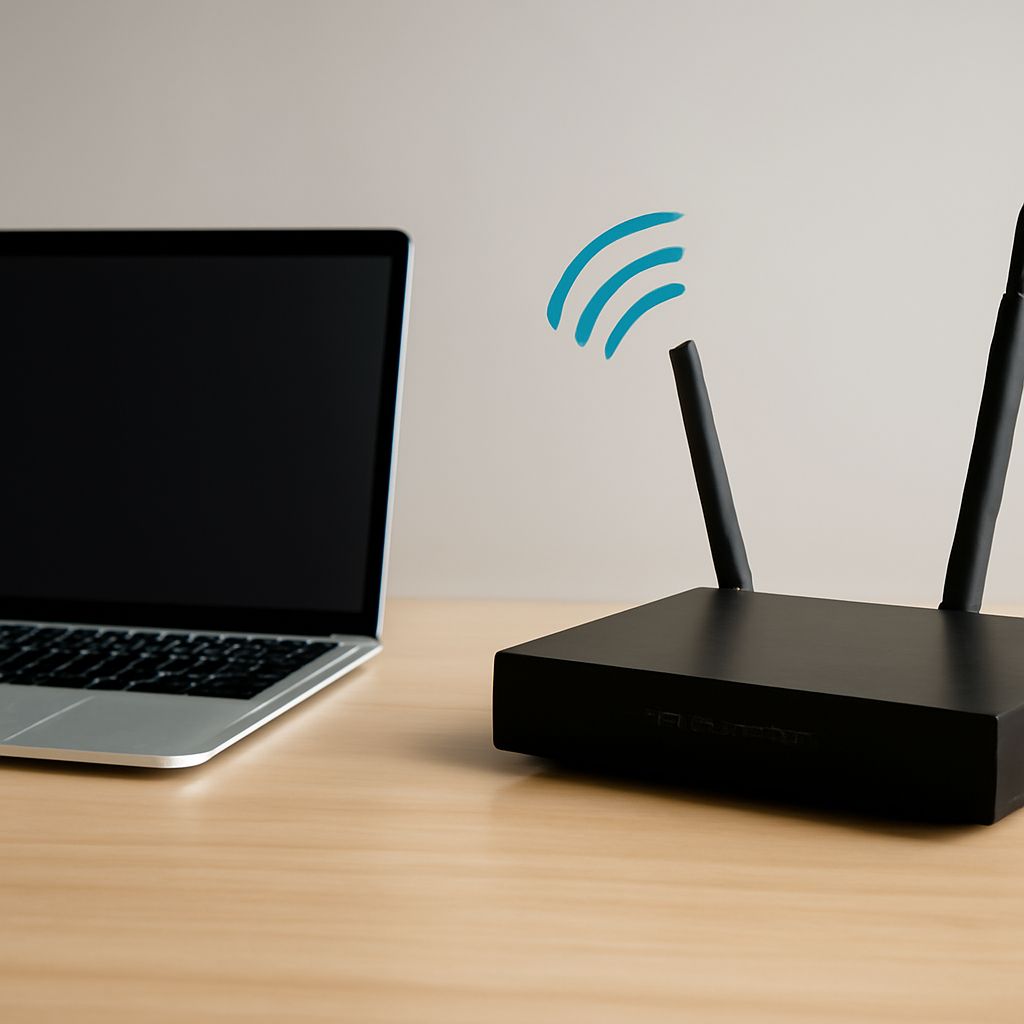
Wi-Fi vs LTE is mainly a comparison between local and wide-area access. Wi-Fi connects a client to a nearby access point and local LAN, while LTE connects it to a mobile operator’s radio network and packet core. Wi-Fi N and AC describe different generations of local wireless technology, and Wi-Fi roaming describes how a client moves between coordinated access points.
For fixed devices, Wi-Fi usually offers high local capacity at low cost. LTE is the better fit for broad coverage and continuous movement. A well-designed Wi-Fi network can support mobility indoors, but it does not behave exactly like a cellular network.
Wi-Fi vs LTE: How do ownership, spectrum, coverage, capacity, latency, data paths, and handoff differ?
Ownership is the first major difference. A business, household, or service provider normally operates its Wi-Fi access points, switches, authentication, and internet connection. An LTE network is operated by a mobile carrier, which manages the radio sites, core network, subscriber identity, and interconnection to the internet.
Wi-Fi uses mostly unlicensed spectrum, such as the 2.4 GHz and 5 GHz bands. Nearby networks can use the same channels, so performance depends on interference and contention. LTE primarily uses licensed spectrum, giving the operator more control over channel use and predictable reuse across cells. LTE still has shared capacity: many subscribers compete for the resources available from a sector.
Coverage also differs. Wi-Fi coverage is generally limited to a building, floor, or campus and depends on access-point placement and construction materials. LTE uses high sites and a coordinated cellular layout to cover neighborhoods, highways, and rural areas. Wi-Fi can deliver excellent throughput close to an access point, while LTE offers better geographic continuity.
The data path makes the distinction practical. A Wi-Fi client sends traffic through an access point, the local switch or wireless controller, and a router or firewall. An LTE client sends traffic through a cell site, the operator’s backhaul and packet core, and then the public or private network. Local Wi-Fi traffic may remain on the LAN; LTE traffic normally traverses carrier infrastructure even when the device is near another device.
Wi-Fi capacity is shared by clients using contention and airtime. LTE schedules radio resources among clients, but the cell’s total capacity remains shared. Wi-Fi often has lower latency to local services, whereas LTE latency depends on radio conditions, carrier load, and distance through the operator network. LTE handoff moves a client between cellular cells while preserving service when possible. Wi-Fi handoff is a reassociation between access points and depends more heavily on client behavior and network design.
Wi-Fi N vs AC: How do bands, channel widths, spatial streams, and compatibility differ?
Wi-Fi N refers to 802.11n, also known as Wi-Fi 4. It can operate in both 2.4 GHz and 5 GHz and supports 20 MHz or 40 MHz channels. It introduced practical use of multiple-input, multiple-output technology, with up to four spatial streams in the standard. More streams can increase throughput only when the access point and client both support them and radio conditions are good.
Wi-Fi AC refers to 802.11ac, or Wi-Fi 5. It operates in the 5 GHz band and supports wider 80 MHz channels, with optional 160 MHz channels, in addition to 20 MHz and 40 MHz operation. It supports up to eight spatial streams in the standard and can use downlink multi-user MIMO in later implementations. Wider channels and newer modulation can produce much higher peak rates than 802.11n, but they also consume more spectrum and are more sensitive to interference.
An 802.11ac access point usually supports 802.11n clients through mixed-mode operation. An older client still uses its own N capabilities and cannot gain AC speeds merely by connecting to an AC access point. AC does not add 2.4 GHz support; a dual-band AC product commonly includes a separate 802.11n-compatible 2.4 GHz radio. Actual performance depends on the client’s stream count, channel width, signal quality, and airtime shared with other devices.
How does Wi-Fi roaming work across access points with a shared SSID?
Roaming begins with a coordinated WLAN design. Access points use the same SSID, compatible security settings, and usually the same VLAN or IP subnet. A client can then discover another access point that presents the same network identity and reassociate without manually selecting a new network.
The client normally decides when to roam. It evaluates received signal, noise, retries, data rates, and neighboring access points rather than following one universal signal level imposed by every access point. Some systems provide guidance through 802.11k neighbor reports and 802.11v transition management. 802.11r fast transition can reduce authentication delay when the client and security system support it.
During a normal roam, the client authenticates or completes a fast transition with the new access point, and the network updates the forwarding path. If the access points share the same Layer 2 network, the client can usually keep its IP address. The packet path then moves from the old access point to the new one through the LAN or wireless controller. A shared SSID alone does not guarantee seamless roaming, preserve an IP address, or create a mesh backhaul.
How should security, channel plans, signal thresholds, steering, and backhaul support roaming?
Use one consistent security design across the roaming area. WPA2- or WPA3-Personal can work for small deployments; WPA2- or WPA3-Enterprise provides individually managed credentials and is generally preferable for business clients. Keep authentication, encryption, VLAN assignment, and SSID settings consistent so a client does not face a full network change at each access point.
Build a deliberate channel plan. Avoid unnecessary co-channel overlap, use 20 MHz channels in crowded 2.4 GHz environments, and choose 5 GHz widths according to available spectrum and client density rather than peak-rate claims. Place access points so coverage cells overlap enough for discovery and handoff, but not so heavily that clients remain attached to a distant access point or airtime contention rises.
Signal thresholds can encourage better behavior by refusing new associations from very weak clients, prompting transitions, or defining preferred coverage boundaries. They should be tested against real client devices because some clients ignore steering requests or remain connected until performance becomes poor. Band steering and access-point steering help only when client support, radio conditions, and controller decisions align.
Finally, provide sufficient backhaul. Wired Ethernet uplinks usually give roaming access points the most predictable capacity and keep handoff traffic on the LAN. Wireless mesh backhaul shares airtime with client traffic and can reduce capacity as hops increase. For moving clients such as handheld scanners, voice devices, and laptops, prioritize consistent coverage, low packet loss, compatible fast-transition support, and adequate uplink capacity over the highest advertised radio speed.