Choosing the right TV for your space involves more than just picking a brand you like. Understanding how to measure a TV correctly is crucial to ensuring it fits well in your room and meets your viewing needs. Here’s a complete guide on how to measure your TV screen, including the necessary tools and expert tips for accuracy.
What Tools Do You Need to Measure a TV?
Before you start measuring, gather the following tools to ensure precision:
- Tape Measure: A flexible tape measure is ideal for measuring both the diagonal and the width of your TV screen.
- Notebook and Pen: Jot down the dimensions as you measure them to avoid any mix-up.
- Calculator: Useful for converting measurements if needed.
How to Measure a TV Screen Size
To measure a TV screen size accurately, follow these steps:
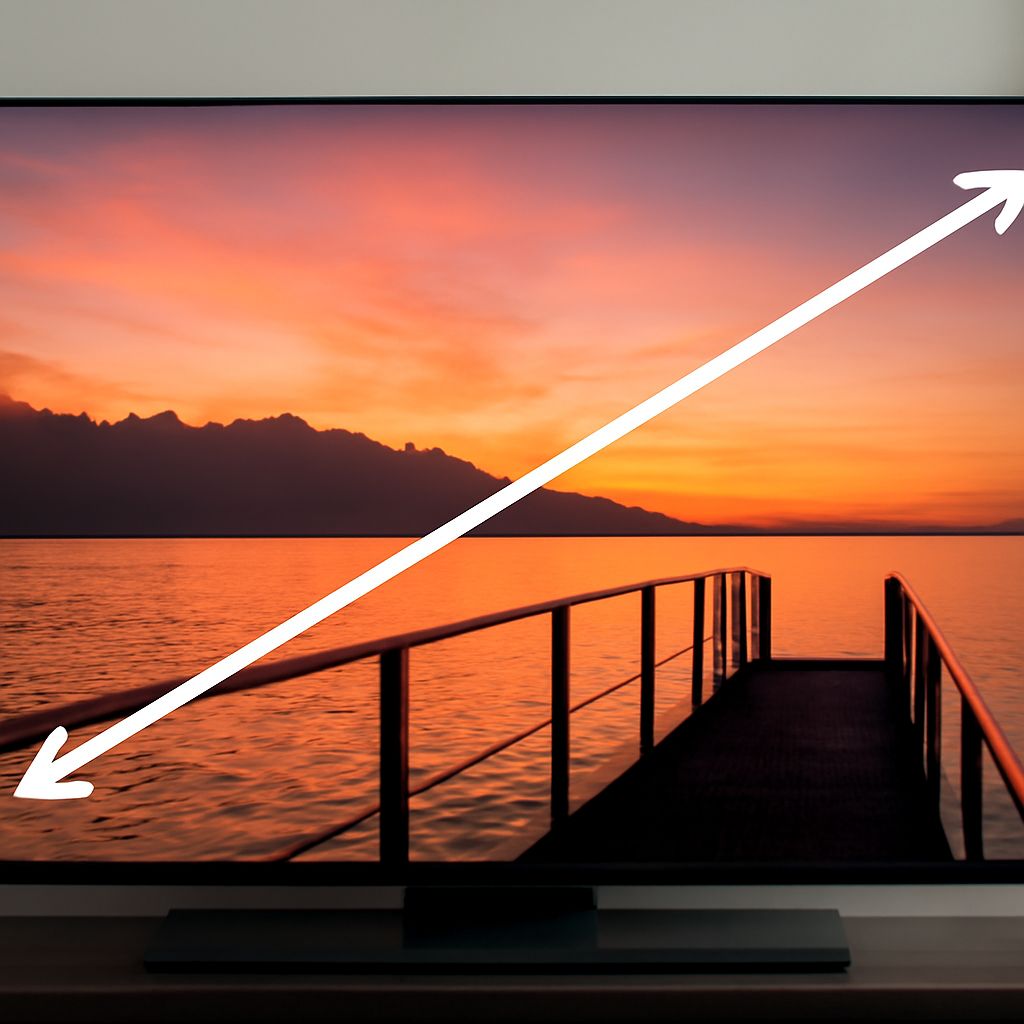
- Diagonal Measurement: Place the end of the tape measure at one corner of the screen and extend it diagonally to the opposite corner. This diagonal measurement, typically in inches, is the size that is most commonly advertised.
- Width and Height: Measure the screen’s width from one side to the other, avoiding the bezel. Then, measure the height from the top edge to the bottom edge. This will give you the actual screen dimensions, which are important for fitting into a specific space.
Understanding TV Size Guides
TV size guides can be useful, but understanding their terminology is essential:
- Aspect Ratio: Modern TVs mostly have a 16:9 aspect ratio, meaning the width is 16 parts to every 9 parts of height.
- Screen Resolution: Measurements such as 1080p or 4K indicate the number of pixels and impact the clarity and details of what you watch.
- Viewing Distance: This depends on the screen size and resolution. For example, a 55-inch TV is best viewed from 7-11 feet away for optimal clarity.
Tips for Accurate TV Measurements
Here are some additional tips to help you measure your TV accurately and ensure it fits well in your space:
- Measure Without the Bezel: Always take measurements from the inside of the bezel to get the actual screen size.
- Consider the Stand: A TV’s stand or wall mount can add extra height or depth, so include these when planning your setup.
- Check the Manufacturer’s Specs: Consult the TV’s manual or product specifications online to confirm your measurements match the listed dimensions.
By understanding how to measure a TV screen and following this tv size guide, you can ensure the perfect fit for your entertainment area. Accurate measurements will help you select a TV that not only fits your space but also enhances your viewing experience.