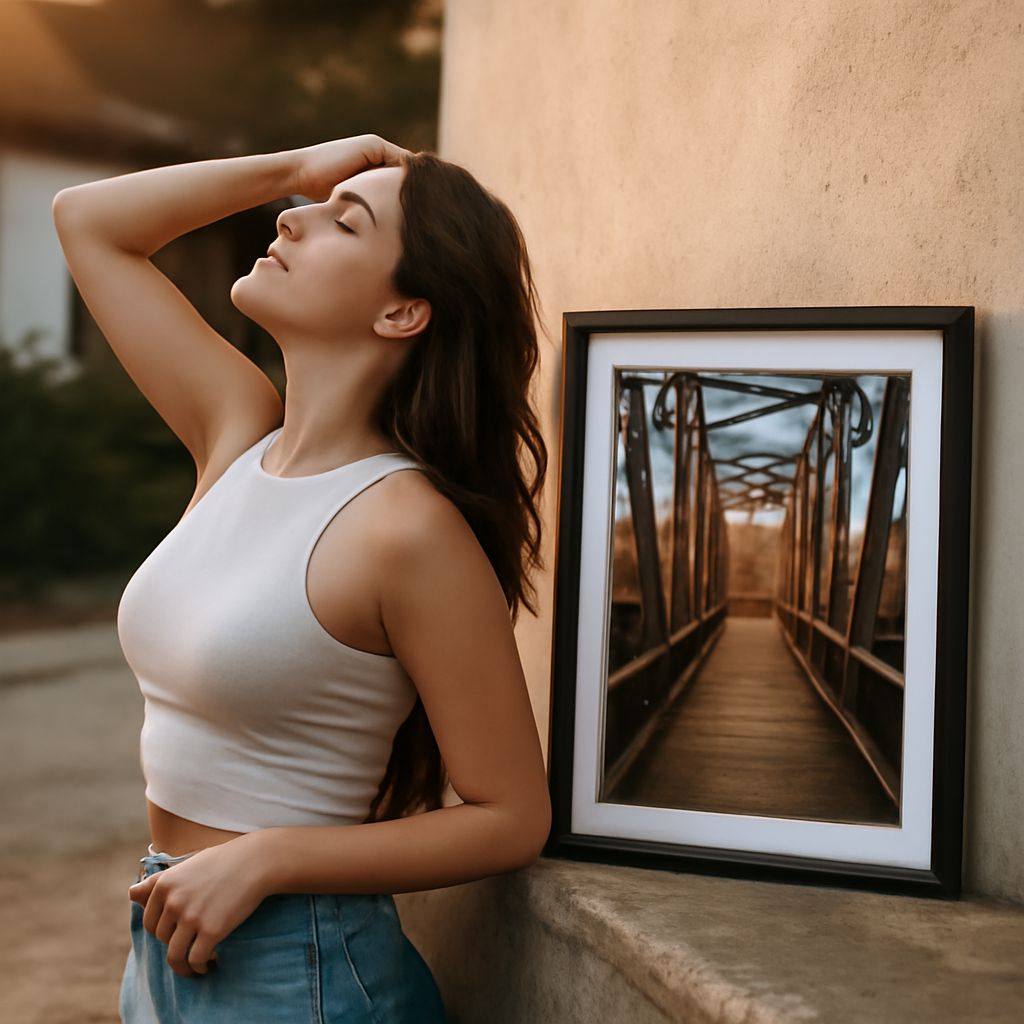
Adding a border to your photos can transform them from ordinary to eye-catching. Whether you’re sharing images on social media, creating a digital scrapbook, or preparing a presentation, a well-chosen border can enhance the visual appeal and context of your photos. Fortunately, numerous online tools make it easy to add border to image files with just a few clicks.
Why Add Borders to Your Photos?
Borders serve multiple purposes when it comes to photography. They draw attention to the subject, create a sense of completeness, and can even evoke certain emotions or themes. For instance, a classic black border can add sophistication, while a colorful frame might inject fun and vibrancy.
Tools to Add Borders to Photos Online
Several online platforms allow you to add border to photo files effectively. Here are a few popular ones:
- Canva: Known for its user-friendly interface, Canva provides a variety of templates and customization options, including photo borders.
- Pixlr: This online photo editor offers robust features similar to Adobe Photoshop, including the ability to add customizable borders.
- Fotor: Fotor is another versatile tool that provides numerous border styles and an easy-to-navigate interface.
- BeFunky: This tool is excellent for beginners, providing simple ways to add artistic borders to your images.
Step-by-Step: Adding a Border to Your Image
- Select a Tool: Choose an online tool like Canva or Pixlr based on your needs and familiarity.
- Upload Your Photo: Start by uploading the photo to your chosen platform.
- Select the Border Option: Navigate to the border or frame section in the tool’s menu.
- Choose a Style: Browse through different border styles and select one that complements your photo.
- Customize: Adjust the border’s thickness, color, and design to fit your vision.
- Save and Download: Once satisfied, save your edits and download the finished image.
Creative Ideas for Photo Borders
When adding borders, creativity is your best friend. Here are some ideas to inspire you:
- Seasonal Themes: Use borders that reflect the seasons, like autumn leaves or snowflakes, to add context to seasonal photos.
- Vintage Styles: Give your photos a nostalgic feel with retro or polaroid-style borders.
- Minimalist Lines: Simple, thin lines can add elegance without overwhelming the image.
- Color Blocks: Bold, thick borders in contrasting colors can make an image pop and highlight the main subject.
With the right tools and a bit of creativity, adding borders to your photos online is a simple yet effective way to enhance your images. Whether you opt for a minimalist line or a vibrant frame, the perfect border can make all the difference. Experiment with different styles and tools to find what works best for your photos.