A website says you are in a city you have never visited. The result can be unsettling, but it may simply reflect how the service estimates the location of your IP address. Check the public address seen by the site, compare the connection and lookup source, and treat the reported place as an estimate.
If you want to know where your current IP appears to be located, begin with the connection you are using now. A home Wi-Fi network, cellular connection and VPN can present different public addresses to the same website. Each may produce a different geographic result.
What is my IP address location on this connection?
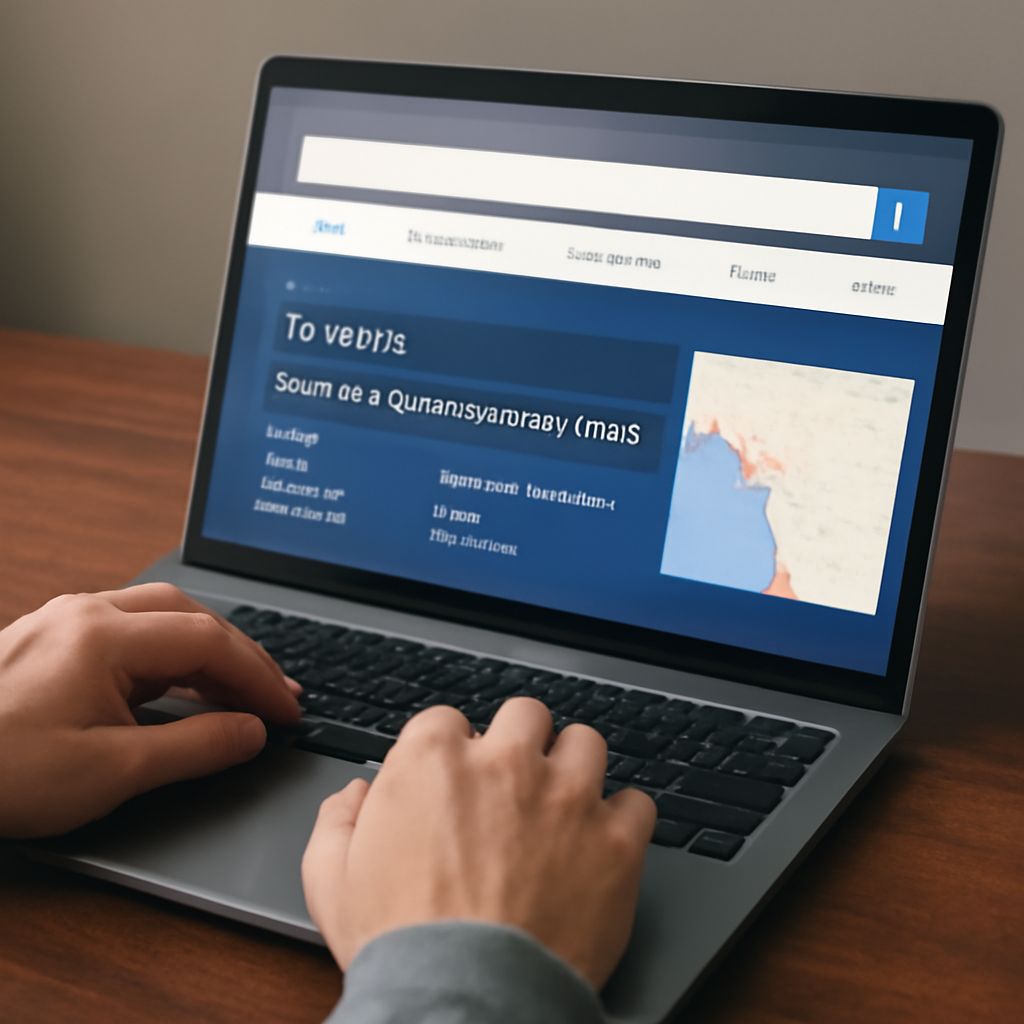
Open a reputable IP-checking website in a browser on the device you want to check. The site can display the public IP address from which it received the request and an estimated country, region or city. Record the address, the reported place, the time and whether the device was on Wi-Fi or cellular. The checker may also name a network operator.
What is my IP address location when a VPN is connected? The lookup usually sees the VPN’s public exit address, so its estimate can describe that server’s area. If you are permitted to disconnect the VPN, compare the result using the same checker before and after. On a managed work device, follow your organization’s rules before changing its connection.
An address written as four groups of numbers is IPv4; IPv6 uses hexadecimal groups separated by colons. A device can use both. Some sites report only the family used for the request; others show both. If two lookups disagree, check whether they observed the same address family and address before comparing their city labels.
Read a map pin as an estimate
Geolocation services associate IP address ranges or network endpoints with places using their own data and methods. The result is an estimate for that address, not a GPS reading from your phone. The database may know the country but have weaker evidence for a city, or may place a marker at a representative point within a larger area.
MaxMind explains that the precision of its estimates varies by network and that its IP data cannot identify a specific household or street address. Some results include an accuracy radius: a circle around an estimated point, not a claim that the user is at the pin’s exact coordinates. A visible street or building beneath a marker is not evidence that someone using the connection is there.
For example, a home connection in one town may be assigned an address associated with a provider’s network in a neighboring city. A lookup may display that city even though the device has not moved. If “my IP address location” differs between sites, another database might associate the same block with a wider region or a different city. Neither display alone establishes the physical location of a person.
Why the reported place can change
Several ordinary network details affect an estimate:
- Provider routing and address allocation: An address may be associated with a provider’s regional infrastructure rather than the subscriber’s street. A reassigned block can take time to appear correctly in databases.
- Mobile gateways: Cellular traffic can leave the carrier’s network through a gateway far from the phone. A location for the public address can therefore cover a broad area.
- VPNs and proxies: The service sees an exit point or intermediary. A corporate network can route traffic through an office or cloud gateway in another region.
- Different databases: Providers use different sources and update schedules. A city in one lookup and a region in another can both be estimates of the same address.
- Changing connections: Switching between Wi-Fi and mobile data, reconnecting, or using a different address family can change the public address and result.
If you ask “Whats my IP address and location?” at two different times, record both the address and connection. A changed public address can explain a changed estimate; the same address with different city labels points toward differing database records or updates.
What to do when the place is wrong
First, verify the current IP address location using the intended connection and note any VPN, proxy or workplace security service. Repeat with another reputable checker for the same address. Compare the country, region and city separately: one service may provide only a broad estimate while another presents a more specific but uncertain result.
If a single application shows the wrong region, check its own language, account and location settings. It might use device location permission or account information as well as IP data. If a service blocks access because of an incorrect country estimate, contact its support team with the public address and time observed. Your internet provider may also be able to report an address-block issue to the relevant geolocation vendors; correction is not necessarily immediate.
Avoid posting the full address publicly when seeking help. It can identify a network connection at a particular time, even though a lookup cannot pinpoint a person. Share it privately with the service or provider when needed for troubleshooting.
Can a stranger find my street address from an IP lookup? A geolocation result alone does not reliably reveal a household or a person’s live location. Other information and device permissions can expose location separately, so review the permissions and account details of the service you are using.