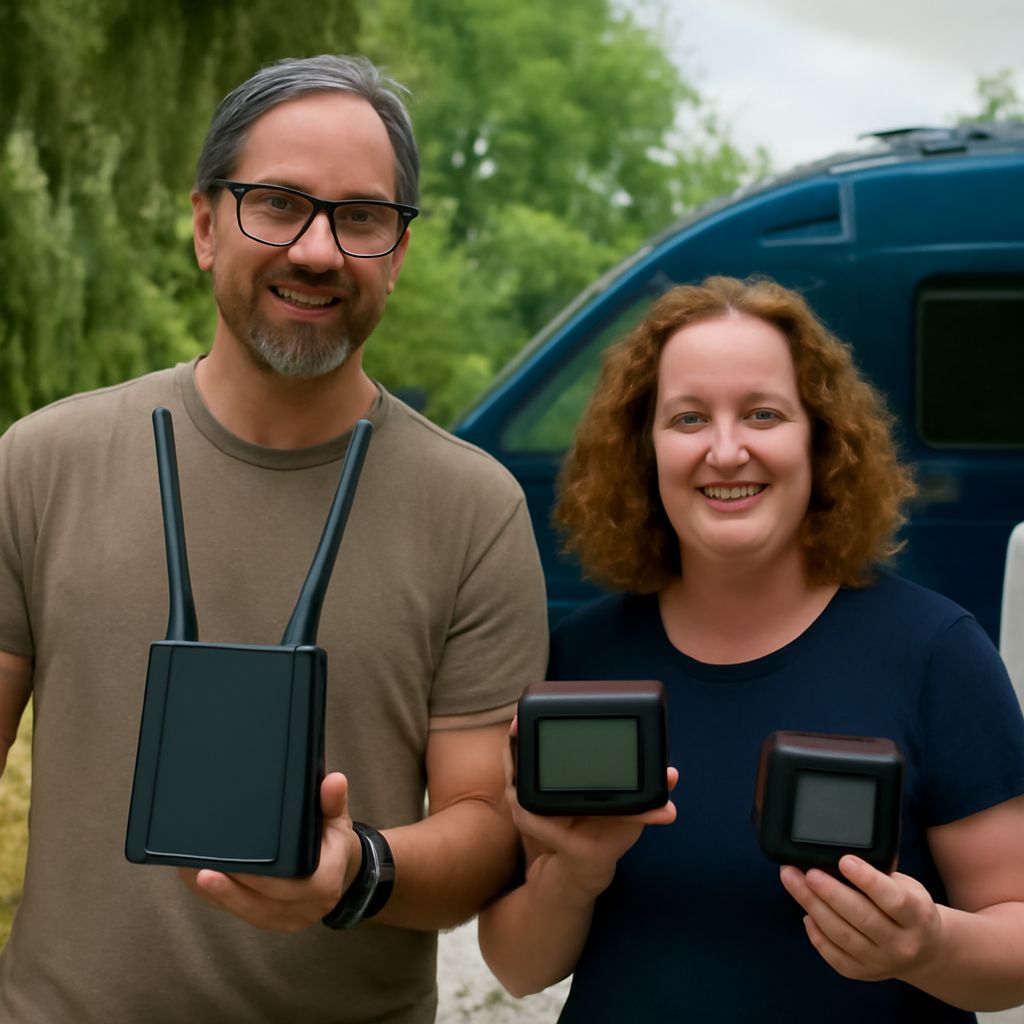
Where you stop and whether you need to connect while moving determine which service makes sense. Satellite internet in an RV can help where cellular service is weak and the sky is open; a phone hotspot or campground Wi-Fi may be simpler when you stay near towns. Compare the internet options for RV travel against your route, power supply, and budget before buying equipment.
RV internet options: Choose for the places you visit
The best internet for an RV depends on the work it must do. Email can tolerate a short interruption; a video call or payment transaction may not. List your typical stops, how often you travel, the number of connected devices, and whether a missed connection is inconvenient or stops you from working.
The best RV internet for a trip may therefore be a combination: cellular as the everyday link and satellite as a backup, or the reverse at remote stops. Campground Wi-Fi completes the RV internet options when available. None of the three reaches every parking spot, and a coverage map cannot show the exact signal behind every hill or tree.
Satellite: sky view, equipment, and movement
Satellite internet for an RV uses a terminal that communicates with satellites and connects your devices through a router. At a campsite, choose an authorized location with a clear view of the sky and a stable mount. Trees, the vehicle, and nearby buildings can interrupt the path. Starlink’s obstruction guidance recommends a clear sky view and explains that obstructions can cause brief interruptions.
An RV satellite connection also needs a suitable plan, a place to stow or secure the equipment, and power throughout use. Check the terminal’s power requirements against shore power, battery capacity, inverter losses, and other loads. For a rough energy budget, multiply its average watts by hours of use to estimate watt-hours, then allow for conversion losses. Confirm actual consumption in the equipment specifications and monitor it in your own conditions.
Stationary use and use on the road are different requirements. Before relying on satellite service in an RV while driving, confirm that the specific hardware, mount, plan, and location permit in-motion operation. For example, Starlink lists supported plans and equipment and notes that authorization depends on location. A service that works parked does not automatically qualify for use on a moving vehicle.
Cellular: check the route, not just the map
A cellular phone hotspot or dedicated modem connects to a carrier’s network, then shares that connection over local Wi-Fi. Cellular can be convenient at stops and, with suitable equipment and a permitted plan, while traveling. Terrain, distance from a tower, building materials, and other users can affect performance. Check each carrier’s map for the actual route and campsite, then test where you intend to park.
Your RV’s satellite internet and cellular link have different weak points: one needs an adequate view of the sky, the other a usable carrier signal. When choosing a backup, look for a different failure mode rather than two plans that depend on the same local tower. Ask about roaming and hotspot allowances; Verizon’s hotspot guide notes that usage counts toward the applicable allowance and speeds may decrease after a high-speed limit.
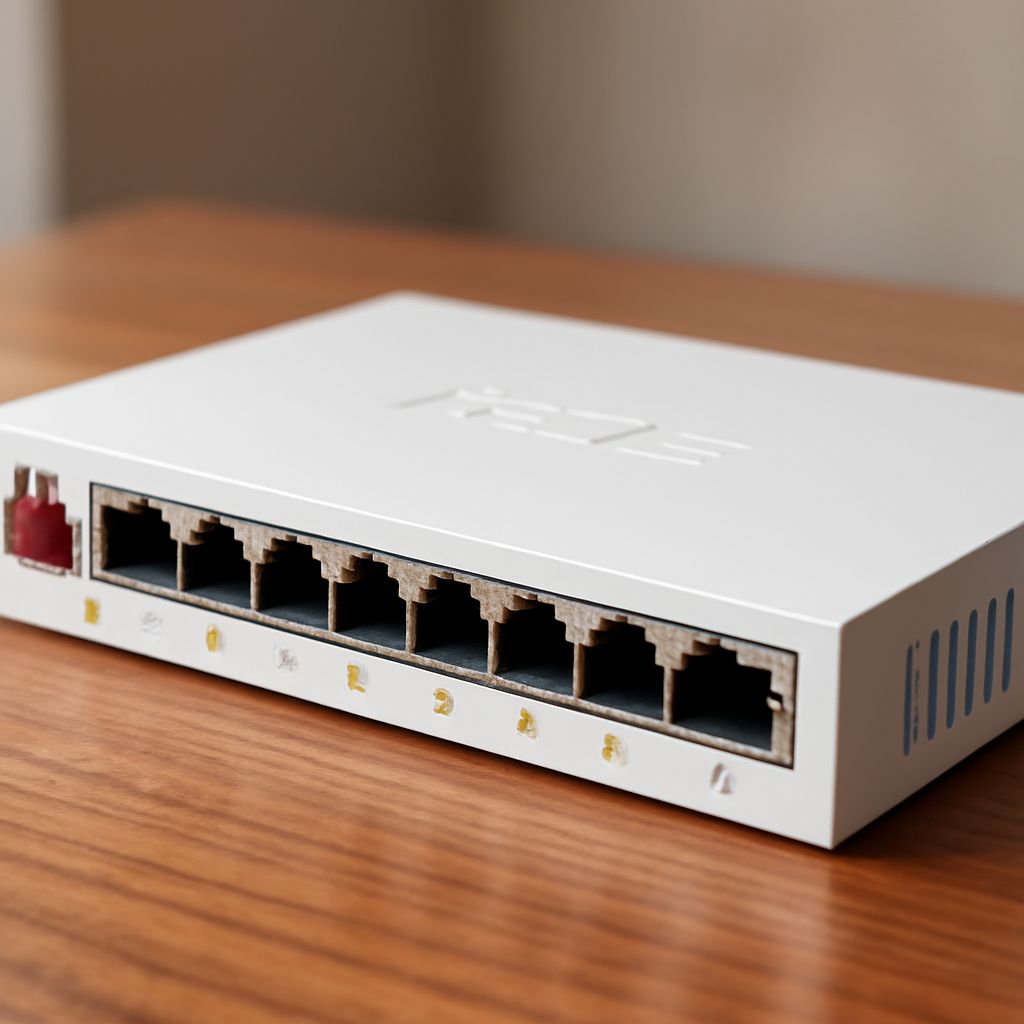
If reception is marginal, a compatible external cellular antenna may improve the signal reaching the modem. Match its supported frequency bands, connectors, and required antenna connections to the modem; cable length and routing matter too. An antenna cannot create carrier coverage where none exists. The modem handles the cellular link, while a router distributes it to your devices through a private Wi-Fi network. Some products combine the modem and router; others use separate units. Check compatibility before purchase, as illustrated by Peplink’s tested modem list.
Campground Wi-Fi and practical costs
The best internet connection for an RV is the one that meets your actual need at the stop. Campground Wi-Fi can save mobile data, but ask where it reaches, whether the site has a device limit, and whether busy evenings affect access. A strong Wi-Fi signal to the campground’s access point does not reveal the capacity of its internet connection. Confirm the network name with staff, disable unnecessary sharing, and use secure connections; the FTC’s public Wi-Fi guide explains how encrypted websites protect information.
Compare RV connectivity options using the full cost: hardware, installation or mounting, monthly service, activation, taxes, data overages, and any pause or reactivation terms. Revisit your RV internet choices as your route changes. Ask providers which locations and countries the plan covers, whether speeds change after a data threshold, and whether in-motion use is included. For internet by satellite for your RV, ask about equipment compatibility and any separate mounting costs too.
Test a primary and a backup
Narrow the internet choices for an RV by choosing one primary link and one independent fallback for your most common destination. Check that your router can accept each source, and learn how to switch between them before departure. Keep passwords and account details accessible offline.
For a typical stop, park in the intended spot and test both links separately. Run the actual task you depend on, such as a video call, and note interruptions, data use, and battery draw. This check turns the RV’s internet alternatives into a practical plan: if the primary fails there, you will know whether the backup can carry the work.