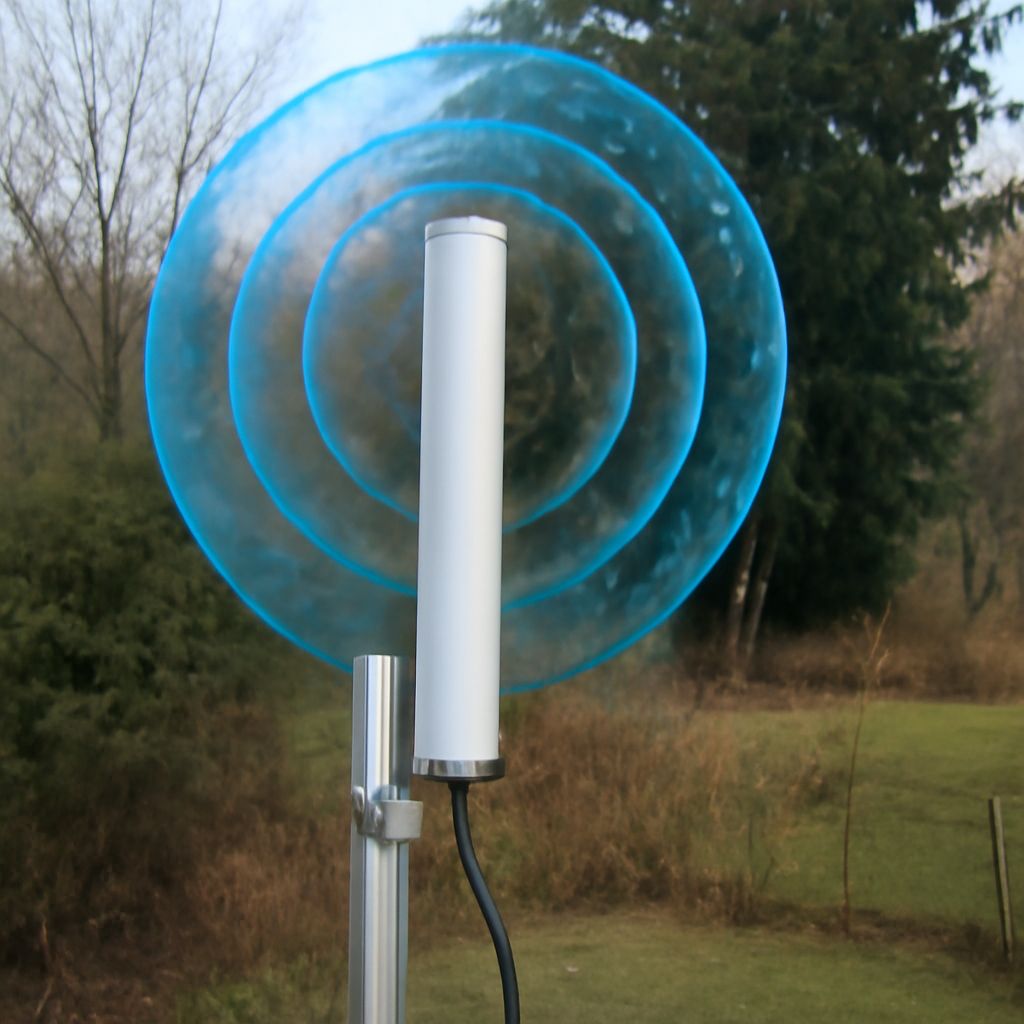
A high gain cellular antenna can improve a fixed connection when the gateway receives a weak or unstable signal, but only if the antenna covers the network’s bands, connects correctly, and is installed with minimal cable loss. The antenna strengthens the radio link; it does not automatically increase internet speed or add transmitter power.
The connection path is straightforward: a cellular network provides radio access through a nearby tower, the cellular gateway converts that access into a local network, and devices connect to the gateway through Wi-Fi or Ethernet.
What Does a Cellular Network Provide?
A cellular network supplies the wide-area radio connection between a tower and a subscriber device. The gateway uses a SIM or eSIM to authenticate with the operator, selects supported frequency bands, and exchanges data with the network over the air. The tower then connects that traffic to the operator’s core network and, usually, the public internet.
The network determines several important limits:
- Coverage: The gateway must receive a usable signal from a compatible cell site.
- Available bands: Operators use different low-, mid-, and sometimes high-frequency bands for coverage and capacity.
- Capacity: A strong signal can still deliver slow service when a tower is congested.
- Service type: The operator controls speed tiers, data allowances, latency, addressing, and any restrictions on the connection.
A cellular network does not provide your building’s Wi-Fi or Ethernet service. It delivers the upstream wireless connection. Local networking begins after the gateway receives that connection.
What Does a Cellular Gateway Add?
A cellular gateway is the equipment between the mobile network and local devices. Its modem communicates with the tower, while its networking functions distribute the connection inside a home, office, vehicle, or remote site.
Typical gateway functions include:
- Routing and NAT: Directing traffic between the cellular connection and local devices, often while sharing one operator-assigned address.
- DHCP: Assigning local IP addresses to connected equipment.
- Wi-Fi: Creating one or more wireless local-area networks.
- Ethernet: Connecting computers, cameras, access points, switches, and other wired devices.
- Firewall and management: Filtering traffic and providing settings for bands, APNs, diagnostics, and failover.
This distinction matters when diagnosing poor performance. An antenna can improve the radio signal entering the gateway, but it cannot fix a saturated tower, an overloaded Wi-Fi channel, a damaged Ethernet cable, or a routing configuration problem. A gateway may also support carrier aggregation, using multiple bands at once. In that case, antenna and modem compatibility can affect how effectively those bands are used.
How Do You Connect an External Cellular Antenna to a Gateway?
First, confirm that the gateway has external antenna ports. Common connectors include SMA, RP-SMA, and smaller TS-9 or CRC9 fittings. Connector shape alone is not enough: adapters must match the gateway’s electrical connection, and an incorrect adapter can prevent a reliable signal path.
Many modern gateways use two, four, or more antenna ports for MIMO, or multiple-input multiple-output. MIMO allows the modem to use separate spatial signal paths and can improve throughput and reliability. If the gateway has two cellular ports, use an antenna system designed for two feeds rather than connecting only one port unless the manufacturer specifically allows it.
Check the antenna’s frequency range against every band the gateway and operator may use at the installation site. An antenna designed only for one narrow band may perform poorly when the gateway depends on other bands for coverage or capacity. A wideband model can be more flexible, but its stated gain may vary significantly across its operating range.
Install the antenna outdoors or in the best available elevated position, away from large metal obstructions. Keep coaxial cable as short as practical. Every cable and connector introduces insertion loss, which subtracts from the signal improvement provided by the antenna. A high-gain antenna at the end of a long, lossy cable may deliver less net gain than a lower-gain antenna mounted closer to the gateway.
When Does a High Gain Cellular Antenna Improve the Link?
High gain is most useful when the gateway is distant from a tower, inside a signal-blocking building, below surrounding terrain, or receiving a weak signal that varies with weather, position, or indoor interference. Moving the antenna a few metres, raising it above an obstruction, or placing it near an exterior wall can sometimes help as much as choosing a higher-gain model.
Antenna gain describes how strongly an antenna focuses received or transmitted energy in particular directions compared with a reference antenna. It is not extra modem power. A directional antenna concentrates gain toward a selected tower, while an omnidirectional antenna receives from a broader range of directions with less focused gain.
Choose a directional antenna when the best tower is known and the installation can remain aimed at it. Directional aiming may improve signal quality and reduce unwanted interference, but it requires testing because the strongest-looking tower is not always the least congested. An omnidirectional antenna is usually easier to install where towers surround the site or where the gateway may move.
Evaluate these factors together:
- Band coverage: Confirm that the antenna supports the operator’s relevant LTE or 5G frequencies.
- MIMO configuration: Match the number of antenna feeds to the gateway’s ports and modem requirements.
- Direction: Select directional or omnidirectional coverage based on tower location and installation stability.
- Connector compatibility: Match the antenna, cable, adapter, and gateway ports, including impedance requirements.
- Feed-line loss: Use short, quality coaxial cable and limit unnecessary adapters.
After installation, compare the gateway’s received signal strength, signal quality, selected bands, and connection stability before and after the change. A useful result is a more reliable link or higher sustained throughput under the same tower load—not a guaranteed speed increase.