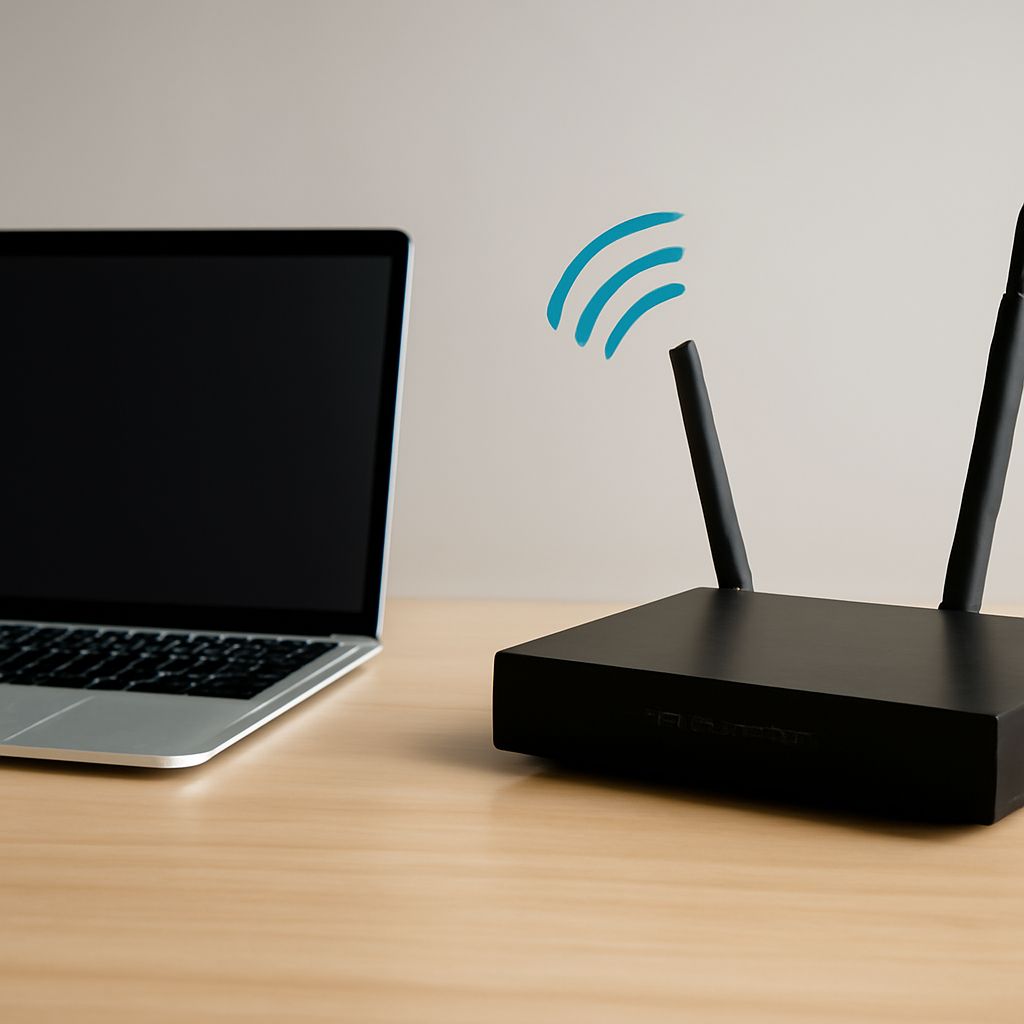
For most homes, choose 5 GHz for faster connections in rooms near the router, and choose 2.4 vs 5 GHz based on distance, walls, congestion, and client support. Use 2.4 GHz for longer reach and difficult obstacles; use 5 GHz for higher capacity when the signal is strong. The antenna and channel must support the same radio plan, or a fast band can still deliver poor coverage.
Check the router’s supported bands, the client devices’ capabilities, the antenna specification, and the channels available in your area before changing settings.
2.4 vs 5 GHz: Choose by range, obstacles, congestion, capacity, and clients
2.4 GHz travels farther and usually penetrates walls, floors, and furniture more effectively. Its longer wavelength is useful for distant rooms, smart-home devices, and older clients. The trade-off is lower practical capacity and more interference from Bluetooth devices, wireless peripherals, neighboring networks, and some household equipment.
5 GHz normally provides more capacity and higher real-world throughput because it has more usable spectrum and is often less crowded. It is better for video streaming, large downloads, and several active clients close to the access point. However, its shorter wavelength loses strength more quickly through walls and distance. A 5 GHz signal that is excellent in the same room may be unreliable at the edge of the home.
- Choose 2.4 GHz when range, wall penetration, or legacy compatibility matters most.
- Choose 5 GHz when throughput, lower local congestion, and client density matter most.
- Use band steering or separate network names only if you can verify that clients connect to the intended band.
Confirm that phones, laptops, cameras, and smart-home products support 5 GHz. Many older or low-cost devices support only 2.4 GHz, so disabling that band can remove their connectivity.
What must a 5 GHz antenna support?
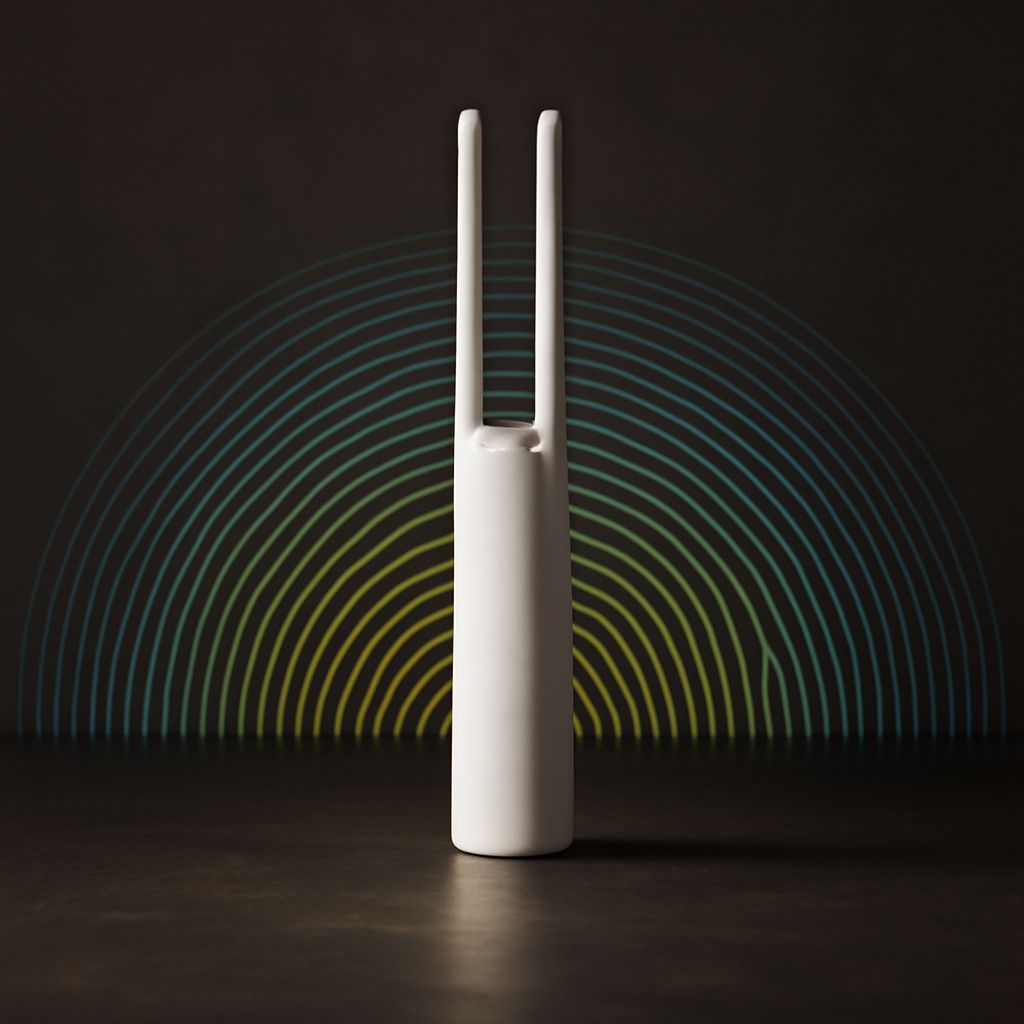
A 5 GHz antenna must be designed for the radio’s actual frequency range, not merely fitted with a connector that appears to match. Check the antenna data sheet for 5 GHz coverage, impedance—normally 50 ohms—gain, connector type, and rated power. An antenna intended only for 2.4 GHz may connect physically but perform poorly at 5 GHz because its radiation efficiency and matching are wrong.
Check these characteristics together:
- Band coverage: The antenna should cover the channels the router can use, including the desired upper or DFS range if applicable.
- Polarization: Align the antenna’s polarization with the client’s expected orientation. Mismatched polarization can reduce received signal even when the distance is short.
- Radiation pattern: An omnidirectional antenna spreads energy around the access point. A directional model concentrates it toward a corridor, building, or outdoor area but can weaken other directions.
- Connector and cable loss: Every adapter, connector, and length of coax reduces signal, with loss becoming more significant at 5 GHz. Use the shortest suitable cable and avoid unnecessary adapters.
For a router with multiple MIMO antenna ports, use a compatible multi-antenna arrangement rather than replacing one antenna at random. The router’s manual should specify whether antennas are dual-band, detachable, and interchangeable.
How should antenna placement match the coverage area?
Place the access point as centrally, openly, and high as practical, away from metal cabinets, dense masonry, appliances, and enclosed shelves. For an omnidirectional antenna, keep it upright when the main coverage area is on the same floor. Multiple antennas should use the manufacturer’s recommended orientation or spatial separation; do not bundle them tightly or point every antenna in the same direction without a reason.
Use a directional 5 GHz antenna only when the coverage goal is directional. Aim its main lobe through the rooms, corridor, or yard that needs service, and account for side and rear signal loss. More antenna gain does not automatically solve a blocked path: it may improve one direction while creating weak areas elsewhere.
How should you select and test a 5 GHz channel?
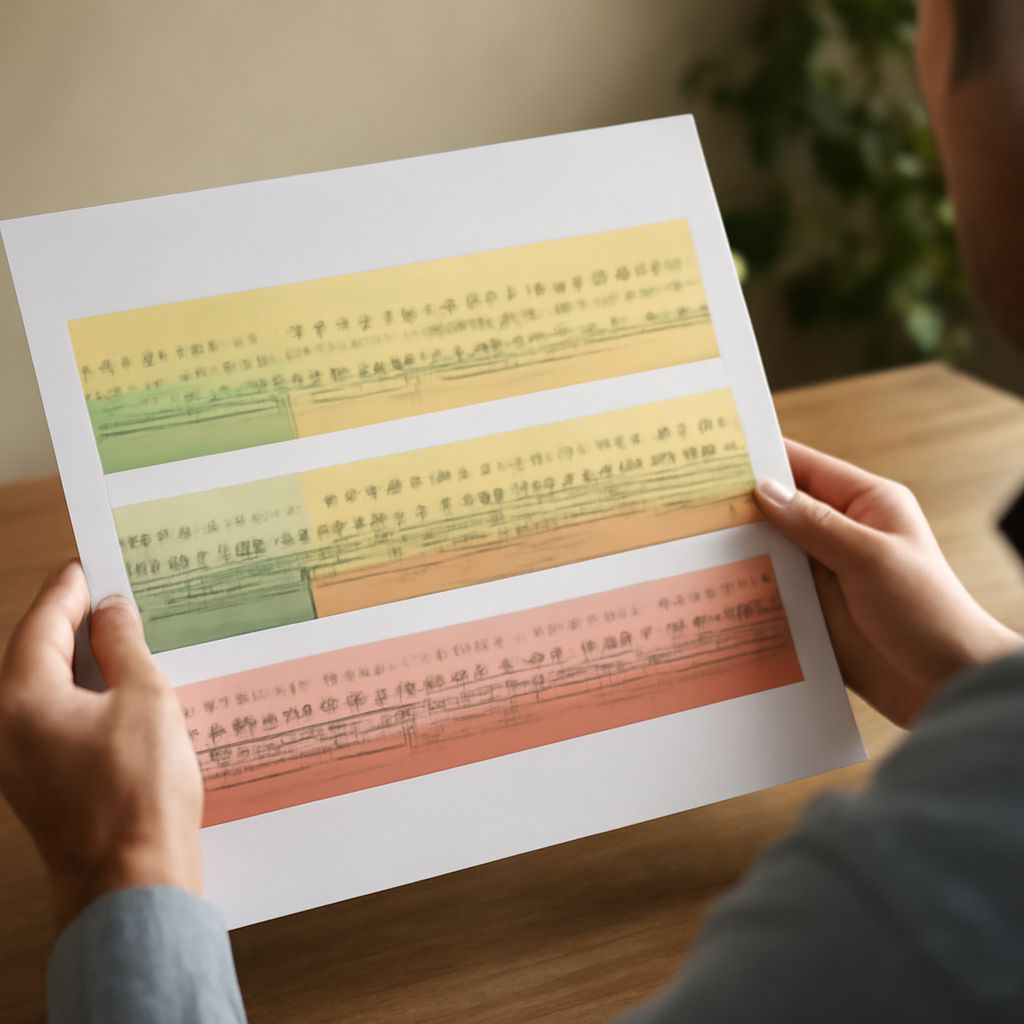
Start with a channel scan at the access point’s actual location. Nearby networks, their signal levels, and their channel widths matter more than a simple network count. Select the least congested channel that is supported by the router and clients. Avoid choosing a wide channel that overlaps several busy networks when a narrower clean channel would provide better airtime.
Channel width is a capacity trade-off:
- 20 MHz is the most resilient choice in crowded areas.
- 40 MHz often balances speed and interference.
- 80 MHz can deliver high throughput when the spectrum is clean and clients support it.
- 160 MHz requires unusually clean spectrum and compatible clients, so it is rarely the best default.
DFS channels can provide additional 5 GHz spectrum, but the access point must detect radar and may change channels or pause transmission. Some clients also fail to see or join DFS networks. Use a non-DFS channel when connection stability and broad client compatibility are more important than extra spectrum.
Test one change at a time. Record the channel, width, antenna arrangement, client, location, signal level, throughput, latency, and packet loss. Test near the router and at the intended coverage edge at the same times of day, using the same application or an internal throughput tool. Compare a clean 40 or 80 MHz channel with a wider alternative, then keep the setting that delivers consistent edge performance rather than the highest short-range speed.