An RG6 Siamese cable combines a 75-ohm coaxial video path with a separate pair of power conductors, making it useful for many security-camera installations. SDI, composite AV, and RF television, however, describe signal formats or transmission methods—not simply cable shapes. The same coax-looking cable can carry different signals that are not interchangeable.
The key decision is to identify both the cable medium and the signal. A passive adapter may change a connector, while an active converter changes the signal format. An RF modulator goes further by placing baseband video on a television channel.
What does RG6 Siamese cable combine for camera installations?
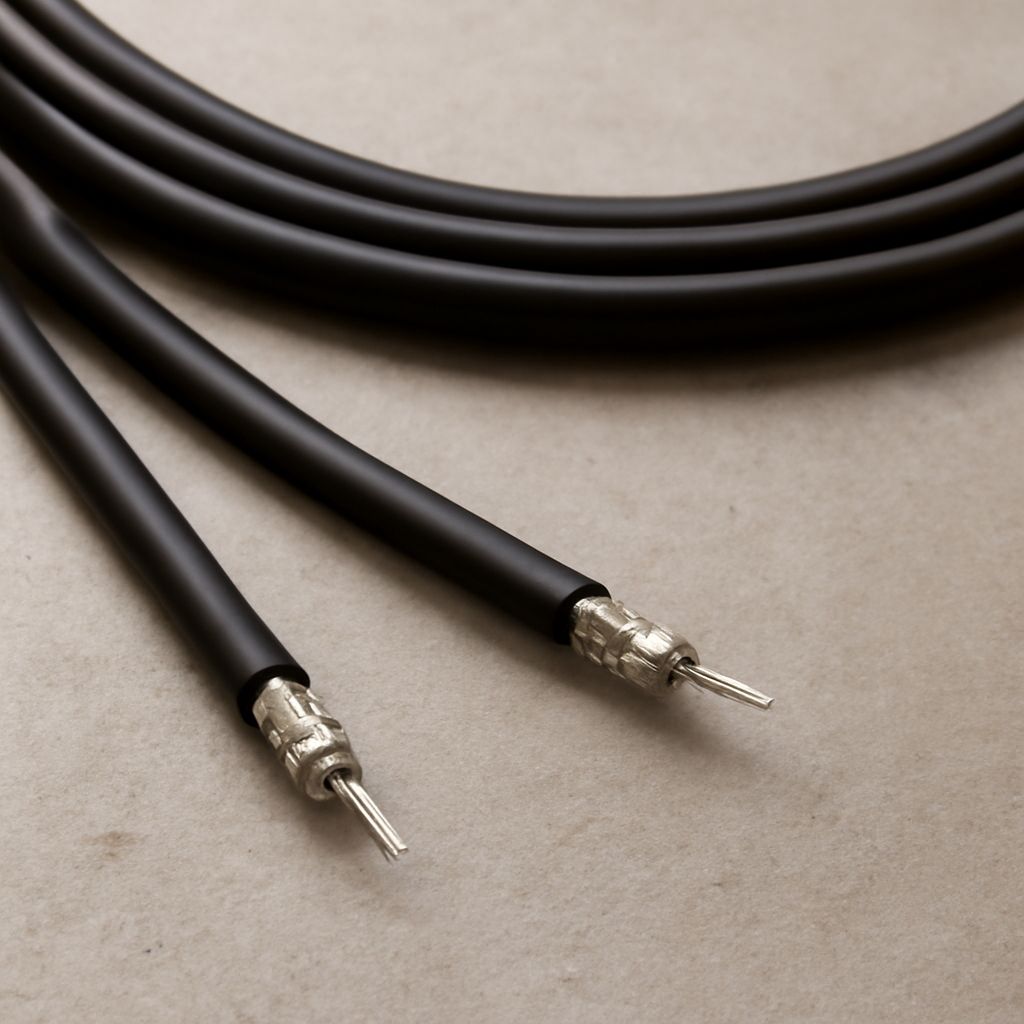
RG6 Siamese cable places two cables under one outer jacket. The RG6 portion contains a center conductor, dielectric insulation, shielding, and an outer jacket. It carries the camera’s video signal. The attached power portion contains two insulated conductors, usually used to deliver low-voltage DC from a power supply to the camera.
The coax and power circuits remain electrically separate. A BNC, compression, or other suitable connector terminates the video side, while the power pair may use a DC barrel connector, screw terminal, or splice connector. This arrangement reduces installation time because one jacket carries both services from a camera to a recorder or equipment cabinet.
- Use the coax section for compatible analog camera video or coax-based HD video.
- Use the power pair only for the camera’s specified voltage and current.
- Check conductor size and run length because voltage drop can cause camera restarts or unreliable infrared operation.
RG6 is generally a 75-ohm cable with relatively low loss, so it can suit longer camera runs. The cable label alone does not guarantee compatibility with every HD-over-coax or digital signal. Connectors, shielding, bandwidth, termination, and the camera system’s distance limits still matter.
SDI cable vs coax: what is actually different?
SDI, or Serial Digital Interface, is a digital video format transmitted over a 75-ohm coaxial connection. “Coax” identifies the cable construction; “SDI” identifies the signal traveling through it. Therefore, SDI cable vs coax is not a comparison between two completely separate cable families. A purpose-built SDI cable is coax designed and tested for the bandwidth and signal integrity that a particular SDI rate requires.
Professional SDI connections commonly use 75-ohm BNC connectors and properly terminated 75-ohm cable. Standard-definition SDI, HD-SDI, 3G-SDI, and faster variants place different demands on attenuation, return loss, shielding, and usable distance. A cable that carries ordinary analog video may produce errors, dropouts, or no usable picture at a higher SDI data rate.
Generic RG6 can carry some SDI signals over suitable, short, well-terminated runs, but its use should be based on tested performance rather than the word “coax” on the jacket. Avoid mixing 50-ohm components with a 75-ohm SDI path, and avoid unnecessary couplers or poor-quality BNC terminations.
SDI also does not automatically include power. An RG6 Siamese cable may provide a convenient power pair for a camera, but that pair does not make the coax SDI-compatible and does not carry the SDI data.
How do composite AV, baseband video, and RF television differ?
Composite AV is baseband video: the picture signal is sent directly, without being placed on a broadcast-style television channel. A typical composite source uses a yellow RCA connector for video and separate red and white RCA connectors for audio. CCTV equipment may use BNC for the same general 75-ohm composite video function.
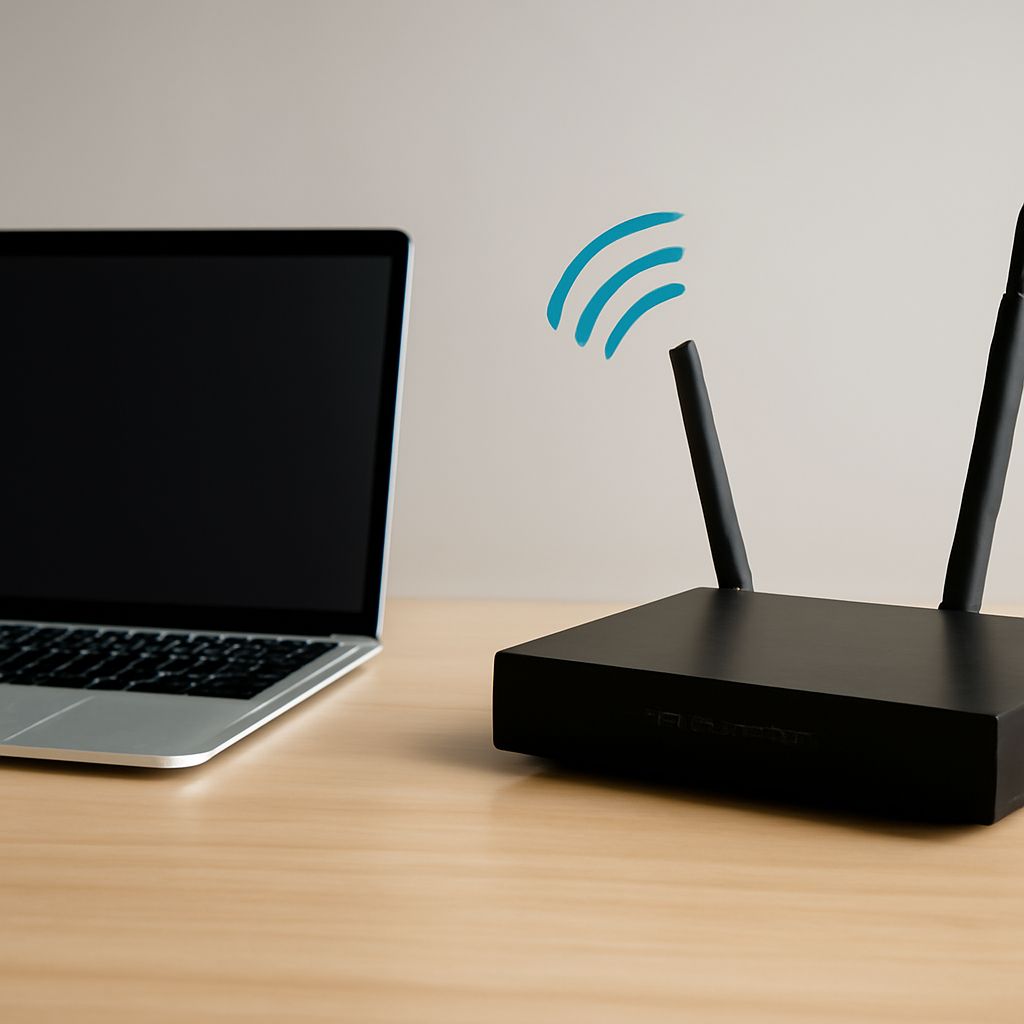
A television’s antenna input expects RF, not normally composite baseband. RF contains a modulated carrier assigned to a channel, such as a legacy channel 3 or 4 output from a small modulator. The television’s tuner selects that channel and demodulates it back into audio and video.
- Yellow RCA or video BNC to a compatible video input: usually a direct baseband connection.
- Composite output to a television antenna input: requires RF modulation.
- Coax cable between two devices: does not reveal whether the signal is composite, SDI, or RF.
This distinction is especially important in camera systems. A composite camera connected directly to a DVR’s compatible video input may work through a passive connector change. The same camera connected to a TV’s F-type antenna input will not create a selectable channel unless an RF modulator is added.
When does an AV-to-coax adapter need conversion or modulation?
An AV-to-coax adapter is sufficient only when the destination accepts the same underlying signal and the adapter changes the physical connection. For example, an RCA-to-BNC adapter can connect a composite source to a composite BNC input. An RCA-to-F adapter may fit a coax socket, but the matching connector does not turn composite video into RF television.
Separate the required functions before buying equipment:
- Connector adaptation: changes RCA, BNC, F, or another plug style. It is normally passive and does not process video.
- Impedance matching: helps maintain the expected 75-ohm relationship or corrects a specific connection mismatch. It does not change composite video into SDI or RF.
- Format conversion: actively changes one video format into another, such as composite to SDI, HDMI to SDI, or composite to HDMI. It needs powered electronics.
- RF modulation: actively converts baseband AV into a tunable RF channel for an antenna input. Choose a modulator that supports the required video and audio inputs and the destination television standard.
Use a passive adapter when the source and destination already speak the same video format. Use a converter when their formats differ. Use an RF modulator when the destination has only an antenna-style input and must tune to a channel. For a camera installation, also confirm whether the recorder expects composite, SDI, or another coax-based format before selecting the cable and adapter.