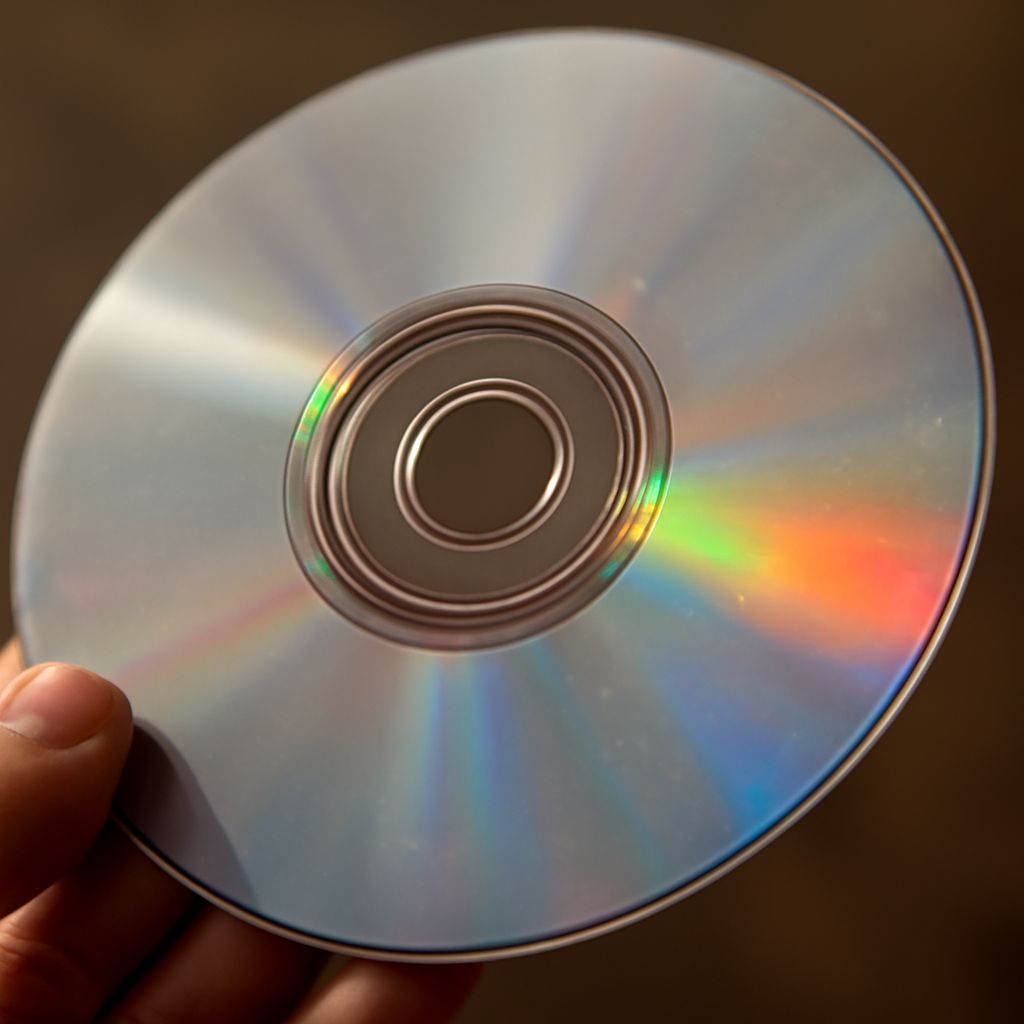
DVD players have become a staple in many households, often used for watching movies with exceptional video quality. However, a common question arises: do DVD players play CDs? The answer is yes. Most DVD players are designed with the capability to play CDs, allowing you to enjoy your favorite audio collections without needing a separate CD player.
Do DVD Players Play CDs?
The simple answer is yes, DVD players can play CDs. When DVD technology was developed, engineers made sure that these devices could support the playback of CDs to provide added convenience for consumers. This backward compatibility allows users to utilize their DVD players for both visual and audio entertainment. Most standard DVD players will support audio CDs, CD-Rs, and even CD-RWs, although it is always good practice to check the specifications of your specific DVD player model.
How DVD Players Handle CD Playback
DVD players handle CD playback using a laser system that reads the disc’s data. While the technology is similar, there are some differences in how DVDs and CDs are read. CDs and DVDs have different data storage layers and are read by using lasers at different wavelengths. A laser in a DVD player is designed to adjust between these wavelengths to read both formats. This versatility is what allows DVD players to play CDs effectively.
When a DVD player detects a CD, it shifts to using a longer wavelength laser suitable for reading the digital data stored on CDs. The player then processes this data and converts it into audio signals that can be played through your speakers or headphones. This process occurs seamlessly, ensuring you enjoy a smooth listening experience.
Considerations for Using CDs in DVD Players
While DVD players are generally compatible with CDs, there are a few considerations to keep in mind for optimal performance. First, ensure that the CD is clean and free from scratches, as damage can interfere with playback. Dirty or scratched discs may cause skipping or errors during playback.
Additionally, while most DVD players support CD-R and CD-RW formats, not all will. It’s important to verify your player’s manual or product specifications to confirm compatibility with these writable formats. Furthermore, the audio quality of CDs played on a DVD player should be comparable to that on a standard CD player, but differences might arise depending on the player’s digital-to-analog conversion quality.
Alternatives to DVD Players for CD Playback
If you’re considering alternatives to DVD players for CD playback, several options are available. Traditional CD players are specifically optimized for audio playback, often providing superior sound quality and additional features like shuffle and repeat modes tailored for music enjoyment.
Another option is to use a computer or laptop with a CD drive. Most computers have media player software that supports CD playback, and they can also rip CDs to digital formats for use across other devices.
For those who prefer a more modern solution, streaming music services or digital downloads offer a way to access music collections without physical media. Many users are opting for digital audio players or smartphones with music apps that allow for high-quality audio playback, offering both convenience and portability.
In summary, while DVD players are a convenient option for playing CDs, other devices may offer enhanced features or audio quality. Evaluating your specific needs and preferences can help you determine the best option for enjoying your CD collection.