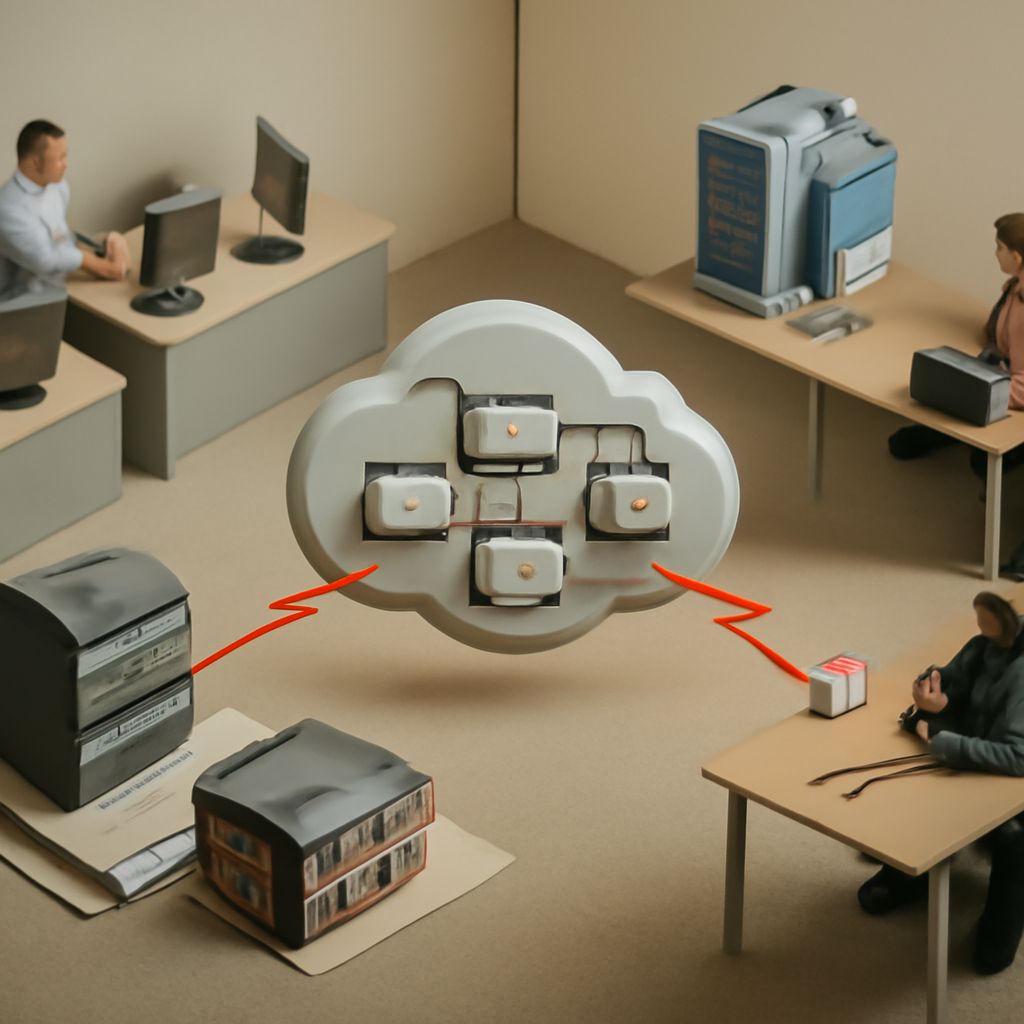
A laptop can reach a printer in the same office over a local network, while a company with offices in different cities needs connections between those local networks. The meaning of a WAN is a wide area network: a network that links locations across a broader geographic area.
WAN Network Definition: Beyond One Local Site
What is WAN? A wide area network connects geographically separated sites or networks. It uses communication links and routing equipment to carry traffic between them. Those links can use different technologies and may be supplied by one or more network providers.
A local area network, or LAN, usually connects devices within a home, office, or other limited area. A WAN extends connectivity between locations. The internet is a very large public network of networks, while a company can also build or purchase private connectivity between its own sites.
What is a WAN network in practical terms? Imagine two offices, each with its own LAN. A router at each office connects the local network to a provider’s service. When a computer in one office needs a server at the other, the routers and intervening network carry the traffic across the wide area connection.
The WAN network definition describes the scope and purpose of that connection, not one required cable or protocol. Fiber, cellular links, leased services, and encrypted tunnels over the internet can all play a role in a design.
At Home: The Router’s WAN Port
A home router commonly has a port labeled WAN or Internet. It connects to a modem, fiber terminal, or other provider equipment, depending on the service. The router’s LAN ports and Wi-Fi serve devices inside the home; the WAN connection leads toward the provider’s network.
When a laptop opens a website, it sends traffic through the router to the provider and onward across the internet. Replies return through that path to the home network. The port label helps identify the router’s external-facing connection, although some equipment uses a configurable port or combines the modem and router in one gateway.
If the home network works locally but websites do not load, the problem may lie on the provider side, in the router’s external connection, or elsewhere in the path. A WAN status page can show whether the router has a connection and an address. That status is a clue, not a complete test of every website or service.
Between Offices: Private Links and Internet Tunnels
A business might connect a headquarters and a branch through a private service from a telecommunications provider. The provider carries traffic between agreed locations without presenting the service as ordinary public internet access. The operator should still specify performance, resilience, and security requirements in the contract and network design.
Another business might use internet connections at both offices and establish a virtual private network, or VPN, between them. A site-to-site VPN creates an encrypted tunnel across an underlying network. Each office router sends selected traffic into the tunnel; the other end receives and forwards it to the destination LAN.
| Approach | Underlying path | Planning question |
|---|---|---|
| Provider private service | Provider-managed connectivity between sites | What bandwidth, availability, and recovery terms apply? |
| Site-to-site VPN | Internet or another IP network | Can both sites maintain adequate connectivity and tunnel capacity? |
These approaches can also be combined. An organization may use a private link for primary connectivity and an internet-based VPN as a backup. A private service is not automatically encrypted; determine whether encryption is required and how it will be provided.
What Determines Connection Quality?
Bandwidth is the capacity available to carry data, commonly expressed in megabits per second. Latency is the time it takes data to travel across the path; it can affect interactive applications and calls even when bandwidth is plentiful. Packet loss and variation in delay can also interrupt voice or video.
Physical distance, the number of network hops, congestion, access technology, and equipment capacity can all affect performance. A backup link can improve resilience, but only if the equipment and routing can switch to it and the backup has enough capacity. Test that behavior before an outage.
To evaluate an office connection, measure from the locations and applications that matter. Compare results at different times, record latency and loss as well as throughput, and check both ends of the path. If one site’s local network is overloaded, replacing a wide area link alone may not solve the problem.
Is the internet the only WAN option? No. Organizations can use private provider services or other dedicated links between sites; internet-based VPNs are another option. The appropriate choice depends on coverage, cost, performance, and security requirements.