Choose cellular internet hardware in this order: confirm that the modem supports your carrier’s bands and SIM service, select the router interface you need, then decide whether an antenna can improve the radio link. An outdoor cellular antenna is useful only when it connects to compatible antenna ports, covers the active bands, and can be installed close enough to the modem to limit cable loss.
For fixed home internet, an integrated 5G or 4G gateway is usually the simplest option. Travel users may prefer a compact router or USB modem, while backup users should prioritize quick failover, Ethernet, and stable operation over maximum peak speed.
Which cellular router, modem, gateway, or USB modem is right?
The modem is the cellular radio. It communicates with the carrier network, handles the SIM or eSIM, and converts the mobile signal into an internet connection. A router shares that connection with multiple devices through Wi-Fi and Ethernet. A gateway combines the modem and router in one enclosure, often adding firewall, DHCP, phone, or mesh-network features.
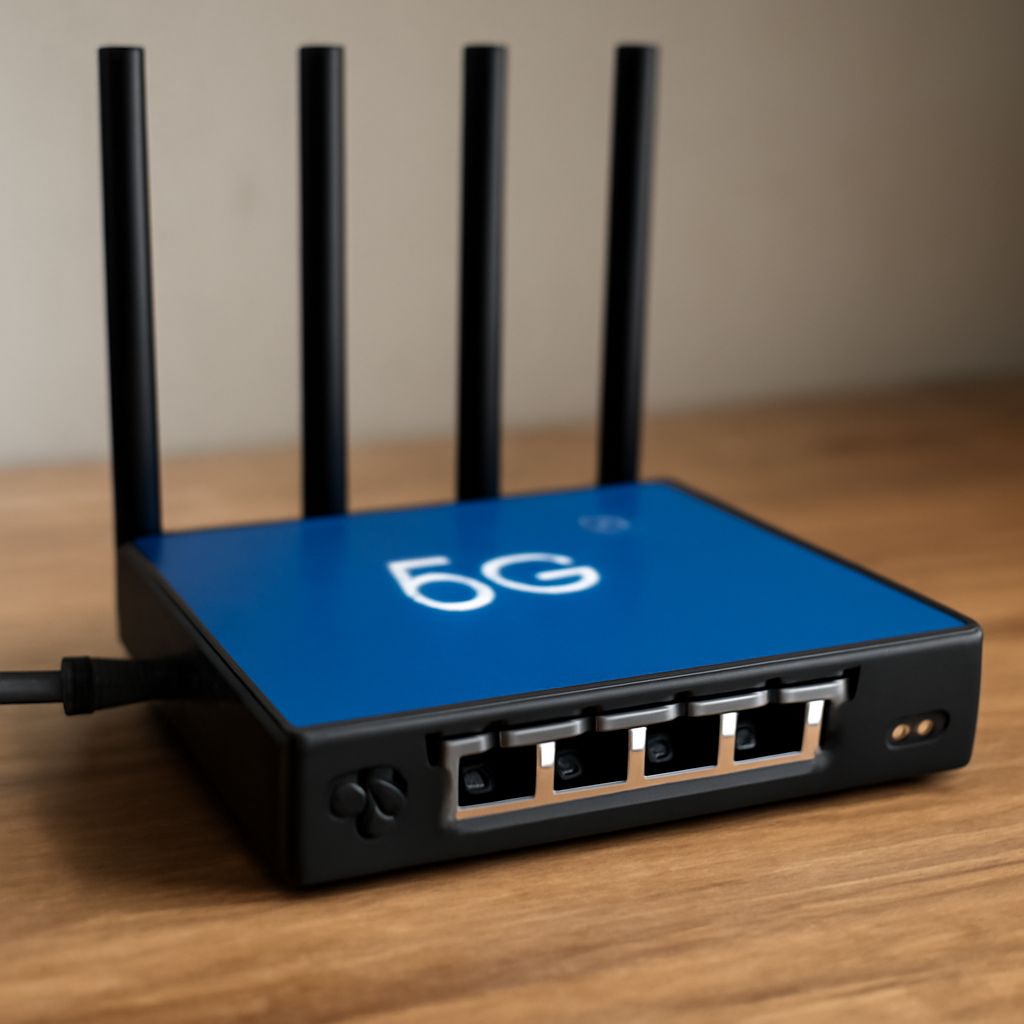
A cellular router is the best general-purpose choice when several people, cameras, computers, or smart-home devices need to connect. Check its Wi-Fi generation, number of Ethernet ports, WAN failover support, bridge or passthrough mode, and management features. A model with gigabit Ethernet is preferable if the cellular connection can exceed 100 Mbps or if it will feed a separate Wi-Fi system.
Choose a dedicated 5G modem router when you need higher capacity, lower latency, or better performance in a congested area. Integrated units are easier to install, but a separate modem and router can be more flexible: you can place the modem near a window or antenna and connect it to a preferred wired or wireless router.
A USB modem connects directly to one computer or to a router that explicitly supports USB cellular modems. It is compact and inexpensive, but it may lack Wi-Fi, Ethernet, advanced routing, and external antenna ports. Verify that the host router supports the modem’s operating mode before buying; “USB port” alone does not guarantee compatibility.
How do carrier bands and SIM service affect a 5G modem router choice?
Start with the carrier, country, and service plan rather than the advertised speed. Find the LTE and 5G bands used at your location, then compare them with the modem’s supported bands. A modem can be unlocked yet still perform poorly if it lacks a carrier’s main low-band coverage or capacity bands. Band support is a hardware limitation, not something firmware can always add later.
Check the network technology as well as the band numbers. Some 5G deployments require particular LTE anchor bands for non-standalone operation, while standalone 5G may require different modem support. Carrier aggregation also matters: a modem that combines several compatible LTE or 5G bands can deliver more capacity than one using a single band.
Confirm service compatibility before installation. The SIM may need a phone, tablet, hotspot, or data-device plan, and some carriers restrict tethering or require an approved device identifier. Check physical SIM size or eSIM support, APN settings, authentication requirements, and whether the plan permits a router. An unlocked device does not automatically mean every plan will activate.
Inspect the modem’s antenna connectors and radio specifications. Two or more ports may support MIMO, in which separate antenna paths improve speed and reliability. A 4×4 MIMO modem may need four connected paths for its best performance, although it can often operate with fewer. Do not confuse cellular connectors with Wi-Fi antenna connectors, which serve different radios and frequencies.
When does a 4G LTE USB modem suit travel or backup internet?
A 4G LTE USB modem suits a laptop, small travel router, or backup connection when portability and simple deployment matter more than whole-home coverage. It can be kept in a travel kit, moved between locations, or connected to a dual-WAN router when the primary wired service fails. Its limitations are usually one-device operation, modest thermal capacity, and fewer antenna options than a dedicated gateway.
For travel, select a compact router with a removable SIM, supported local bands, and a battery or USB-C power option if needed. Ethernet is useful in hotels, offices, and temporary work sites; Wi-Fi is more convenient for several devices. If the router will be used across countries, compare regional band support rather than assuming a global label covers every network.
For backup at home, use a gateway or modem with Ethernet failover, automatic recovery, and a data plan suited to occasional outages. Place it where it receives a dependable signal, then connect it to the main router’s WAN or failover port. A USB modem can work, but only if the router supports its drivers, tethering mode, and automatic reconnection.
When does an outdoor cellular antenna improve signal, and where should it go?
An external cellular antenna is most likely to help when the modem has a weak or unstable signal inside a building, the outside signal is measurably stronger, or the installation can obtain a clearer path toward the serving site. It may improve signal quality and consistency even when download speed does not increase dramatically.
Test before buying when possible. Compare the modem’s signal readings indoors and at potential mounting points, including RSRP, RSRQ, and SINR. Better SINR often matters more than raw signal strength. If the outdoor location has the same interference or uses bands the modem cannot support, an antenna will not solve the problem.
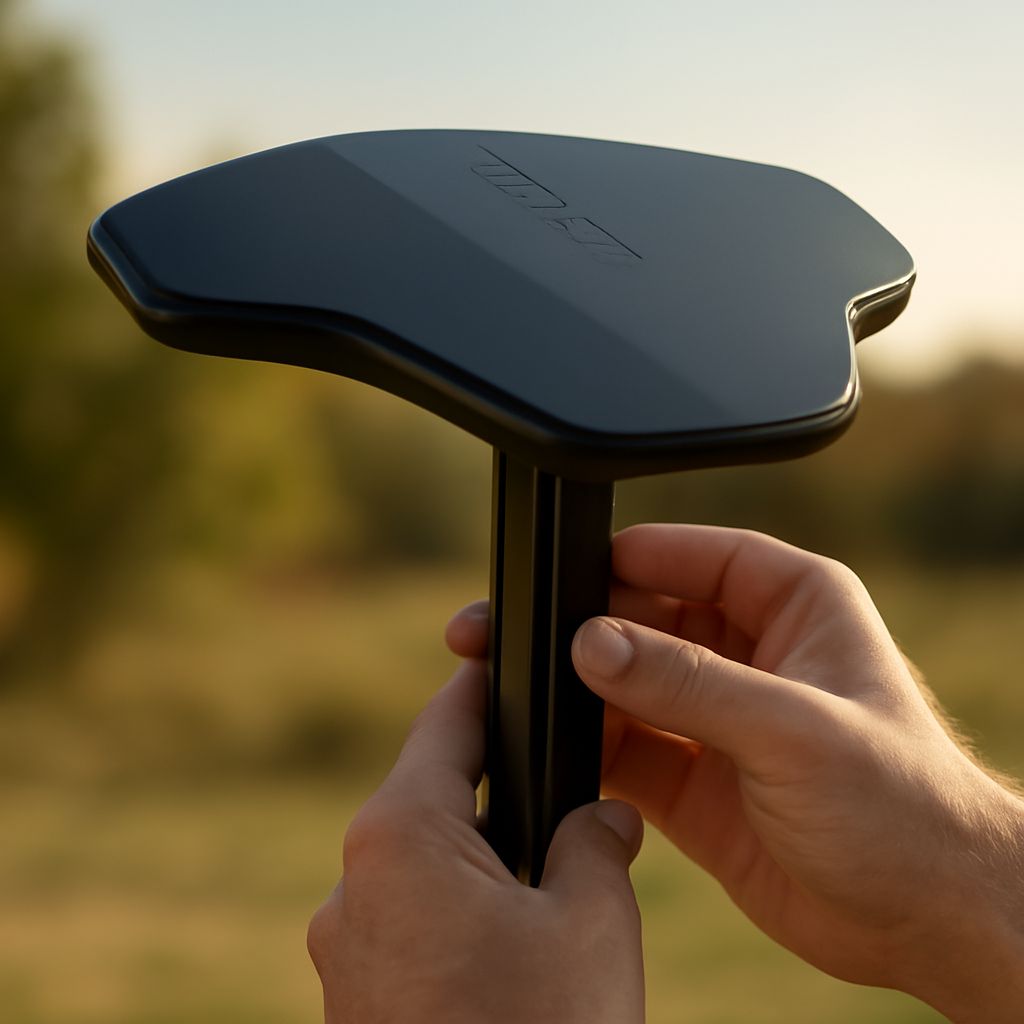
Match the antenna to the bands and radio arrangement. A directional antenna can provide useful gain when the tower direction is known and interference comes from other directions. A wideband omnidirectional antenna is easier for travel or uncertain tower locations, but may offer less gain. For MIMO, use a matched two- or four-element antenna system and connect every required path.
Keep the modem and antenna cable run short. Coaxial cable loses signal, especially at higher 5G frequencies, and a high-gain antenna can lose its practical advantage through a long, thin, or poorly terminated cable. It is often better to mount the modem near the antenna and run Ethernet indoors than to place the modem far away and use a long coaxial lead. Use weatherproof connectors, a drip loop, grounding where appropriate, and cable rated for outdoor exposure.
Indoor placement is the first low-cost test: try a window, upper floor, or side of the building facing the strongest signal, away from metal, electrical equipment, and thick concrete. Use an outdoor mount when walls block the useful bands, the roof or pole has a clearly better reading, or the signal changes significantly with weather or building activity. Rotate a directional antenna gradually, checking SINR and sustained throughput at each position rather than relying only on the carrier bars.