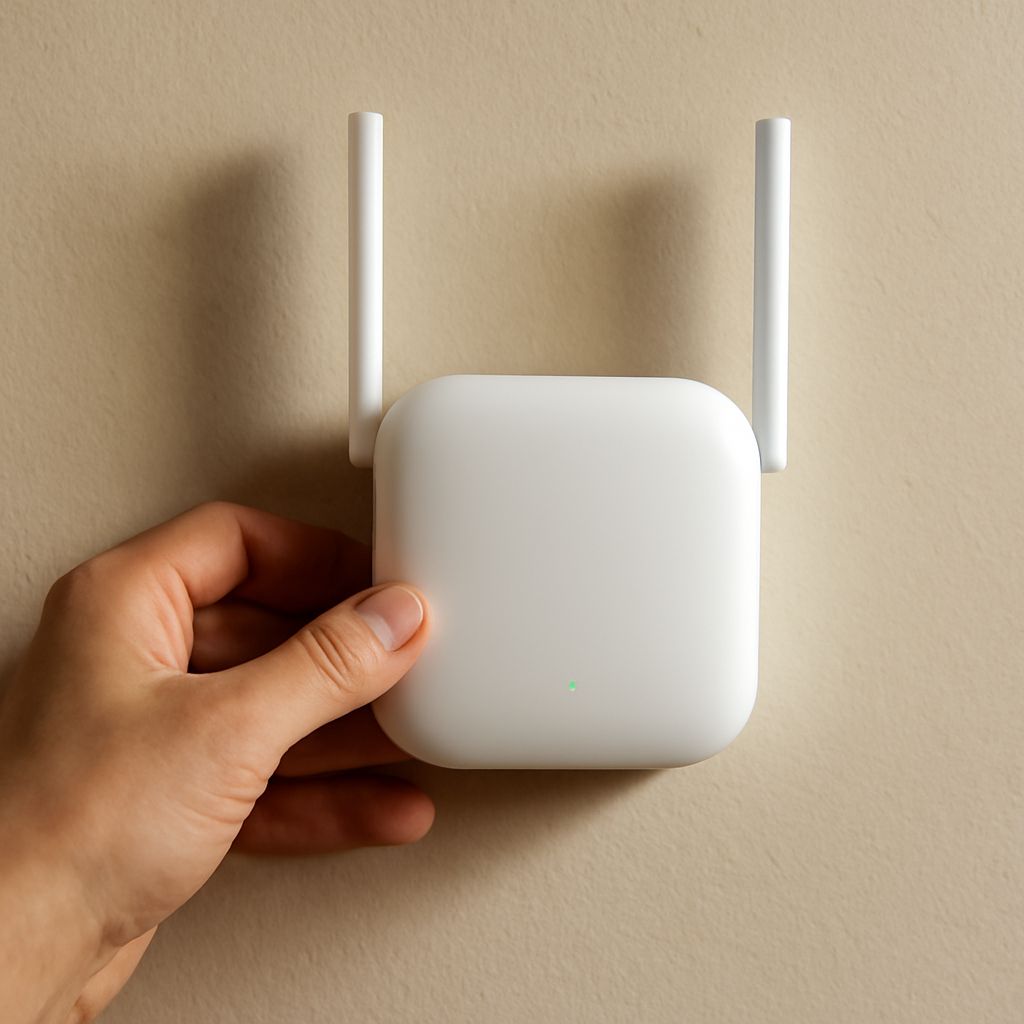
If you can run Ethernet to the weak-coverage area, choose an access point; it provides a dedicated wired backhaul and usually the best capacity. Choose a repeater only when cabling is impractical and the source Wi-Fi remains usable at the repeater’s planned position. A wireless router antenna can reshape coverage, but it cannot replace either upstream connection.
Decide in that order: identify whether a cable is available, test the source signal where the extension will sit, then change hardware or antenna placement. The coverage problem determines the right solution more reliably than a claimed maximum range.
What does a wireless router antenna actually affect?
An antenna affects the direction, shape, and bands of a router’s radio coverage. An omnidirectional antenna generally radiates around the router, while a directional design concentrates more energy toward a particular area. Higher-gain omnidirectional antennas often produce a flatter pattern: more horizontal reach, but less coverage directly above or below the router.
Orientation matters. A vertically mounted antenna usually favors coverage across the same floor, while tilting or repositioning it can change where the strongest part of the pattern falls. Keep the router and its antennas away from metal cabinets, dense walls, and enclosed shelves. Client devices also need a usable return path; a phone may hear the router while its weaker transmitter cannot reliably answer.
Check band support before replacing an antenna. A 2.4 GHz-only antenna cannot improve a 5 GHz connection, and dual-band routers may use antenna designs intended for several bands or multiple-input, multiple-output radio paths. An antenna with more gain is not automatically better. It cannot increase a router’s processing capacity, repair interference, or create an upstream connection. In many homes, repositioning the existing router or adding a wired access point produces more useful coverage than a modest gain change.
Access point vs repeater: Which backhaul fits the network?
The key difference in an access point vs repeater comparison is the backhaul—the connection carrying traffic from the extension to the main router.
- Access point: Ethernet connects the device to the router or a network switch. The access point then serves nearby Wi-Fi clients over its radio. Client traffic does not need to make a second wireless hop back to the router.
- Repeater: Wi-Fi connects the device to the main router, and the repeater retransmits that traffic to clients. The extension depends on the quality of both the source-to-repeater link and the repeater-to-client link.
A wired access point normally delivers higher and more consistent capacity because the wireless airtime is reserved mainly for client traffic. A single-radio repeater must receive and transmit over the air, taking turns on the same channel. That retransmission consumes airtime and can substantially reduce practical throughput, especially when several devices are active. Dual-radio repeaters can dedicate one band to the backhaul, but the backhaul is still wireless and remains sensitive to distance, walls, interference, and congestion.
Use an access point when you can install Ethernet, need stable performance for streaming or work, or expect many connected devices. Use a repeater when running cable is unrealistic, the coverage gap is modest, and lower capacity is acceptable.
Repeater vs access point: How do placement and capacity differ?
For a wired access point, run Ethernet to a location near the users who need coverage. Place it in the open, above furniture where practical, and away from large metal objects. It can sit closer to the weak area because its uplink does not depend on receiving the main router over Wi-Fi. Configure compatible security and network settings, then select a channel that does not create unnecessary interference with nearby access points.
For a repeater, placement must serve two sides of the connection. Put it between the main router and the weak area, but closer to the router than to the dead zone. The source signal at that position must be stable and usable. Do not place a repeater where the source network is already unusable; it will retransmit a poor or absent connection, not recover it. A higher position with fewer walls can help, but distance and building materials still determine the result.
In a repeater vs access point decision, capacity usually favors the access point, while installation convenience favors the repeater. A repeater can extend a signal into one room, but it may add latency and reduce speeds during busy periods. An access point requires cable installation but gives the extension a dependable path to the rest of the network.
How do you choose and validate the layout?
- Map the problem. Test Wi-Fi in the rooms that matter using the same device and application. Record speed, latency, and connection stability, not just the signal bars.
- Check the proposed uplink location. If Ethernet can reach the area, install an access point. If not, stand at the planned repeater position and verify that the main router still provides a stable connection on the required band.
- Install the extension. Put the access point near the target users. Put the repeater where the source remains strong, then let it serve the remaining distance. Avoid hiding either device in a cabinet.
- Validate both links. Test beside the extension and at the original weak spot. For a repeater, confirm its router-side connection as well as client-side speed. Repeat tests when the network is busy and check latency, dropped connections, and the negotiated band.
If the repeater’s router-side link is weak, move it toward the main router rather than deeper into the dead zone. If that still leaves inadequate coverage or capacity, the practical upgrade is Ethernet to an access point—not a higher-gain antenna alone.