The most useful TV antenna hacks address a specific reception problem: weak placement, incorrect aiming, cable loss, or overload from an amplifier. Moving an antenna higher can improve a blocked path, while changing a coax connector can reduce signal loss. Neither modification can make a small antenna cover a band it was not designed to receive.
Start by identifying the signal path and recording which channels fail. Then change one factor at a time and compare the same channels before and after the adjustment.
What TV Antenna Parts Complete the Signal Path?
A complete TV antenna system usually contains these TV antenna parts:
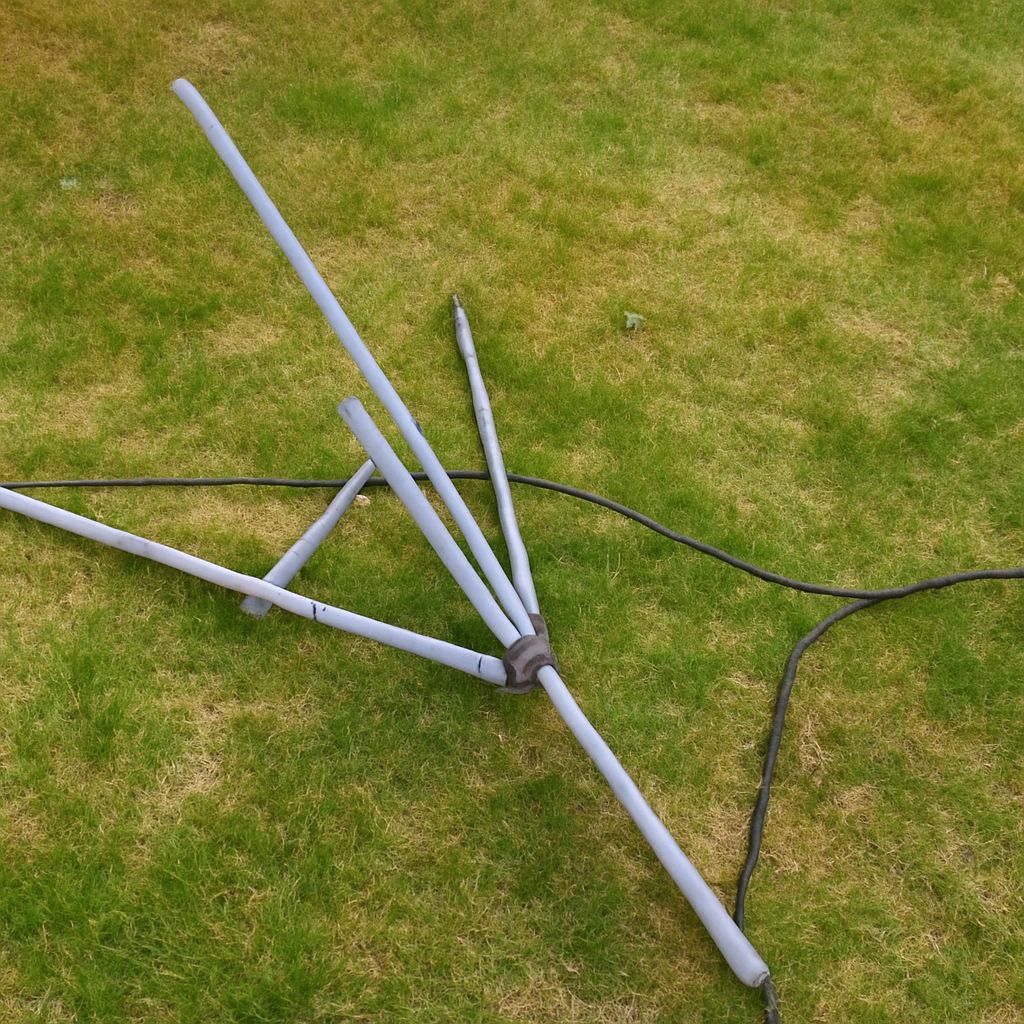
- Elements: The metal rods, bars, or printed traces that capture broadcast energy. Their length and arrangement determine which VHF or UHF frequencies the antenna can receive and how strongly it favors a direction.
- Balun: A transformer that connects the antenna’s balanced element terminals to 75-ohm unbalanced coaxial cable. A damaged or poorly fitted balun can cause weak or intermittent reception.
- Mast or pole: The vertical support that places the antenna above the roof, wall, or indoor obstruction. It does not add electronic gain by itself.
- Mount: The brackets, clamps, or base that hold the antenna securely and allow directional aiming.
- Coaxial cable: Usually 75-ohm RG6 for longer or outdoor runs. Every extra length, sharp bend, damaged section, and poor connection adds loss.
- Connectors: F-connectors should fit tightly, with no loose braid or exposed center conductor touching the shield.
- Splitter: A two-way or multi-way splitter divides one antenna feed among televisions. The division creates insertion loss, even when all outputs are unused.
- Optional amplifier: A preamplifier near the antenna can compensate for cable and splitter loss when the incoming signal is clean but weak. It cannot repair an antenna aimed away from the transmitter or create missing band coverage.
Keep the system as simple as the installation allows. A short, continuous coax run from the antenna to one television generally loses less signal than a long run through several connectors and splitters.
What Is a Stick TV Antenna Designed to Do?
A TV antenna stick is a compact indoor antenna, commonly a thin rod, flat panel, or powered USB-style unit. It is designed for convenience in locations with moderate signal strength, nearby transmitters, and limited obstructions. Many include a small amplifier, but “amplified” describes signal processing, not guaranteed reception range.
Compact stick antennas are easy to place near a window or rotate toward a transmitter. Their limitations are equally important: a small design may have less effective capture area, less directional rejection, and weaker VHF performance than a purpose-built outdoor model. Buildings, foil-backed insulation, metal screens, and nearby electronics can further affect indoor reception.
A larger directional antenna is usually the better choice when stations arrive from one known direction or when buildings and terrain weaken the signal. A multi-band antenna is more suitable when the desired stations use both VHF and UHF frequencies. Check the stations’ actual RF bands rather than relying only on their virtual channel numbers. Moving from a stick antenna to a larger design can improve weak channels, but no antenna receives every band equally well.
When Do TV Antenna Poles and Placement Changes Help?
TV antenna poles help when height clears a roofline, trees, nearby buildings, or interior walls. Raising an outdoor antenna can also reduce reflections from surrounding objects. The improvement comes from a clearer path and better placement, not from the pole acting as an amplifier.
Test placement in this order:
- Move an indoor antenna near an exterior window or higher wall, keeping it away from metal blinds, routers, and large appliances.
- Rotate a directional antenna toward the transmitter group. If stations come from different directions, compare the best compromise position with a multi-directional or rotator-based setup.
- For an outdoor installation, raise the antenna in small increments and keep the mast stable. Use an appropriate mount and weather-resistant connections; excessive height is not useful if the cable becomes much longer or the antenna remains obstructed.
- Replace visibly damaged coax, then bypass a splitter temporarily to determine whether distribution loss is part of the problem.
A pole cannot change the antenna’s element dimensions, convert a UHF-only design into a strong VHF antenna, or compensate for severe cable damage. It can only improve the conditions in which the existing antenna operates.
Which TV Antenna Hacks Are Worth Testing by Channel?
Match each adjustment to the symptom rather than trying several changes at once:
- Only distant or weak channels break up: Test a higher position, a clearer window, more precise aiming, or a larger directional antenna. These changes address path loss and antenna gain.
- Channels from one direction work while another group fails: Re-aim the antenna or use a design with a wider pattern. If the groups occupy different bands, choose an antenna rated for both rather than adding an unrelated accessory.
- Every channel becomes worse after adding a splitter: Remove the splitter for a direct test. If the signal returns, use a low-loss splitter and consider a properly installed distribution amplifier.
- Reception declines over a long cable run: Test a shorter RG6 cable and inspect each connector. A low-noise preamplifier near the antenna may help when the source signal is already usable.
- All channels show overload, distortion, or sudden failure after amplification: Remove or reduce the amplifier. Too much gain can overload the tuner and is not a cure for a strong but poorly aimed signal.
- One band remains missing after placement changes: Check the antenna’s VHF/UHF specifications. This is a coverage limitation, not a problem that tape, reflectors, or decorative wire can reliably solve.
Before each change, note the same channel’s signal strength, signal quality, and dropout frequency in the television’s diagnostic screen. Rescan only when necessary; rescanning can hide whether the original channel was actually improved. Keep the change if the target channels improve without causing new dropouts on other channels, then test every television connected to the system.