Choosing the right HDTV antenna can significantly enhance your TV viewing experience by providing access to free over-the-air (OTA) channels in your area. The benefits of using an HDTV antenna include better picture quality and the opportunity to receive local broadcasts without a subscription fee. This guide will help you select the best HDTV antenna for your needs, explain how to install it effectively, and provide tips on placement and troubleshooting common issues.
What Are the Types of HDTV Antennas?
Understanding the various types of HDTV antennas is crucial before making a purchase. The primary types include:
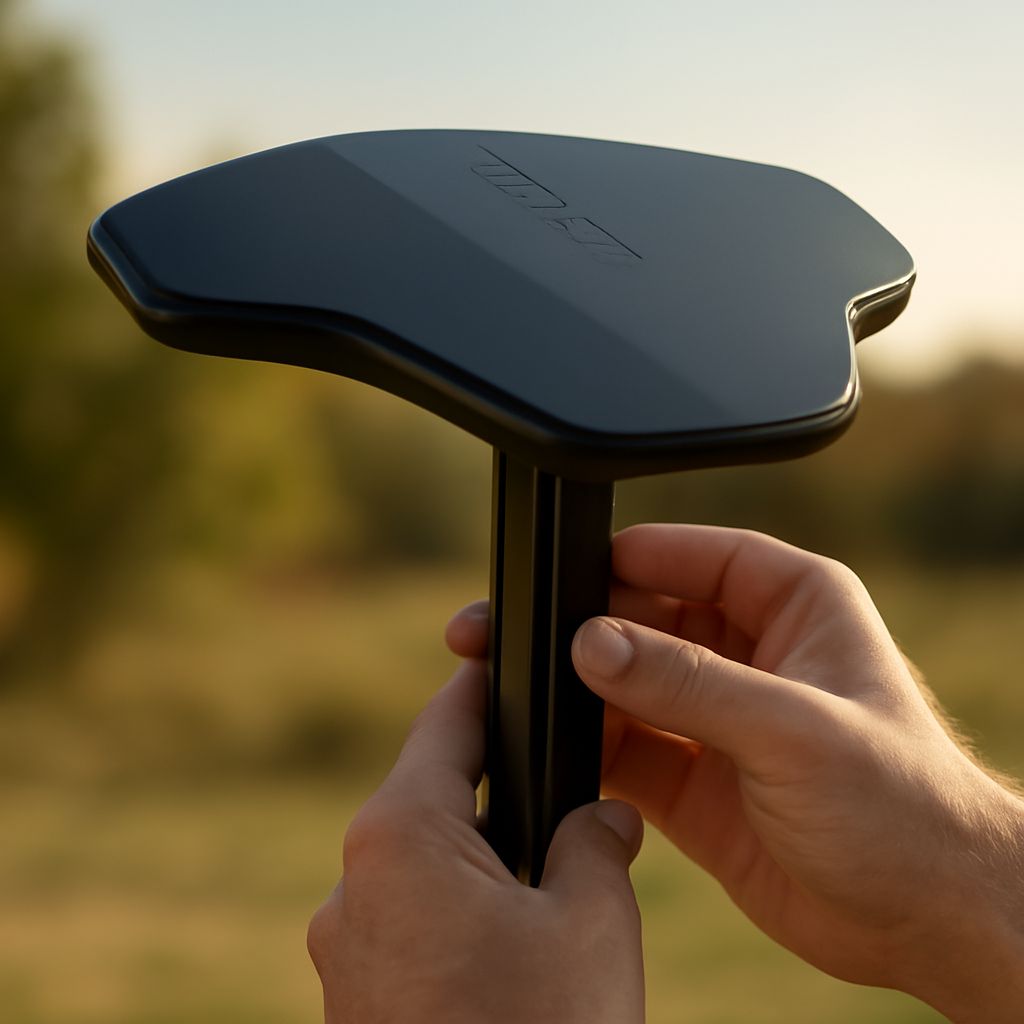
- Indoor Antennas: These are compact and convenient, making them a popular choice for urban areas where broadcast towers are nearby. Indoor antennas are easy to install and often come with a flat or loop design that can be placed near a window or mounted on a wall.
- Outdoor Antennas: Ideal for rural or suburban areas, outdoor antennas provide a stronger signal and can receive broadcasts from further distances. They are typically mounted on a roof or an elevated pole.
- Amplified Antennas: These antennas include a built-in amplifier to boost weak signals, making them suitable for areas with poor reception or obstructions such as tall buildings or hills.
- Directional and Omnidirectional Antennas: Directional antennas focus on signals from one direction, improving reception for a specific broadcast tower. Omnidirectional antennas can receive signals from multiple directions, which is beneficial if there are several towers in various locations.
How to Install Your HDTV Antenna for Best Reception
Proper installation is key to maximizing the performance of your HDTV antenna. Follow these steps for optimal results:
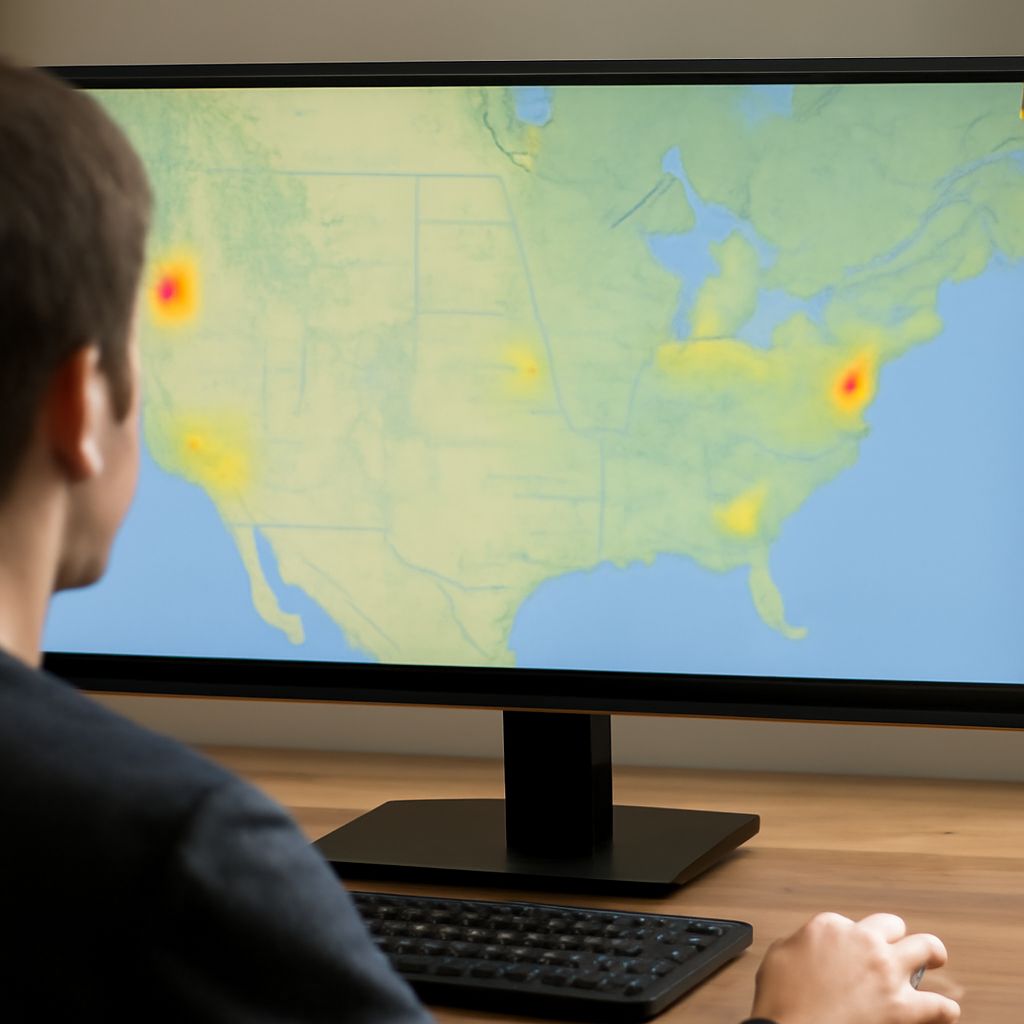
- Research Broadcast Towers: Use online tools to locate the nearest broadcast towers and determine the best direction to point your antenna.
- Mount the Antenna: For outdoor antennas, use a sturdy mount on the roof or an elevated location. Indoor antennas should be placed near a window or on a wall facing the towers.
- Connect to TV: Attach the antenna to your TV using a coaxial cable. Ensure the connection is secure to prevent signal loss.
- Scan for Channels: Once connected, perform a channel scan on your TV or digital tuner to detect available OTA channels.
Where Should You Place Your HDTV Antenna?
Placement of your HDTV antenna can greatly affect signal strength and picture quality. Consider the following tips:
- Height is Key: The higher the antenna, the better the reception. Outdoor antennas should be mounted as high as possible, while indoor antennas should be placed on the highest accessible point.
- Avoid Obstructions: Place the antenna away from metal objects, large appliances, or walls that may block signals.
- Face Broadcast Towers: Direct the antenna toward the location of nearby broadcast towers for optimal signal reception.
- Experiment with Placement: Sometimes slight adjustments in position can significantly improve reception. Try moving the antenna and rescanning for channels if needed.
How to Troubleshoot Common HDTV Antenna Issues
If you encounter problems with your HDTV antenna, here are some troubleshooting steps to enhance reception:
- Reposition the Antenna: If some channels are missing or the signal is weak, try adjusting the position or angle of the antenna.
- Check Connections: Ensure all cables are tightly connected and free of damage. A loose or damaged cable can cause signal loss.
- Use an Amplifier: If you are in a fringe reception area, consider using an amplified antenna to boost signals.
- Perform a Rescan: Channels can change frequencies; rescanning periodically ensures you have access to all available channels.
- Weather Impact: Bad weather can temporarily affect signal quality. Check reception again once conditions improve.
By understanding the different types of HDTV antennas and following these installation and troubleshooting tips, you can enjoy clear and reliable broadcast television with your OTA antenna setup.