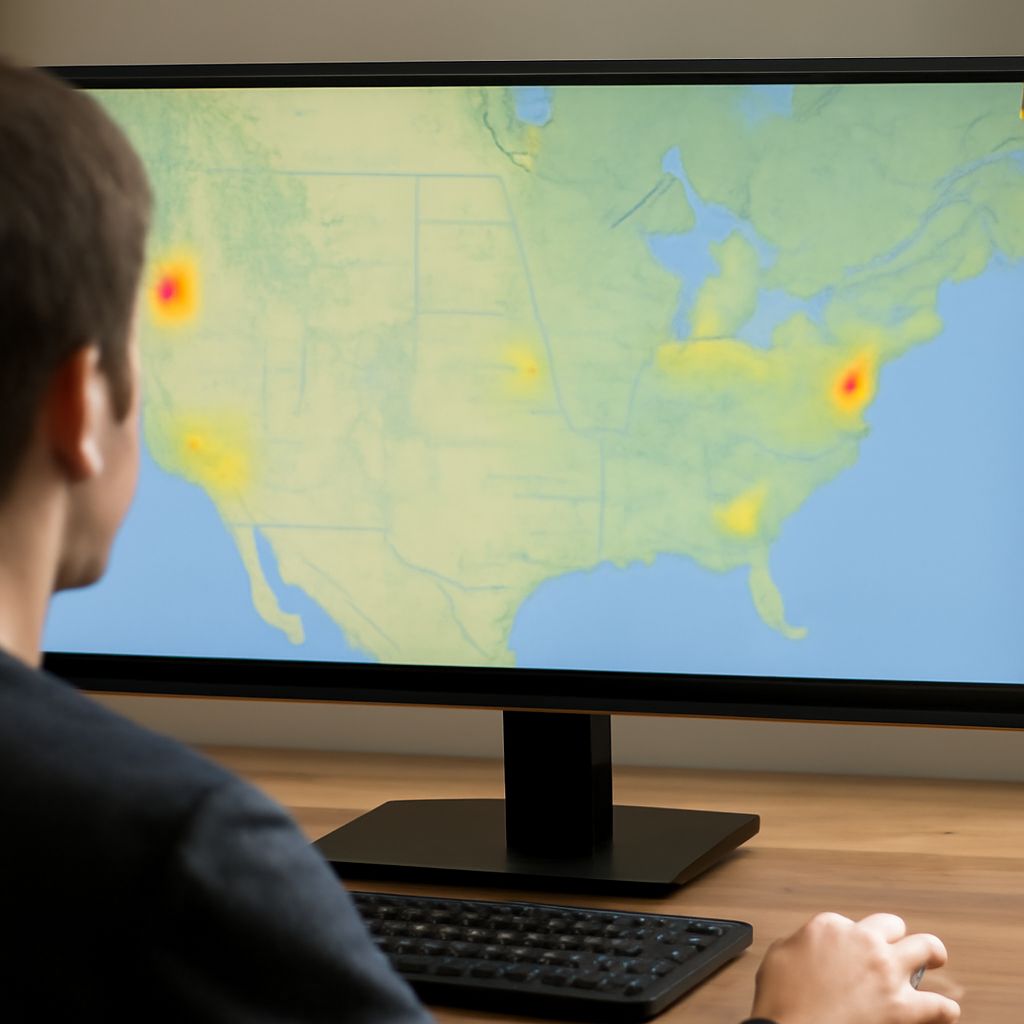
Experiencing a nationwide internet outage can be frustrating, especially when you’re trying to stay connected to work, news, or entertainment. Understanding the causes and discovering solutions can help you manage these situations effectively. Whether your internet isn’t working or you want to know what’s going on with the internet, this guide will provide clarity and steps to troubleshoot these issues.
What Causes Nationwide Internet Outages?
Nationwide internet outages occur due to a variety of reasons, each affecting connectivity on a massive scale. One common cause is infrastructure issues, such as damaged fiber optic cables or network hardware failures. Natural disasters, including earthquakes or hurricanes, can result in widespread damage to internet infrastructure, leading to significant disruptions.
Cyber attacks also contribute to mass internet outages. Distributed Denial of Service (DDoS) attacks can overwhelm networks, causing them to slow down or shut down entirely. Additionally, technical errors during software updates or network configuration changes can inadvertently lead to internet outages across large areas.
Another factor is high traffic demand. When an extraordinary number of users try to access the internet simultaneously, especially during significant global events, networks can become overloaded, resulting in outages. Lastly, power outages can also affect internet service providers, leading to connectivity issues that may span nationwide.
How Can I Check if the Internet is Down?
If you suspect a nationwide internet outage, the first step is to verify the status of your connection. Start by checking your device’s connectivity settings to ensure it’s properly connected to Wi-Fi or a wired network. If your device appears connected but the internet isn’t working, try accessing a different website or app to confirm the issue.
Next, visit websites like DownDetector or Outage.Report, which provide real-time information on internet service disruptions. These sites aggregate user reports to indicate widespread outages for specific services or regions. You can also check social media platforms, where users often share information and updates about internet outages.
If you’re still unsure, contact your internet service provider (ISP) directly. Many ISPs offer automated systems or representatives who can confirm whether there is a known issue. They might also provide an estimated time for resolution.
What Steps Can I Take When My Internet Isn’t Working?
When facing an internet outage, there are several steps you can take to troubleshoot and resolve the issue. Begin by restarting your modem and router. Unplug them for about 30 seconds before plugging them back in, allowing them to reset and potentially resolve minor connectivity problems.
Next, check for any loose cables or damaged connections. Ensure all cables are securely plugged in and inspect them for visible damage. If you’re using a wireless connection, try moving closer to the router to improve signal strength.
Consider using an Ethernet cable to connect your device directly to the router, bypassing potential wireless issues. If your internet isn’t working after these steps, check if your ISP has provided any updates about the outage or possible solutions.
Finally, be patient during a nationwide internet outage. Many ISPs work to resolve these issues as quickly as possible, and staying informed through their official channels can help you understand what’s going on with the internet and when normal service will resume.