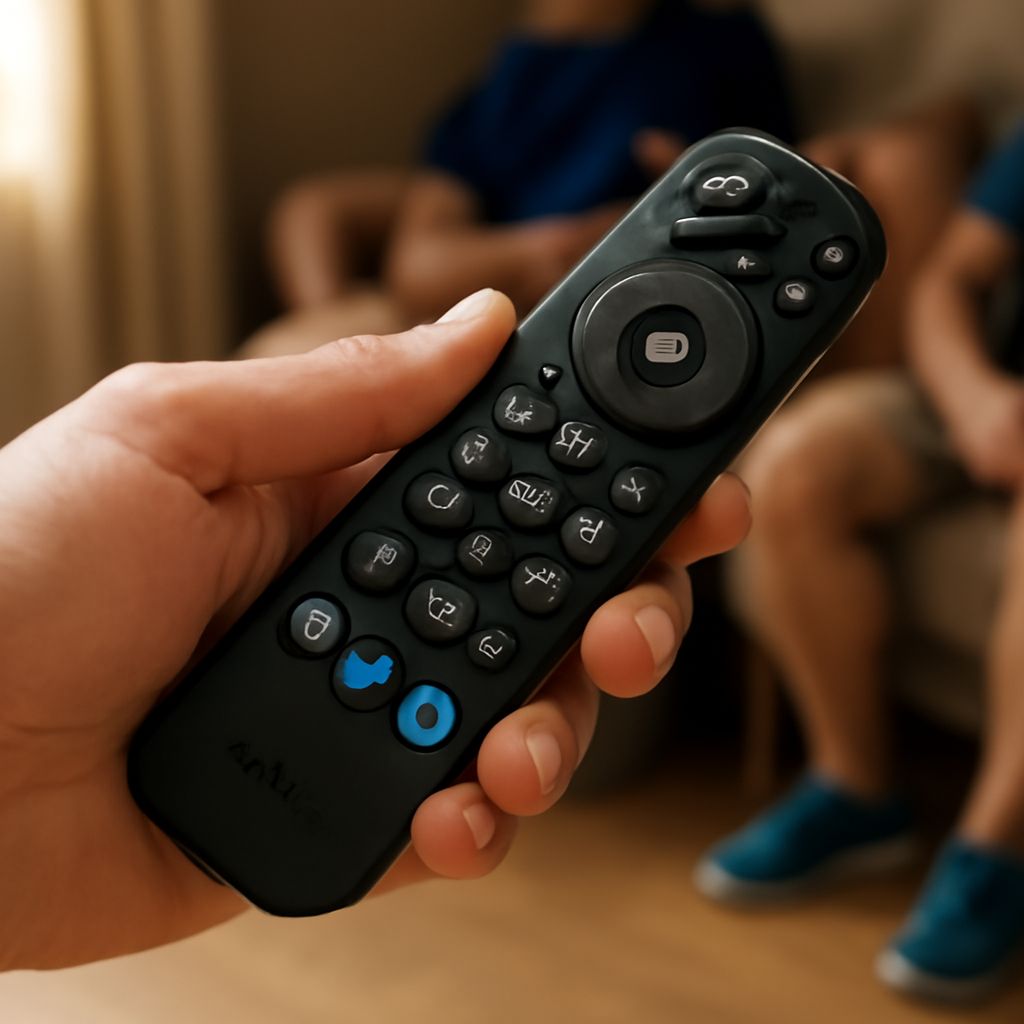
Universal remote controls provide a convenient way to manage multiple devices with a single unit. However, to get the most out of your universal remote, you need to use the correct codes for universal remote operation. These codes are essential for programming the remote to interact with your specific devices, such as TVs, DVD players, and audio systems. In this guide, we will explore how to find and use TV remote codes, demonstrate how to program your universal remote using a PDF guide, and address common issues you might face.
What Are Universal Remote Codes?
Universal remote codes are numerical sequences that allow your universal remote to communicate with and control your devices. Each brand and model of device can have a unique set of codes that your remote needs to recognize to function correctly. These codes ensure that the remote can send the appropriate signals to the device, allowing you to control it as if you were using the original remote.
How to Find the Right TV Remote Codes
Finding the correct TV remote codes is crucial for the successful operation of your universal remote. Here are some ways to locate these codes:
- Manufacturer’s Manual: Most universal remotes come with a manual that includes a list of codes for various brands and devices. Check this first for your device.
- Online Databases: Many manufacturers maintain online databases of updated remote control codes. Visit the manufacturer’s website to search for codes for your specific device.
- Customer Support: If you cannot find the codes through the manual or online resources, contact the remote’s customer support for assistance.
Steps to Program a Universal Remote with a PDF Guide
Programming a universal remote with a PDF guide is straightforward. Follow these steps to ensure a successful setup:
- Download the Guide: Obtain the programming PDF guide from the manufacturer’s website. This guide will provide a comprehensive list of codes and instructions specific to your remote model.
- Power On Your Device: Ensure the device you want to control is powered on.
- Enter Setup Mode: Press and hold the ‘Setup’ button on your universal remote until the indicator light turns on, signaling that the remote is in setup mode.
- Input the Code: Using the keypad on the remote, enter the code from the PDF guide that corresponds to your device’s brand and model. The indicator light should turn off if the code is entered correctly.
- Test the Remote: Point the remote at the device and press a key (e.g., ‘Power’ or ‘Volume’) to see if the device responds. If it does not, repeat the process with a different code from the list.
Troubleshooting Common Remote Control Code Issues
Even with the correct remote control codes, issues can arise. Here are some common problems and solutions:
- Incorrect Code Entry: If the device does not respond, ensure you entered the correct code by cross-referencing it with the PDF guide.
- Weak Batteries: Replace batteries if the remote’s response is weak or inconsistent.
- Interference: Ensure there are no obstructions or sources of interference between the remote and the device.
- Outdated Codes: Check for updated codes online if the ones in the manual do not work.