An online feed plays audio selected by someone else, while a compatible scanner receives available radio transmissions at your location. To hear police dispatch over the radio, first find an openly available source for the area, then check whether a public stream or a receiver suited to the local system meets your needs.
Police Dispatch Radio: Start With the Area
A public internet feed usually begins with a volunteer or organization receiving audio and sending it to a streaming service. A listener opens that feed on a phone or computer. The source may cover one agency, several agencies, or only selected channels; its description should identify the area and coverage.
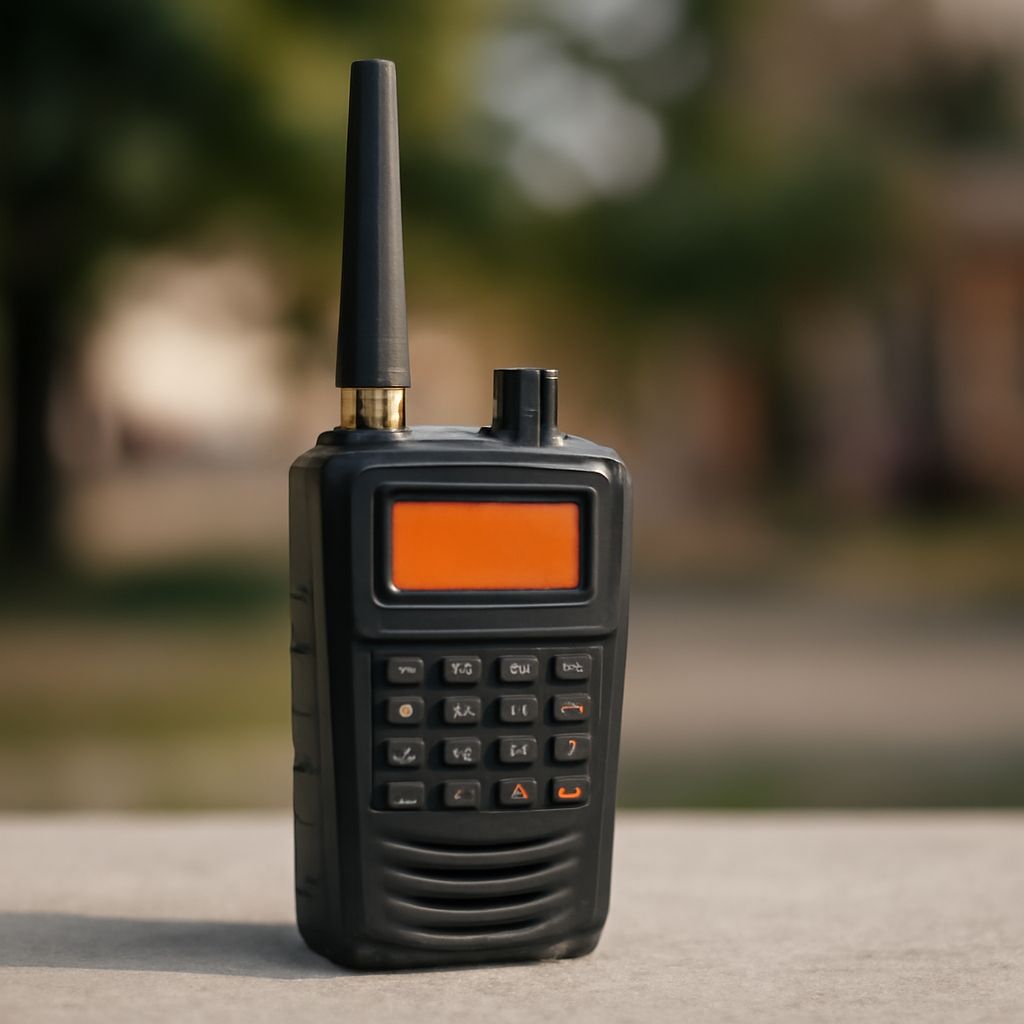
A police radio scanner receives signals through an antenna. A scanner for police broadcasts lets the listener select or program supported frequencies and systems. What it hears depends on local signal strength, the system’s technology, and whether the communication is available in a form the receiver can decode.
These methods answer different needs. A stream can be convenient when you are away from the area, provided the feed is online and available to you. A receiver works without that feed but needs a usable signal and compatible hardware. Streaming may also lag behind the original transmission.
Read an Open Listing
Start with your city or county in a public directory or an agency’s published information. Note the agency name, the geographic area, and whether the listing describes a conventional channel or a trunked system. A directory is a starting point: confirm that the information is current and relevant to the site you can receive.
A conventional listing may show a police radio frequency, its modulation, and the channel’s purpose. Compare the frequency used for police broadcasts with the receiver’s supported range. Frequency is the radio channel’s location in the spectrum. Modulation describes how information is carried on it; the scanner must support the listed analog or digital voice format as well as the frequency band.
A trunked system shares a pool of radio channels among groups. A talkgroup identifies a group of users, while the system assigns an available traffic channel for a call. A trunk-tracking police scanner follows that assignment when its supported system matches the listing. A frequency alone may not let an ordinary scanner follow a conversation as it moves between channels.
For an unfamiliar listing, record:
- The geographic site or service area and the agency or talkgroup description.
- The frequency band and whether the channel is conventional or trunked.
- The listed signaling and voice format, and whether the traffic is marked encrypted.
- The source and date of the information, plus any notes about changes.
A listing can be incomplete or outdated. Check the receiver manufacturer’s specifications against the system details before purchasing equipment, and consult the agency or directory for current public information.
Choose a Stream
To listen to police dispatch radio online, search a reputable public feed directory by location and read the feed description. Check whether it actually includes the agency or the police radio dispatches you want. A title mentioning an entire county does not mean every agency or conversation is included.
A stream can go offline when its provider loses power, internet access, or the received signal. Some feeds omit dispatch transmissions from police, use delays, or have restrictions on availability. If you hear silence, the channel may simply be quiet, the source may be offline, or the feed may not cover the conversation you expected.
The feed operator chooses the receiver and settings at the source. A listener cannot use a different app setting to add channels that the source does not provide. Look for another publicly available feed if the listed coverage does not match your interest.
Choose and Set Up a Receiver
A police radio scanner should support the frequency bands and system types used in the area, as well as the relevant voice format. For trunked operation, confirm that the scanner used for police communications supports the particular protocol and configuration. Check the manufacturer’s current specifications and programming instructions rather than relying only on the word “digital.”
Antennas and placement matter. A scanner inside a building or behind metal may receive poorly even when the system is active. For a scanner receiving police broadcasts, follow the manufacturer’s antenna recommendations and try a safe location with a clearer path. A stronger antenna on a police-band scanner cannot add a missing voice format or make encrypted speech intelligible.
Encryption is a separate restriction. A receiver that supports a system’s protocol does not automatically have authorized access to encrypted traffic. Public feeds and ordinary scanners can carry or receive only the audio actually available to them; a listing that marks a talkgroup encrypted is a reason to check what is publicly accessible.
A police radio scanner can be portable or installed at home. For a scanner designed for police radio, consider power, programming, and whether the model’s database or software can be updated. Test the police communications scanner at the intended location where possible, and follow applicable federal, state, and local laws concerning scanner possession and use.
If you want a local police radio feed with little setup, choose an available stream whose description includes the desired area and agency. If you want independent over-the-air reception, choose a compatible receiver after checking the system, voice format, signal, and legal requirements.