Choose unlimited 4g rural internet only after it passes real-world tests at your home, not because a coverage map or plan headline says “fast.” The deciding evidence is the modem’s signal, repeatable download and upload performance, latency, and evening behavior at the exact location where you will install it.
Start with a trial SIM or short return window, test it where the router will sit, and compare the provider’s written terms with your results. A plan is suitable only when it can handle your household’s busy-hour demand without an undisclosed speed or usage limit.
Check unlimited 4G rural internet coverage at the actual property
Coverage maps show predicted outdoor service, not the signal inside your house. A hill, trees, building materials, or distance from the tower can produce a very different result. Treat a 4g rural internet map as a starting point, rather than proof of service.
- Put the trial SIM in the intended 4G modem, then test near the planned router position, a window, an upper floor, and any other practical installation point.
- Record the connected network band and signal readings at each position. RSRP indicates strength, RSRQ indicates signal quality, and SINR indicates how clean the signal is. Less-negative RSRP is stronger; a higher SINR is better.
- Repeat the test outside or at a higher point only to identify the property’s potential. The final decision should use the readings and speeds available from a safe, permanent indoor setup.
A phone hotspot can reveal whether a nearby network is usable, but it may use different bands or antennas from a home modem. Test with the equipment you expect to rely on.
Test 4G rural internet speed, latency, and evening stability
One speed test is not enough. Test the same modem and location at several useful times, using an Ethernet-connected laptop where possible so Wi-Fi does not distort the result.
- Run three tests in the morning, afternoon, and during the busiest period, usually 7–10 p.m. Include a weekday and a weekend if home use is highest then.
- Record download speed, upload speed, unloaded ping, loaded latency, and packet loss. Upload speed matters for video calls, cloud backups, and security cameras.
- Repeat a video call, file upload, or streaming test while another device uses the connection. This reveals whether performance collapses under normal household demand.
- Compare quiet-hour and evening results. A large drop in speed or a sharp rise in latency indicates congestion, even if the signal reading remains strong.
Judge fast rural internet by sustained results that match your household’s busiest use, not by the highest number displayed once. Consistent latency and upload performance can matter more than a brief peak download speed.
What can an unlimited 4G plan still limit?
“Unlimited” usually describes the allowance, not unlimited full-speed service under every condition. Check the plan’s terms for these separate restrictions:
- Data cap: A fixed monthly allowance may trigger overage charges, a hard stop, or reduced service after it is used.
- Deprioritization: After a usage threshold, your traffic may receive lower priority than other customers when the cell tower is busy.
- Throttling: The provider may impose a stated maximum speed either continuously or after a threshold.
- Hotspot limit: A phone or mobile plan can include less tethering data than on-device data. Confirm that a home modem is permitted and not classified as hotspot use.
- Fair-use conditions: Network-management rules may restrict unusually high consumption, resale, certain devices, or traffic types without calling the plan capped.
Ask for the threshold, reset date, reduced speed, network-management trigger, and home-use eligibility in writing. Also check whether the provider measures data per SIM, account, or router.
Match equipment and compare fast rural internet plans
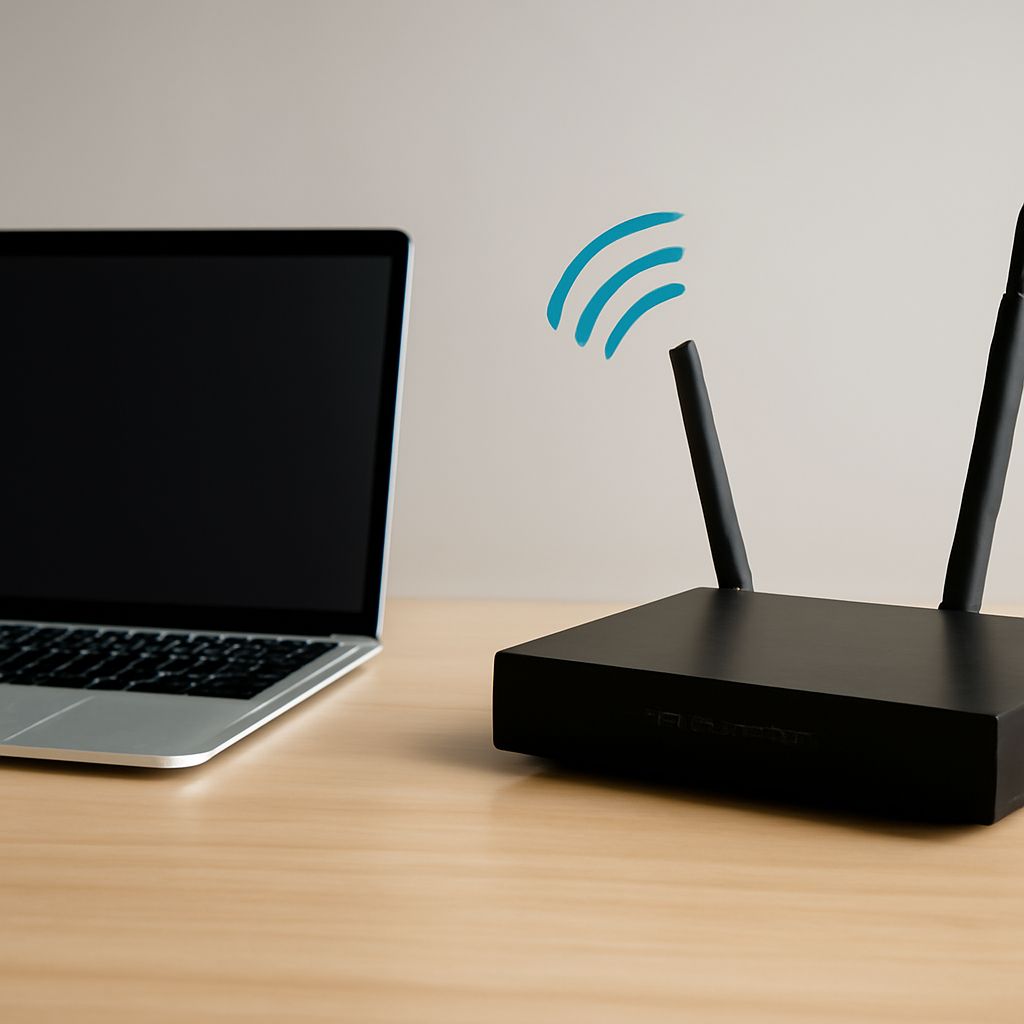
The modem must support the provider’s local 4G bands. A model with more bands and carrier aggregation can combine compatible signals and improve capacity, while an older modem may connect to only one weaker band. Confirm the modem is approved for the network and supports Ethernet if you plan to use a separate router.
Place the modem high, near a window facing the serving tower when known, and away from metal, thick walls, and electrical interference. Compare its readings and speed before buying an external antenna. A directional antenna can help a distant tower, but cable loss, incorrect aiming, or a poor connector can make performance worse. MIMO antennas require the correct ports and alignment.
- Compare measured morning and evening download, upload, latency, and packet loss from each provider.
- Check the full monthly price, equipment fee, contract term, installation cost, and return policy.
- Match the allowance and fair-use wording to your estimated monthly household data use.
- Confirm supported bands, modem ownership, router features, Ethernet ports, and antenna compatibility.
- Prefer the offer whose trial results remain usable during congestion, even if its advertised peak speed is lower.