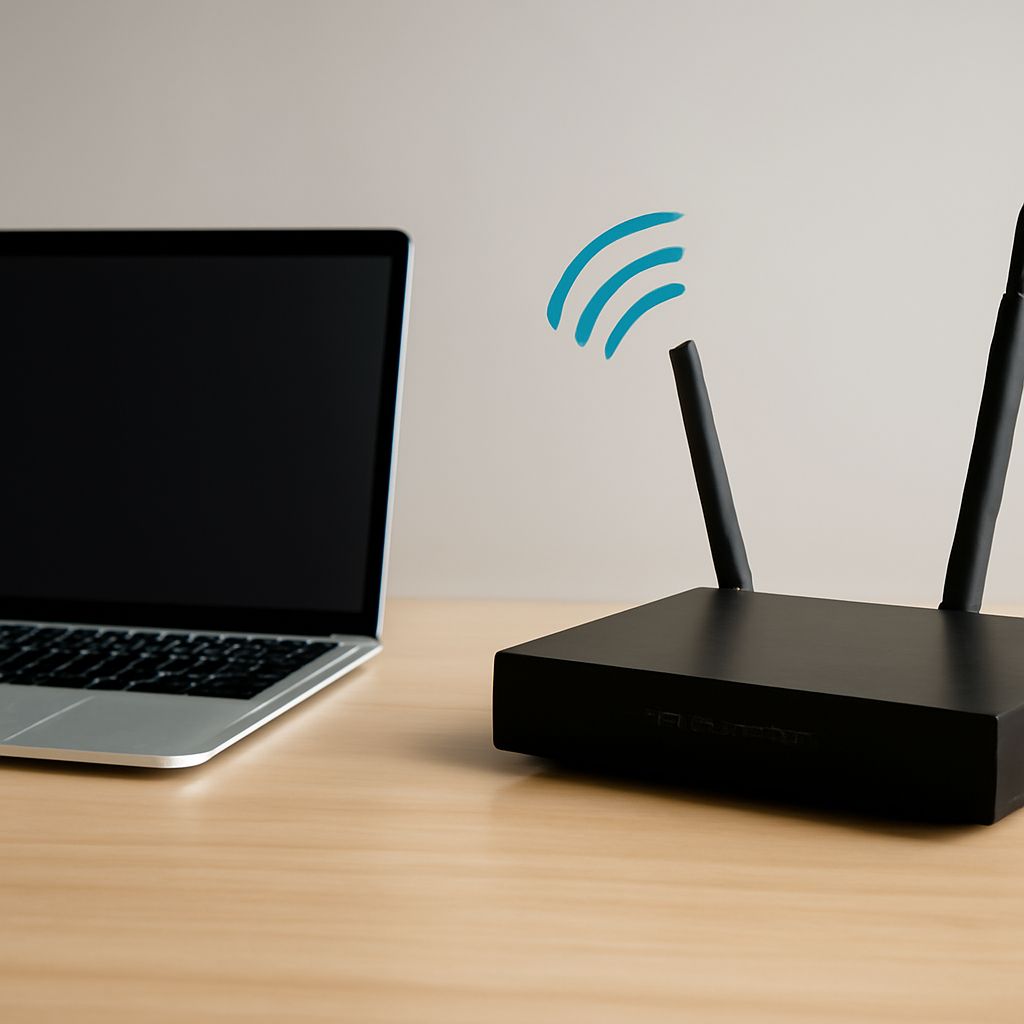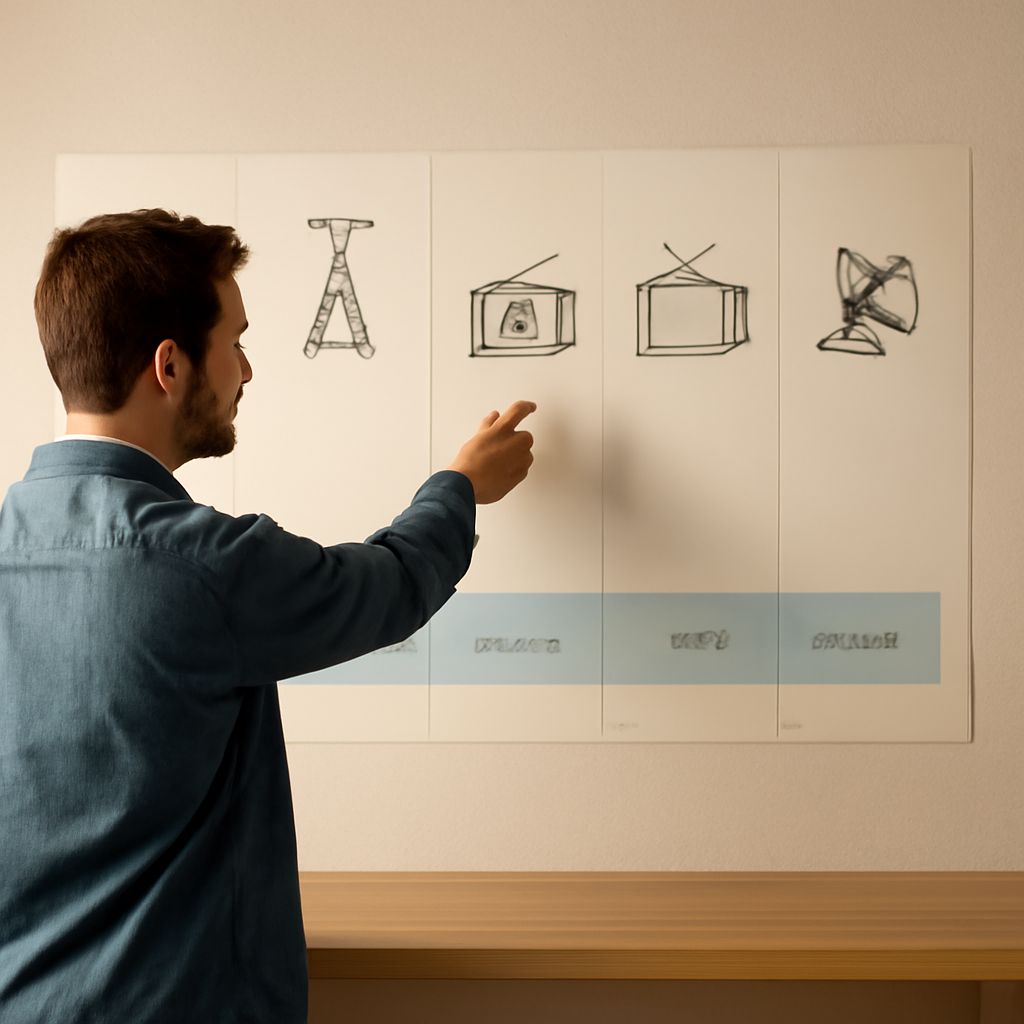
This VHF frequency table lists the over-the-air television RF channels used in the United States, including each channel’s frequency range in MHz. Use the physical RF channel to select an antenna and diagnose reception; the number shown in a program guide may be different.
The antenna, coaxial cable path, and DVR tuner must all support the station’s band. A VHF signal needs VHF antenna elements, while a UHF signal needs UHF elements. A station can display a familiar virtual number while transmitting on an entirely different physical RF channel.
What Is UHF and VHF for Television?
VHF means very high frequency. For broadcast television, low VHF covers RF channels 2–6 from 54 to 88 MHz, and high VHF covers channels 7–13 from 174 to 216 MHz. VHF signals generally travel farther and can bend around obstacles, but low-VHF antennas are physically larger and can be more affected by electrical noise.
UHF means ultra high frequency. In the current U.S. over-the-air television plan, UHF RF channels generally occupy 470–698 MHz. Channels 14–36 cover 470–608 MHz, channel 37 is reserved, and channels 38–51 cover 614–698 MHz. Local allocations vary by country and market, so use the physical channel assigned to each station.
VHF Frequency Table: RF Channels 2–6 (54–88 MHz) and 7–13 (174–216 MHz)
Each broadcast channel is 6 MHz wide. The ranges below show the channel edges, not a station’s virtual number or program subchannel.
- RF 2: 54–60 MHz
- RF 3: 60–66 MHz
- RF 4: 66–72 MHz
- RF 5: 76–82 MHz
- RF 6: 82–88 MHz
- RF 7: 174–180 MHz
- RF 8: 180–186 MHz
- RF 9: 186–192 MHz
- RF 10: 192–198 MHz
- RF 11: 198–204 MHz
- RF 12: 204–210 MHz
- RF 13: 210–216 MHz
For example, a station identified on-screen as virtual channel 5.1 might transmit on physical RF channel 22, which is UHF. Conversely, a virtual 7.1 station might use physical RF channel 7, which is high VHF. Never choose an antenna band from the displayed channel number alone.
How Do You Check Local Physical RF Channels and Antenna Coverage?
Enter your address into a current broadcast-reception database, such as the FCC reception map or a local station’s coverage listing. Record each station’s physical RF channel, direction, distance, and expected signal strength. Group the results into low VHF, high VHF, and UHF before buying or repositioning an antenna.
Choose an antenna that explicitly covers every required band. A UHF-only indoor antenna may miss RF channels 2–6 or 7–13 even when the virtual station numbers look high. If stations come from different directions, antenna placement or a rotator may matter more than gain.
- Place the antenna as high and unobstructed as practical, facing the main transmitter group.
- Use 75-ohm coax with tight connectors and avoid unnecessary bends, adapters, and damaged cable.
- For multiple rooms, use a quality splitter; every split reduces signal level.
How Do You Connect, Scan, Verify, and Troubleshoot a DVR for Broadcast TV?
A DVR for broadcast TV needs a compatible over-the-air tuner. Some recording devices are storage-only and require a separate ATSC tuner or set-top box.
- Connect the antenna coax to the DVR’s ANT IN or RF IN port. If distributing the signal, place the splitter after the antenna and before the DVR.
- Open the DVR setup menu, select Antenna, Air, or OTA, and run a channel scan. Do not select Cable.
- Confirm that the scan finds expected virtual channels, then open the tuner’s signal details to view the physical RF channel, strength, and quality.
- Tune a live station and make a short recording. Play it back, then test a second station if the DVR has dual tuners.
If UHF channels work but VHF channels do not, check that the antenna includes the missing VHF band and that its elements are oriented correctly. If only low VHF fails, electrical noise, an undersized indoor antenna, or a long coax run may be responsible. If every channel is weak, bypass the splitter, test a short cable, and confirm any amplifier has power. A scan that finds channels but produces recording errors points to tuner compatibility, signal quality, or DVR storage rather than the virtual channel numbers.