Interactive projectors have become essential tools in educational and corporate settings, offering dynamic ways to engage with content. These devices, which often function as touch screen projectors, allow users to interact directly with the projected image, making presentations and lessons more immersive. Understanding how these projectors coexist wirelessly with routers and access points is crucial for seamless connectivity and optimal performance.
What are Interactive Projectors?
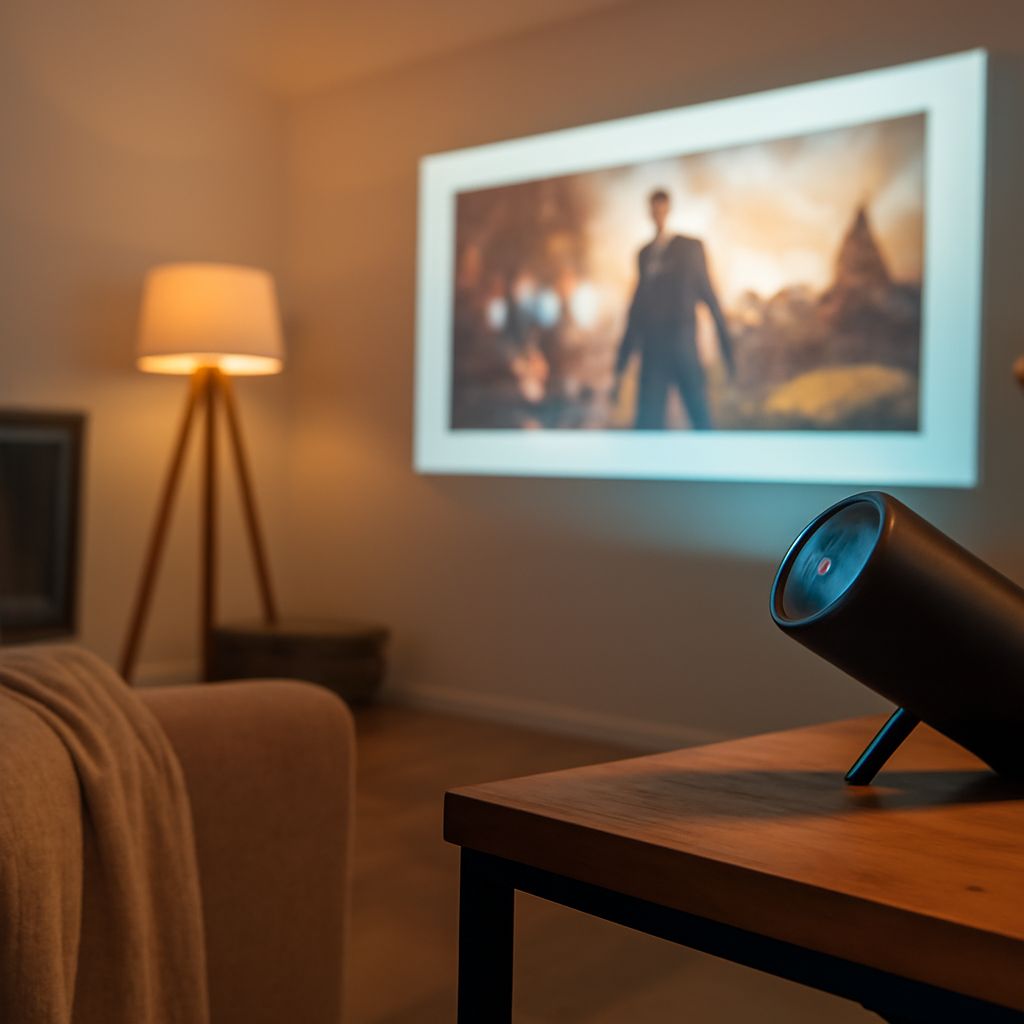
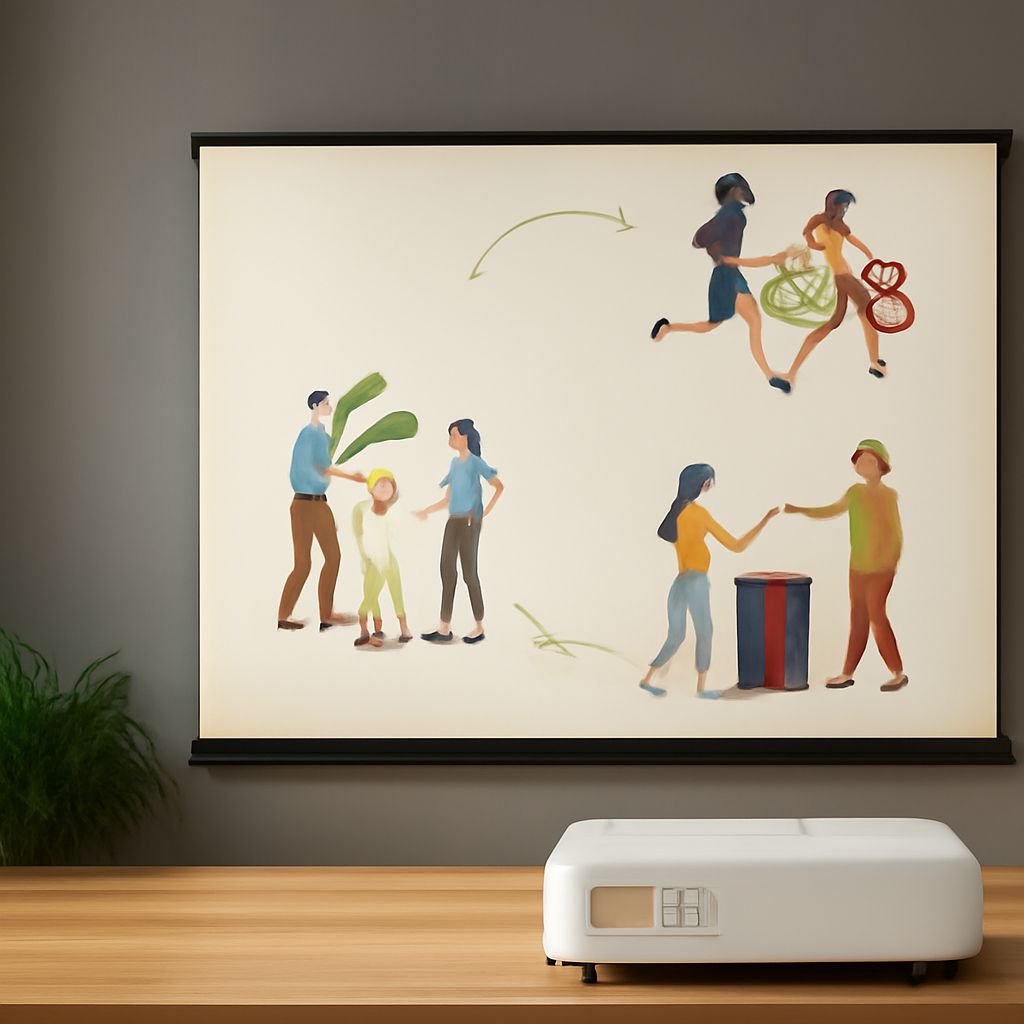
Interactive projectors are advanced devices that combine projection technology with touch-based interactivity. Unlike traditional projectors, they allow users to manipulate and engage with the projected content directly on the display surface. This is achieved through technologies such as infrared sensors, cameras, or laser-based systems that detect touch or gestures. These projectors are commonly used in classrooms, boardrooms, and training facilities to enhance collaboration and learning experiences.
How Do Interactive Projectors Work with Routers and Access Points?
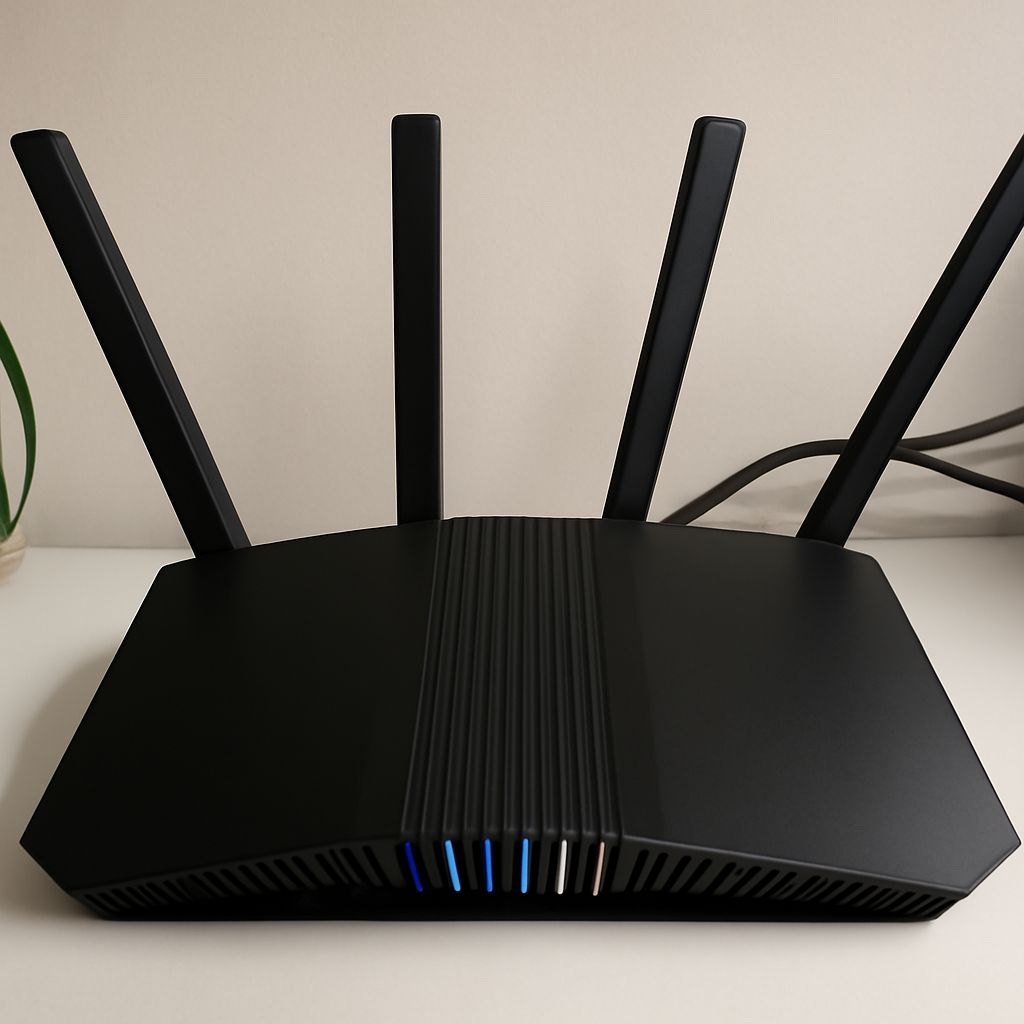
Interactive projectors often rely on wireless connectivity to communicate with other devices, such as computers and tablets. This connectivity is facilitated through routers and access points, which serve as the network backbone. To achieve seamless wireless coexistence, interactive projectors utilize standard Wi-Fi protocols to connect to the network, allowing users to share content from multiple devices without the need for physical cables.
The wireless functionality enables educators and presenters to move freely around the room while controlling the projector, thus enhancing the interactive experience. For optimal performance, it is important that the projector and the network infrastructure support the same Wi-Fi standards, such as 802.11ac or 802.11ax, which offer higher speeds and better connectivity.
Benefits of Using Touch Screen Projectors in Wireless Environments
Using touch screen projectors in wireless environments offers several advantages:
- Enhanced Mobility: Wireless connectivity allows users to interact with the projector from anywhere in the room, providing greater flexibility in presentations and classroom activities.
- Improved Collaboration: Multiple users can connect their devices to the projector simultaneously, facilitating collaborative efforts and group discussions.
- Reduced Cable Clutter: Eliminating the need for physical cables reduces clutter, making the environment more organized and aesthetically pleasing.
- Ease of Setup: Wireless projectors are easier to set up and relocate, which is particularly beneficial in dynamic environments where equipment frequently moves.
Tips for Optimizing Wireless Coexistence
Achieving optimal wireless coexistence between interactive projectors and network devices involves several considerations:
- Network Configuration: Ensure that the network infrastructure supports the latest Wi-Fi standards and configure routers to minimize interference from other devices and networks.
- Firmware Updates: Regularly update the firmware of both the projector and the network devices to benefit from performance improvements and security patches.
- Channel Selection: Use tools to analyze the wireless spectrum and select the least congested Wi-Fi channels, reducing the likelihood of interference.
- Signal Strength: Place access points strategically to ensure strong and consistent Wi-Fi signals throughout the space where the projector is used.
By understanding and implementing these strategies, users can ensure that their interactive projectors and touch screen projectors operate smoothly in wireless environments, providing an efficient and user-friendly experience.