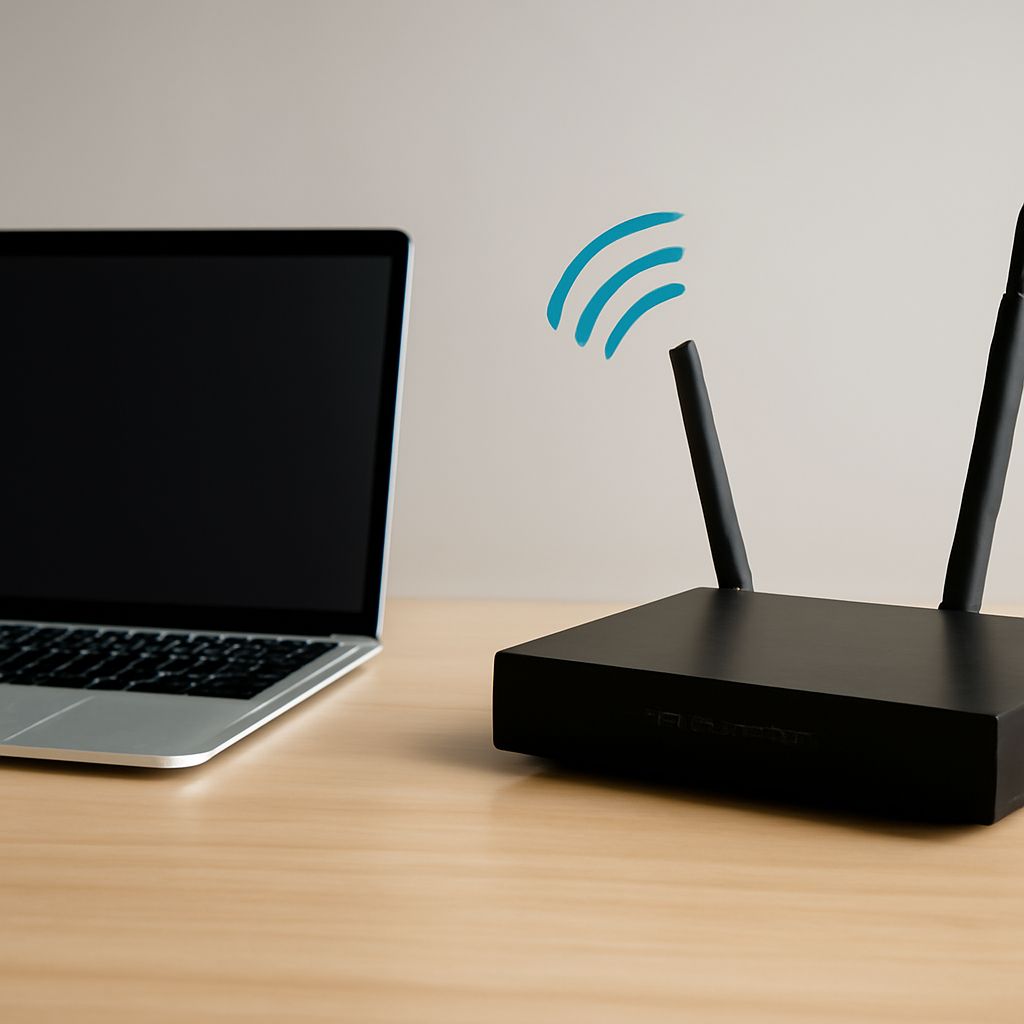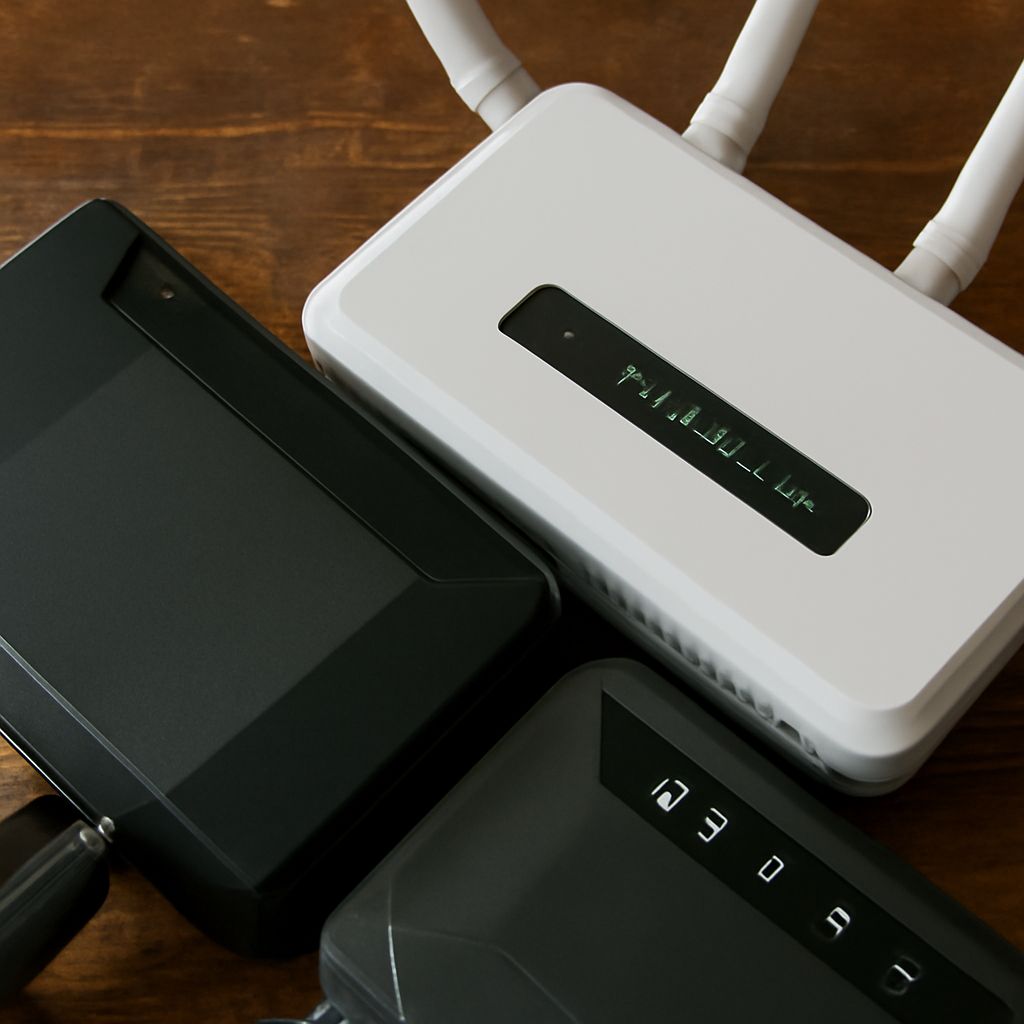
An enterprise wireless router combines a network gateway, Ethernet switch, and Wi-Fi system, but its value is not simply higher wireless speed. It is built to control more users, segments, policies, and uplinks while remaining manageable as the network grows.
For a small home, one wireless router usually performs every role. In a business, the gateway may route traffic while separate access points deliver Wi-Fi. A device supplied by an internet provider may also be placed in bridge mode so another router can take control.
What does an enterprise wireless router do?
The router is the network’s control point between local devices and other networks, including the internet. Its main responsibilities include:
- Routing: It chooses where traffic goes between the local network, guest networks, VLANs, VPNs, and the internet.
- NAT: Network address translation lets many private devices share one public internet address.
- DHCP: It automatically assigns IP addresses and related settings such as the default gateway and DNS servers.
- Firewalling: It applies rules that permit or block traffic between the internet, internal segments, and remote users.
- Switching: Integrated Ethernet ports connect wired devices and can separate traffic with VLANs.
- Wireless access: Built-in radios provide Wi-Fi, often with multiple network names, security policies, and client limits.
An enterprise deployment adds centralized management, configuration templates, monitoring, logging, role-based administration, and often remote troubleshooting. It may support multiple WAN connections, policy-based routing, VPN tunnels, and redundancy through dual gateways or failover links. These features improve operational control and scale; they do not automatically make the Wi-Fi radio faster than a consumer model.
Wireless router definition: what does the gateway control?
A wireless router is a Layer 3 gateway with wireless access built in. It normally receives a public or upstream address on its WAN interface, creates a private LAN, and performs routing, NAT, DHCP, and firewalling between them. Its Ethernet switch connects local wired clients, while its access-point function connects wireless clients to the same LAN or to separated guest and security networks.
That all-in-one design suits a small network because one device is easy to install and troubleshoot. It also creates a single control point and a single failure point. Larger networks commonly separate the functions: a dedicated firewall or router handles WAN traffic and policies, a switch handles wired connectivity, and several access points handle Wi-Fi.
Look at the control plane when comparing devices. Ask where IP addresses are assigned, where firewall rules are enforced, which device owns the internet connection, and how administrators update multiple locations. If two devices both provide NAT and DHCP, the result can be double NAT or competing address services.
Bridge mode vs access point: which role fits?
Bridge mode makes a device behave transparently at Layer 2. It passes frames between an upstream connection and a downstream device without acting as the main router. In common home layouts, an internet provider’s gateway uses bridge mode so a separate router can provide the public-facing firewall, NAT, DHCP, and Wi-Fi. The bridged device may stop routing and may disable its own wireless service, depending on the model.
Access-point mode keeps the device on the client-facing side of the network. It extends Wi-Fi from an existing router or switch, usually by connecting through Ethernet, while the upstream router continues to provide DHCP, NAT, and firewalling. The access point does not normally create a second routed LAN.
- Use bridge mode when an upstream device should pass the connection transparently to the router that owns network policy.
- Use access-point mode when the existing router should remain in charge and you need additional Wi-Fi coverage or capacity.
Which role belongs in each network diagram?
- Small home: Internet service connects to one wireless router. That router performs WAN routing, NAT, DHCP, firewalling, switching, and Wi-Fi. Add an access point only when coverage or wired backhaul requires it.
- Multi-AP business: Internet connects to an enterprise firewall or wireless router, then to a managed switch. Several wired access points attach to the switch and broadcast mapped staff, guest, and device networks. Central management coordinates settings, while the gateway controls routing and security.
- Bridged upstream device: The service line connects to an ISP gateway in bridge mode, then to your own router’s WAN port. Your router receives the usable upstream address and performs NAT, DHCP, firewalling, VPN, and policy control. Do not use access-point mode on that router if it must be the gateway.
Choose the role by following the network diagram: the device nearest the internet should own routing and security, transparent bridges should pass traffic without taking control, and access points should serve clients without creating competing gateways.