-
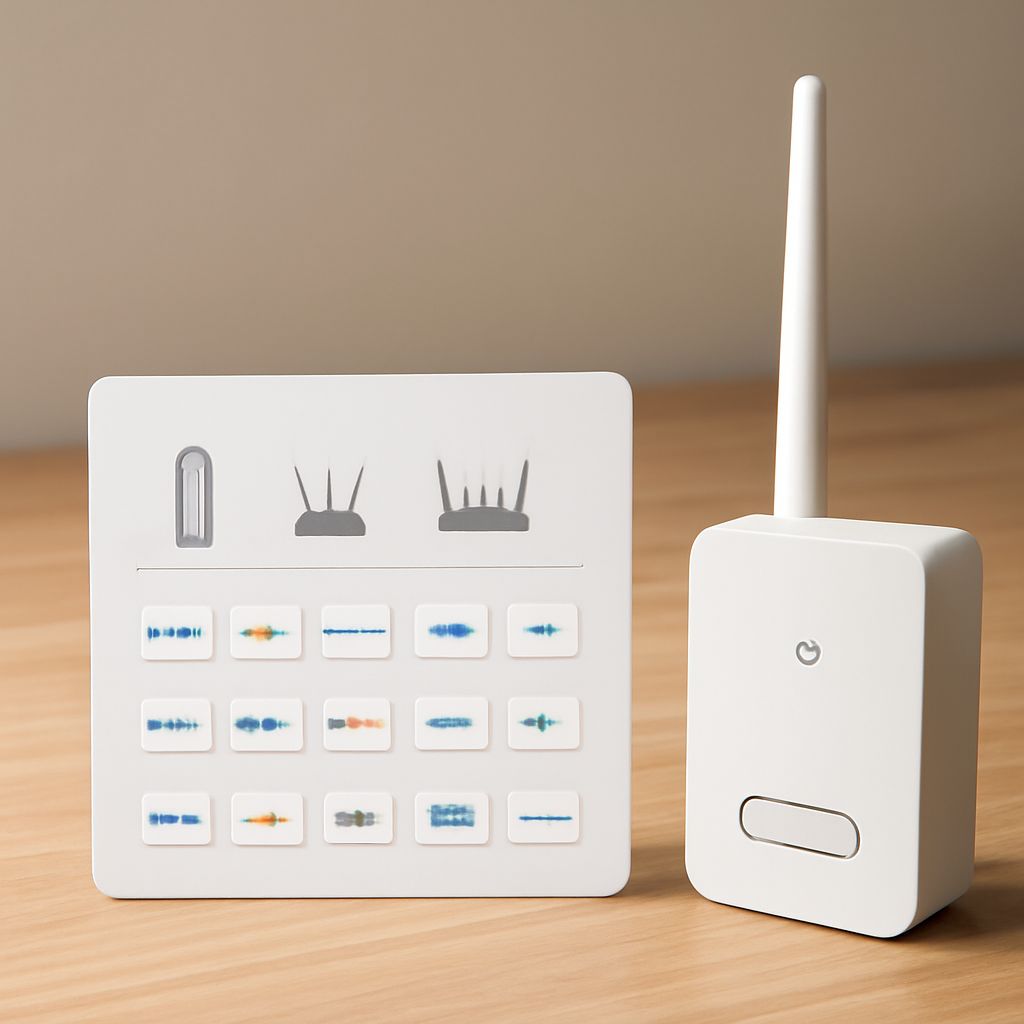
Wireless Access Point for Home: Add Coverage, Test Internet, Replace Wisely
A wireless access point for home improves Wi-Fi coverage, not routing or provider service. Learn to test Ethernet, Wi-Fi, DHCP,…
-
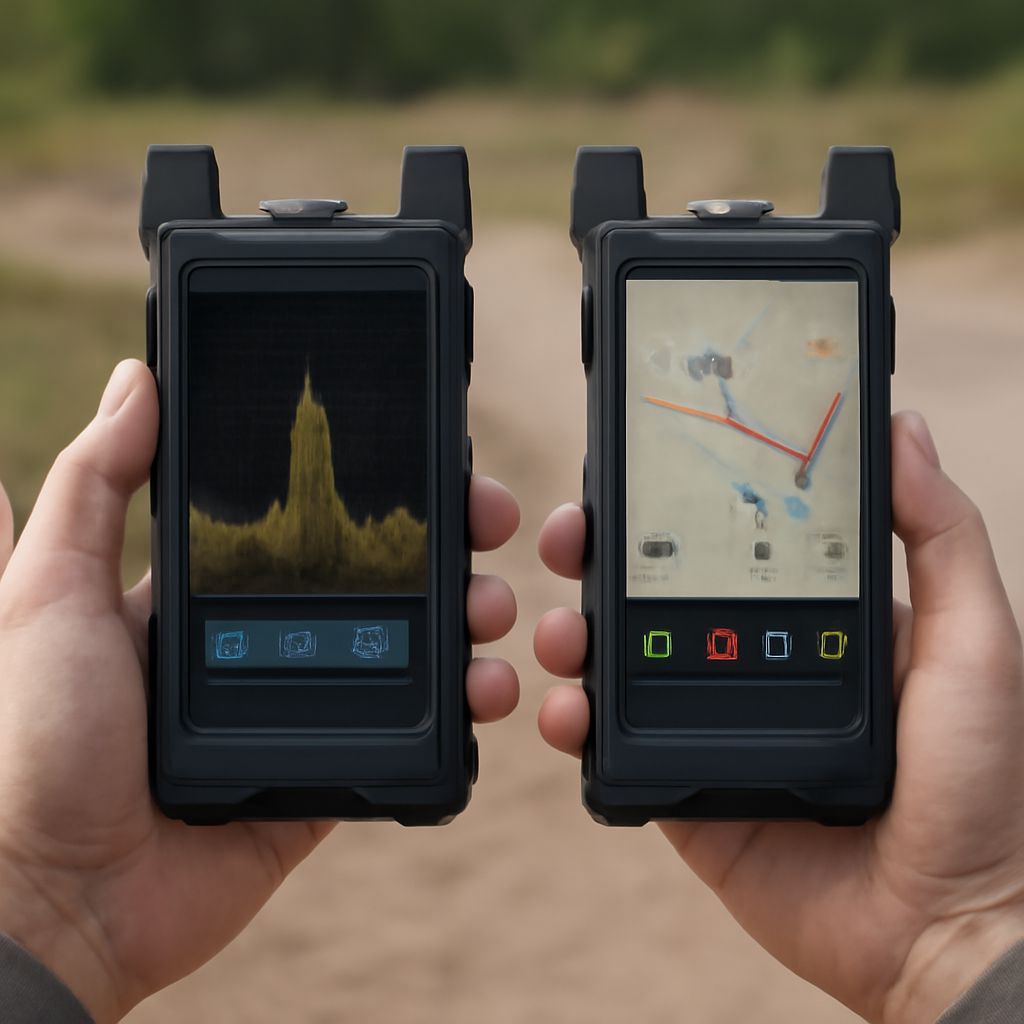
Dish Signal Strength: How to Measure Satellite, Cable, RF, and Phone Signals
Dish signal strength is a receiver scale, not a universal unit. Use satellite quality readings, cable dBmV, RF spectrum analyzer…
-
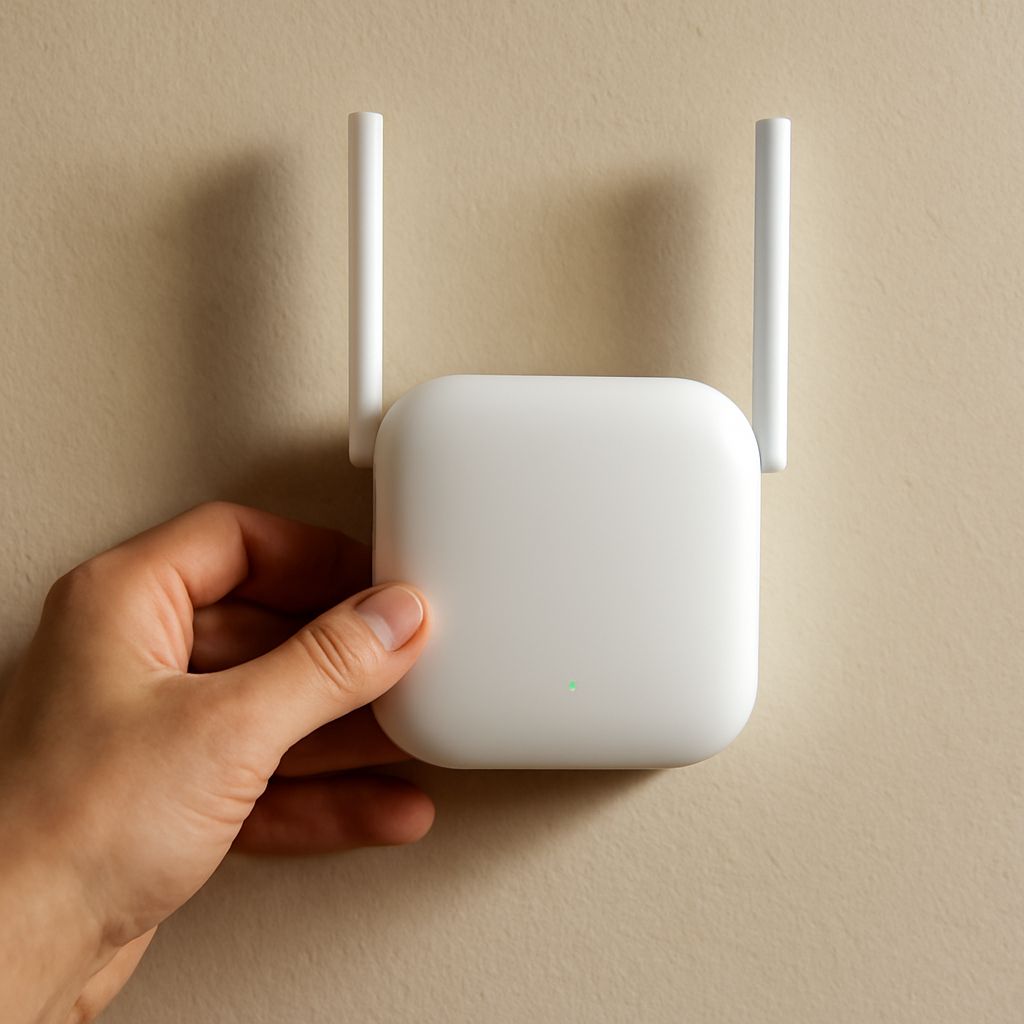
Wireless Router Antenna: Choose an Access Point or Repeater
Wireless router antenna changes shape and reach, not a missing connection. Choose a wired access point for capacity; use a…
-
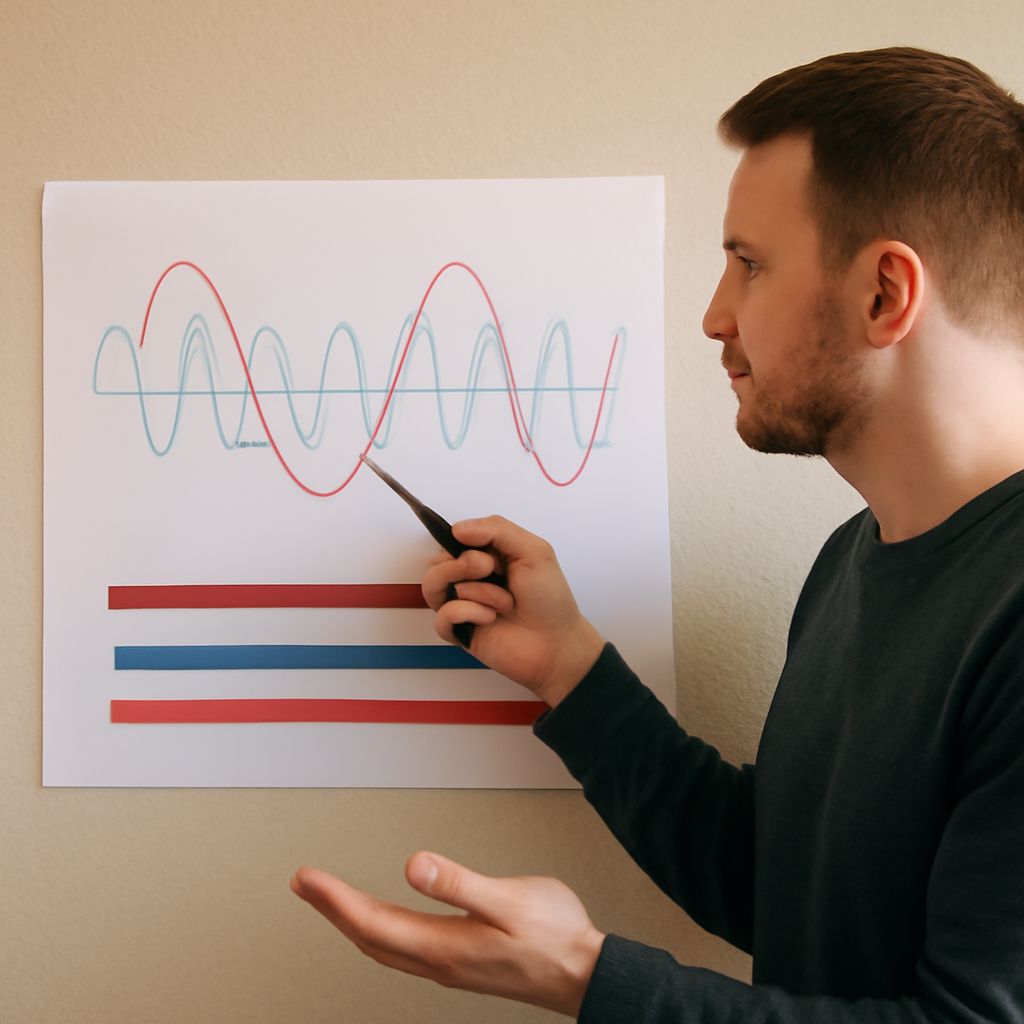
5 GHz Wireless Channels: When 2.4 GHz Wi-Fi Is Better
Choose 5 GHz wireless channels by range, client support, width, congestion, and DFS behavior, then compare 5 GHz vs. 2.4…
-
2.4 vs 5 GHz Wi-Fi: Choose the Right Antenna and Channel
Compare 2.4 vs 5 GHz Wi-Fi for range, obstacles, congestion, capacity, and client support. Check the 5 GHz antenna, then…
-
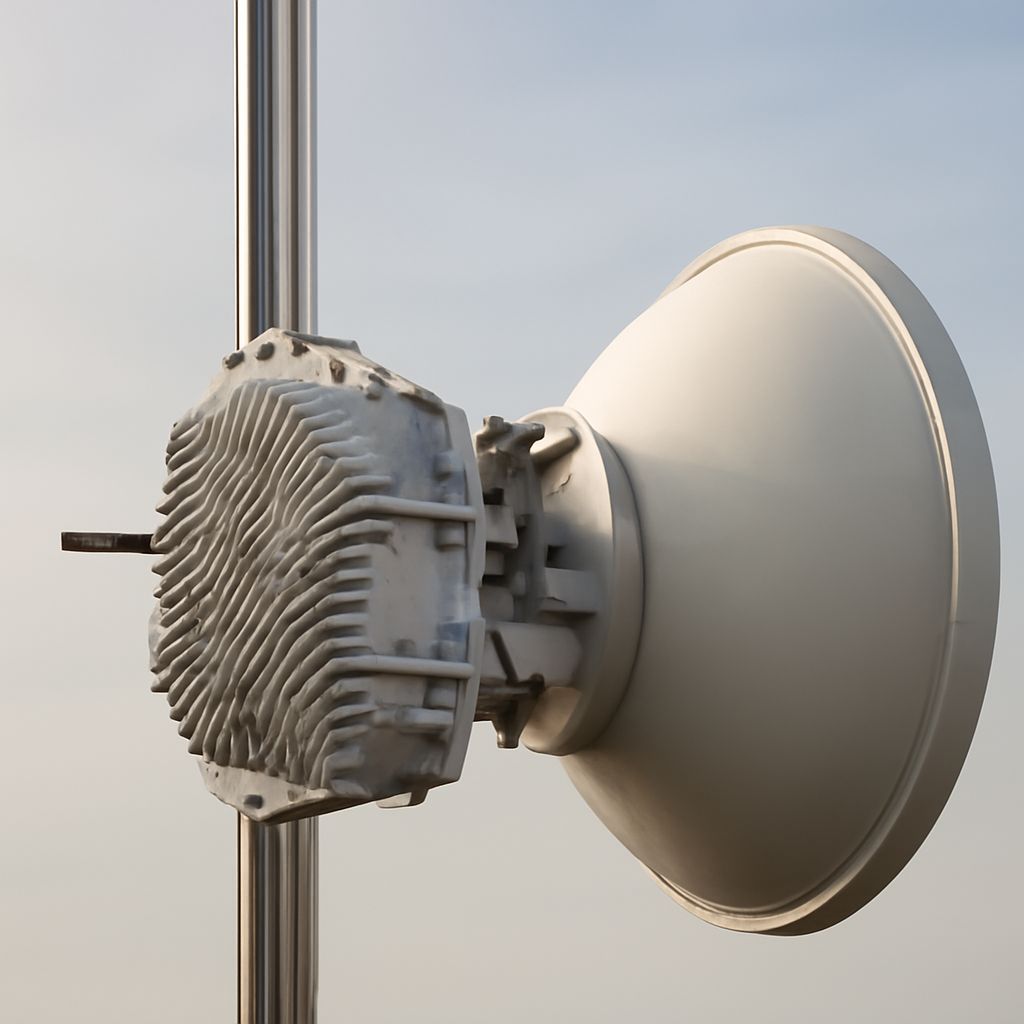
Long-Range Wi-Fi Antenna for 5 Miles: Plan the RF Path
Long-range Wi-Fi antenna for 5 miles planning starts with path profile and Fresnel clearance. Check antenna gain, cable loss, channel…
-
Is My Router 2.4 GHz or 5 GHz? Range and DFS Explained
Is my router 2.4 GHz or 5 GHz? Learn how to verify the band from router and device details, test…
-
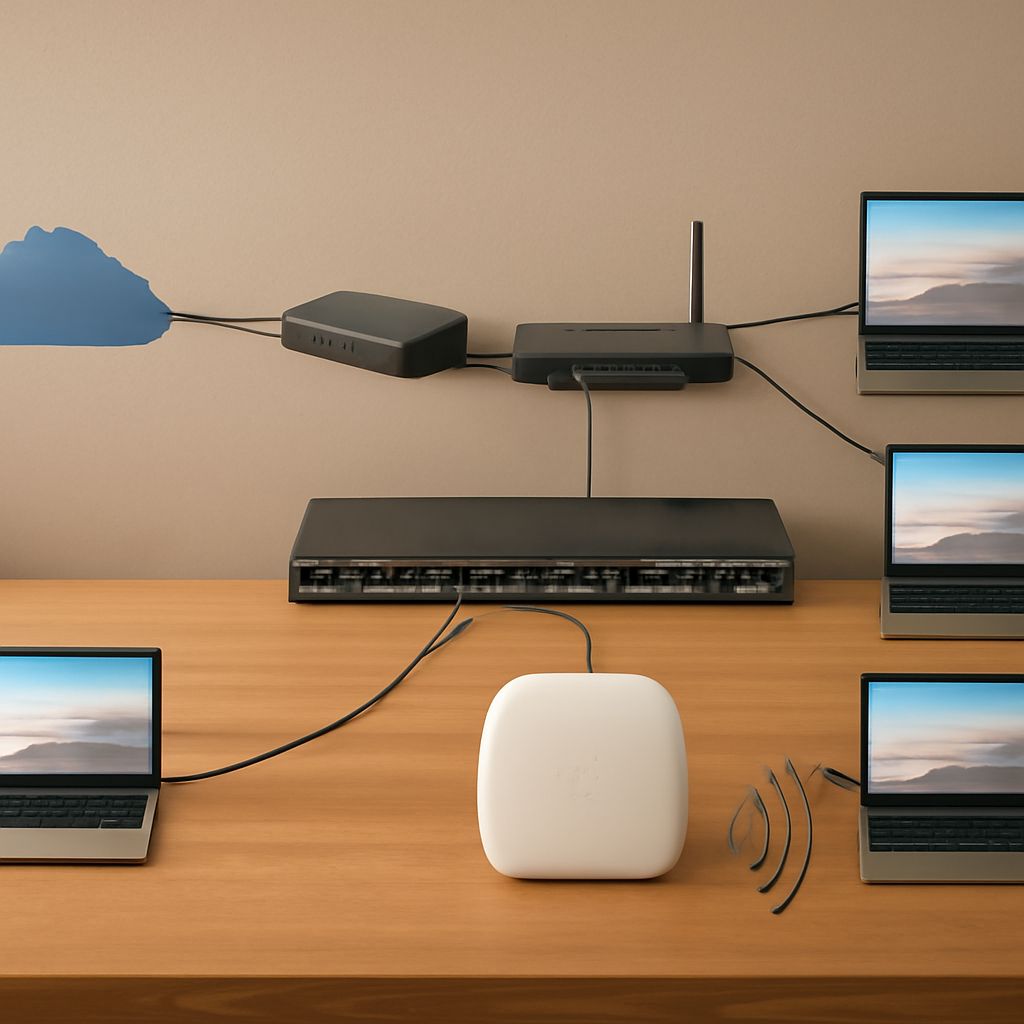
Router WAN Port: Connect the Internet to Your LAN
Learn what the router WAN port does. Find the router IP address, then add an access point to the existing…
-
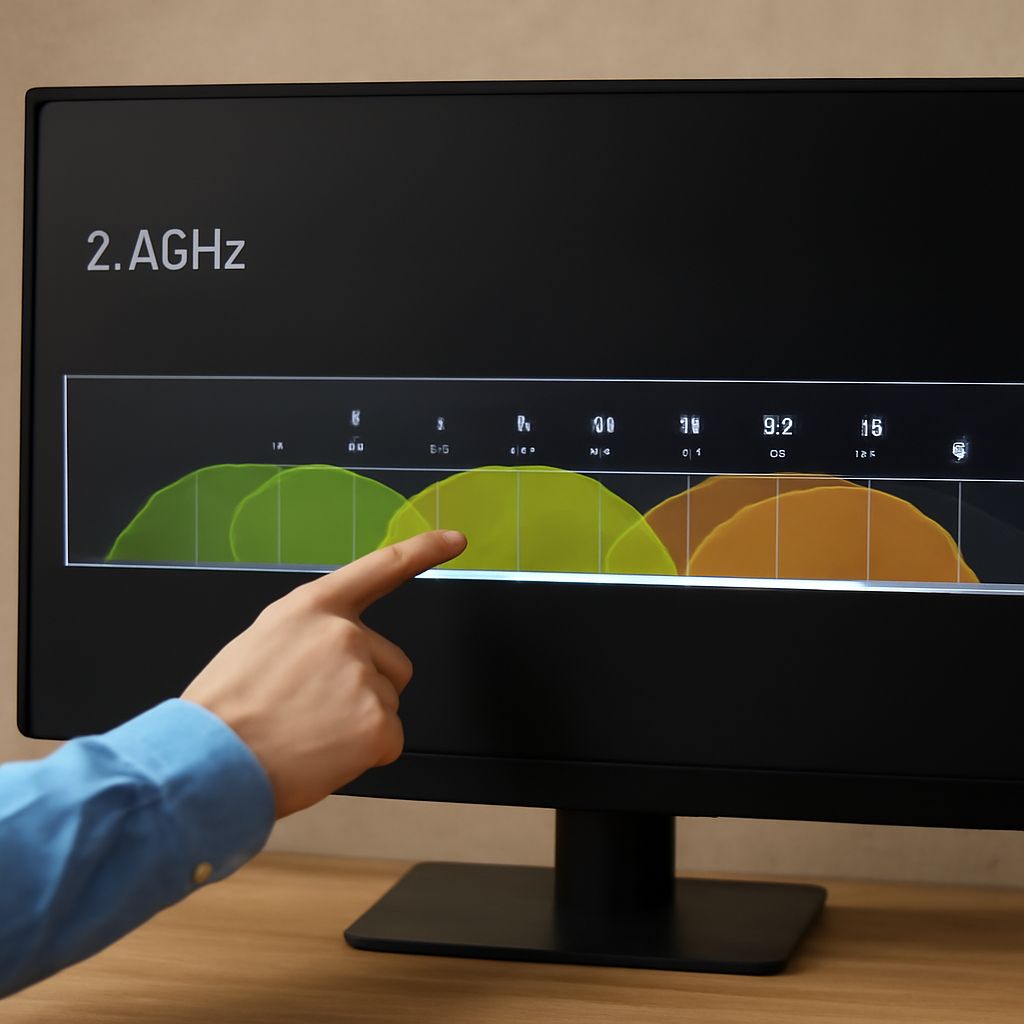
Difference Between 2.4 GHz and 5 GHz Wi-Fi: How to Choose a 5 GHz Channel
Learn the difference between 2.4 GHz and 5 GHz Wi-Fi, clarify what 2G means on a router, and find the…
-
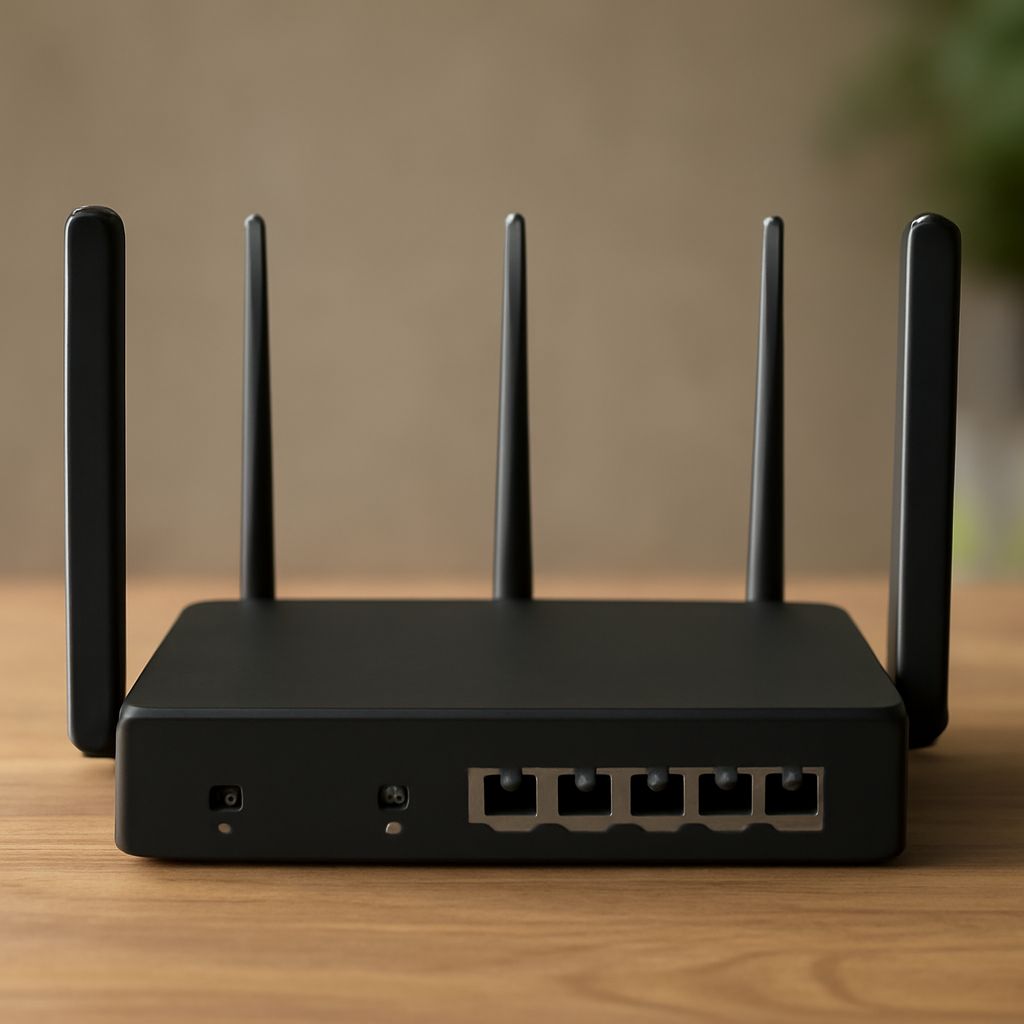
Gateway IP: Find the Local Address on a 3G Mobile Router
Find your gateway IP, open the router’s local settings, then configure a 3G mobile connection, APN, LAN, Wi-Fi, and internet…

Search
Categories
- Antennas And Placement (26)
- Broadcast Bands (24)
- Cabling And Hardware (41)
- CB, GMRS And Ham (8)
- Cellular Internet (3)
- Coax And Signal Chain (15)
- Connection Quality (5)
- Digital TV And Streaming (12)
- Digital TV Troubleshooting (10)
- FCC And Telecom Policy (1)
- Fixed Wireless (1)
- Internet Service And Quality (23)
- Network Performance (12)
- Network Performance (1)
- Network Protocols And Services (5)
- Privacy And Security (5)
- Radio Antennas (4)
- Radio Listening (2)
- Radio Spectrum Basics (7)
- Router And Access Points (11)
- Router And Access Points (22)
- Rural Broadband (2)
- Signal Diagnostics (5)
- Signal Diagnostics (9)
- Towers And Backhaul (2)
- Two-Way And Amateur Radio (17)
- Wi-Fi Channel Planning (9)